The Baseball PowerPoint Template features attractive baseball sports scenes to enrich your sports presentation. Baseball is a famous sport in the bat and ball games family. Teams from all over the globe participate in international competitions held under the supervision of governing body World Baseball Softball Confederation. The two competitor teams can have 9 to 27 players depending upon the level of the game. The two teams compete to make runs; the batting team hits the coming ball and tries to score, while the fielding team tries to prevent them from successfully covering the area (bases) and making the run. This PPT template illustrates various components of baseball through human characters. Team coaches, training institutes, and other sports officials can use this layout for educational and professional presentations.
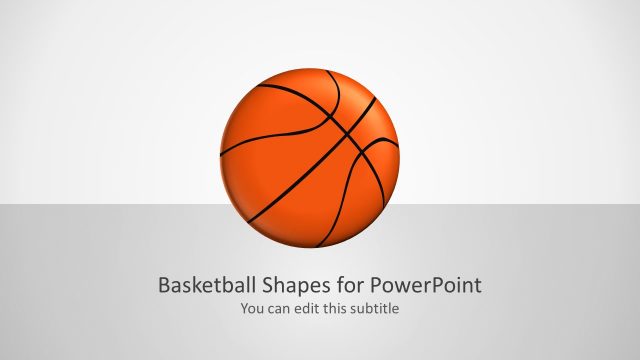
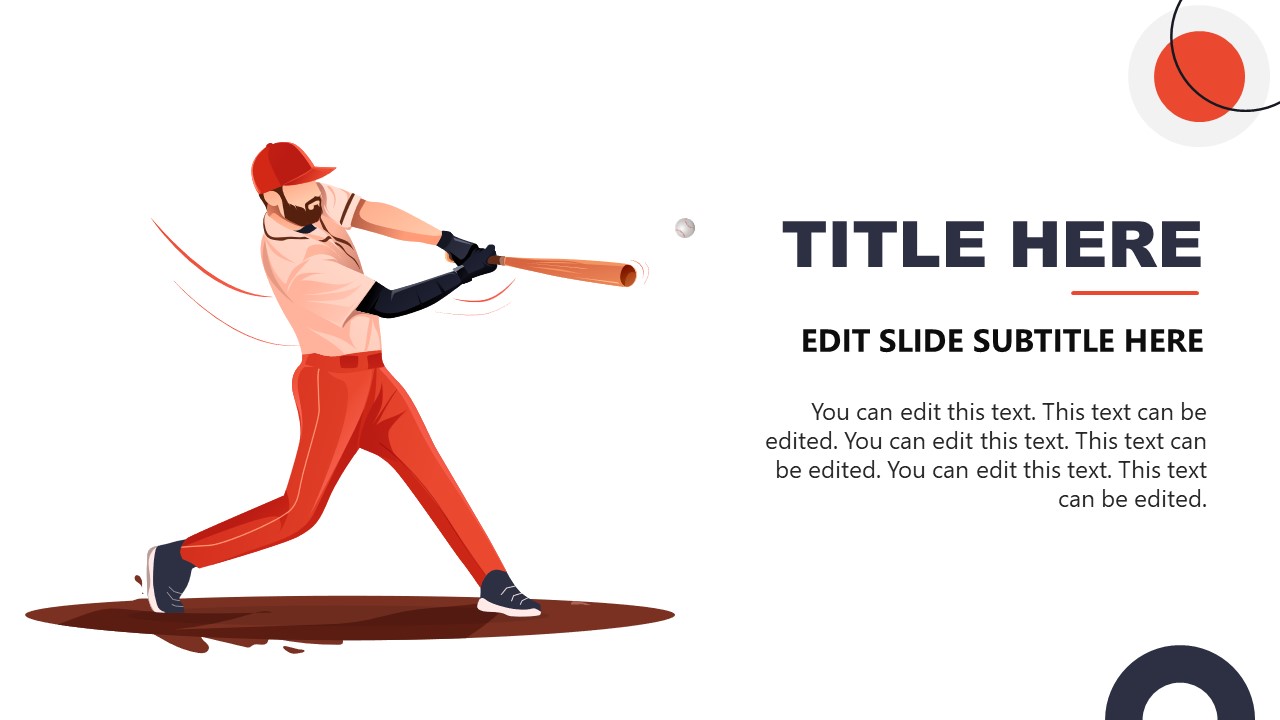
Our Baseball PowerPoint Template begins with a cover slide showing the players from two teams wearing a specific gaming uniform. Next to this opening slide is the one that displays the ball used for the baseball game. This slide helps in the structural definition of the ball, i.e., constructed using rubber and cork core covered with two leather pieces sewn together. Further slides represent the male batting team player and female pitcher human characters. Presenters can use the slide with a sliding catcher(the one who catches the ball if the batters miss the shot) wearing a fielder’s glove to discuss the role and rules for the catcher player in baseball. Similarly, another slide shows the fielder and catcher player mutually trying to hold the ball. These creative slides can communicate general information and rules about the baseball game.
Another slide in this template displays the umpire’s human character. Presenters can discuss the role of the umpire in a baseball game and describe its actions using this template slide. Apart from all these, this PPT template also includes some player human characters and editable data-driven charts to showcase custom details. Users can thus conveniently download this PowerPoint design and incorporate the descriptions on each slide. These slides are also editable using Google Slides and Keynote.
What’s inside this template
Example presentation scenarios
- A baseball coach can introduce new players to game roles by using the pitcher, batter, catcher, fielder, and umpire illustration slides as clear teaching anchors.
- A physical education teacher can explain baseball equipment and basic gameplay by pairing the ball overview slide with the action scenes and editable text placeholders.
- A club manager can present season participation or performance results by replacing the data in the area chart and stacked column chart slides.
- A sports academy presenter can open a parent or student orientation with the title cover, explain training roles through the player slides, and close with the thank you slide.
Features
- 100% editable presentation template
- Compatible with Microsoft PowerPoint and Google Slides
- 16:9 aspect ratio slides
- Scalable vector shapes, icons and illustrations
- AI-Ready for Microsoft Copilot and Claude
- Instant access and download
Frequently asked questions
Q: How should a presenter structure a baseball training talk with this template?
A: Start with the cover slide to frame the session, then use the ball slide for equipment context before moving into player roles. The batter, pitcher, catcher, fielder, and umpire slides work best as one concept per slide. Place metrics near the end with the area and stacked column charts after the audience understands the game context.
Q: Who is this template best suited for beyond a sports event introduction?
A: It fits coaches, PE teachers, youth league organizers, and sports academy presenters who need to explain baseball in a visual way. The illustrated role slides make it useful for rules education, orientation, and training recaps, while the chart slides support simple reporting for attendance, progress, or category comparisons.
Q: Why does the illustrated player sequence help explain baseball concepts?
A: The deck uses recognizable visual metaphors from the game: the ball for equipment, the swing for offense, the pitcher for delivery, the catcher and fielder for defense, and the umpire for rules. This sequencing turns abstract explanations into concrete scenes, so audiences can connect each rule or role to an action.








Baseball PowerPoint Template
13-slide baseball presentation template with player illustrations, role slides, and editable sports charts
Baseball PowerPoint Template is a 13-slide sports presentation template for Microsoft PowerPoint and Google Slides. It includes a title cover, baseball ball overview, illustrated player role slides, an umpire slide, area chart, and stacked column chart. Coaches, sports trainers, and educators can present rules, roles, or team data; chart data can be edited as an Excel spreadsheet in PowerPoint.
- Category
- Template Backgrounds
- Rating


 Loading...
- Aspect ratio
- 16:9
- Item ID
- 60568-01
- Colors
 Microsoft PowerPoint
 Microsoft Copilot
 Claude for PowerPoint
Other formats supported
Subscribe today and get immediate
access to download our PowerPoint templates.