Slide 6 of 10 from Animated Swirl Diagram for PowerPoint
Editable Infographic Spinning Template
Circular Diagram Concept for PowerPoint
- Diagram
- Circular Cycle
- Process Slide
- 16:9
- 100% Editable
The Circular Diagram Concept for PowerPoint from the Animated Swirl Diagram for PowerPoint template offers a clear and balanced layout for illustrating process steps or project phases. This slide template features editable shapes and vector icons arranged around a central node, making it suitable for business presentations and corporate slide decks that require a visual representation of interconnected components.
What’s on This Slide
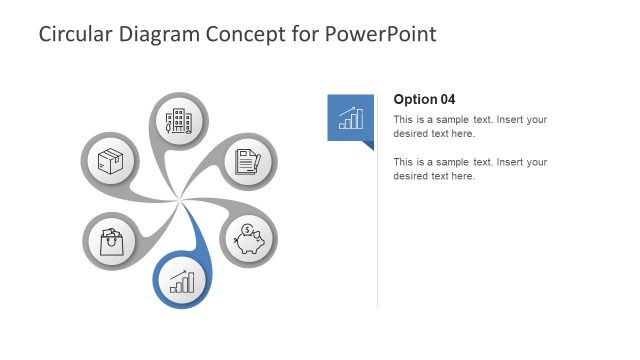
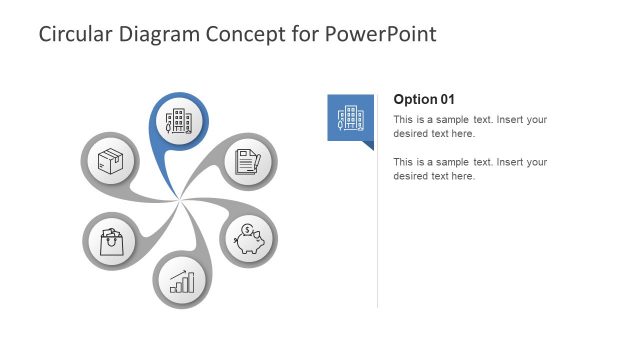
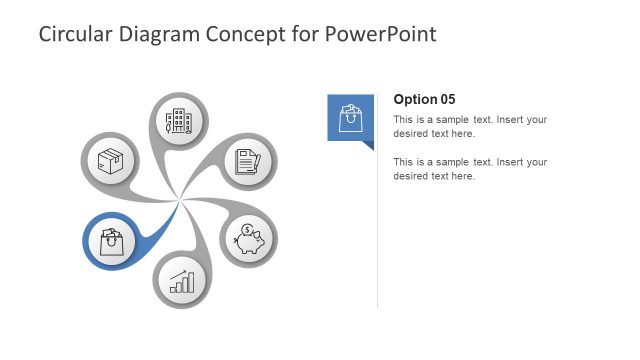
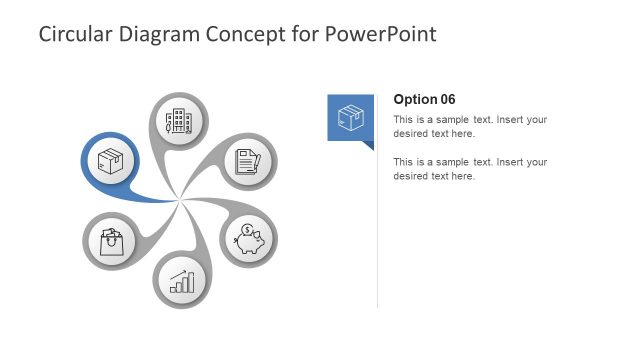
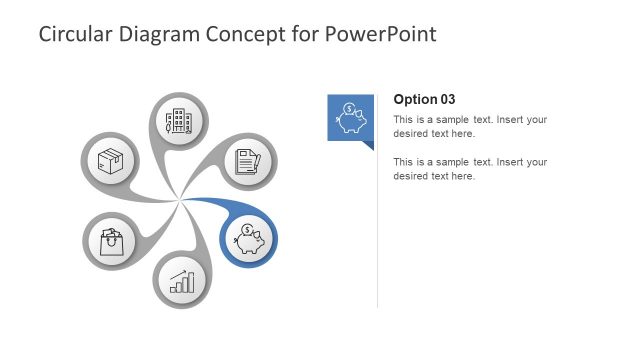
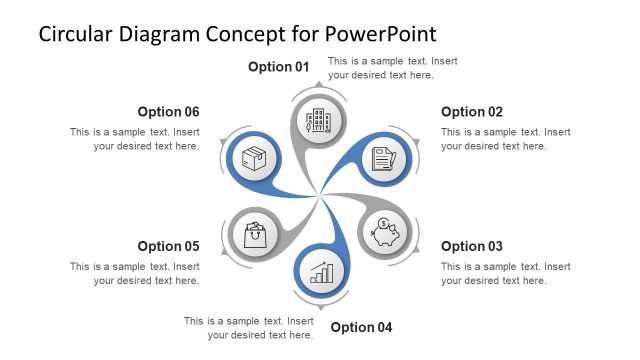
The layout features a central circular diagram with six surrounding nodes. Each node is represented by a circular shape containing an icon, positioned evenly around the center. The central node is highlighted in blue, while the others are gray. To the right, there is a text box with two placeholders for titles and descriptions, aligned vertically. The overall composition is balanced, with a clear visual hierarchy emphasizing the central node. Background is white, enhancing the clarity of the diagram and text elements.
How to Use It
This layout serves as a circular process flow, ideal for illustrating interconnected steps or components. It fits well in presentations discussing workflows, project phases, or product features. The design allows for easy insertion of relevant icons and text, making it suitable for business contexts such as strategy discussions or process documentation. It is effective for summarizing complex information in a visually digestible format, enhancing audience understanding.
Text Placeholders & Capacity
Keep your copy within these limits so it fits without resizing. Node labels can hold about 3-4 words each, while node bodies can accommodate more detailed text.
| Placeholder | Count | Max characters (approx.) |
|---|---|---|
| Slide title | 1 | 30 |
| Item heading | 6 | 20 |
| Item body | 6 | 100 |
Slide Keywords
Download unlimited PowerPoint templates, charts and graphics for your presentations with our annual plan.
DOWNLOADReturn to Animated Swirl Diagram for PowerPoint.