Slide 8 of 10 from Animated Swirl Diagram for PowerPoint
Bar Chart Segment Diagram
Circular Diagram Concept for PowerPoint
- Diagram
- Circular Cycle
- Process Slide
- 16:9
- 100% Editable
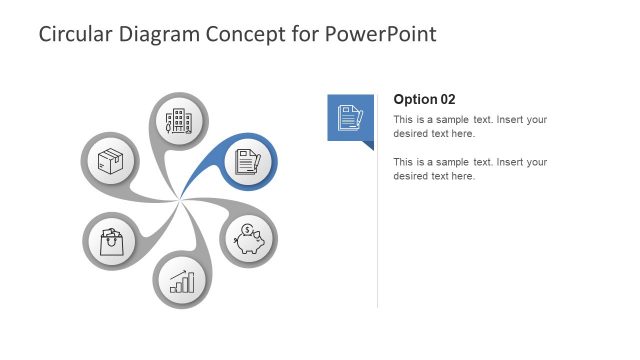
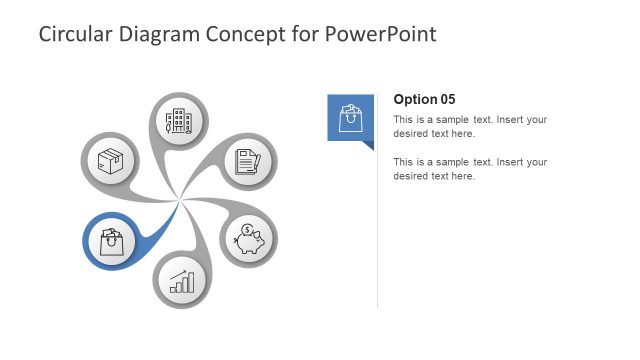
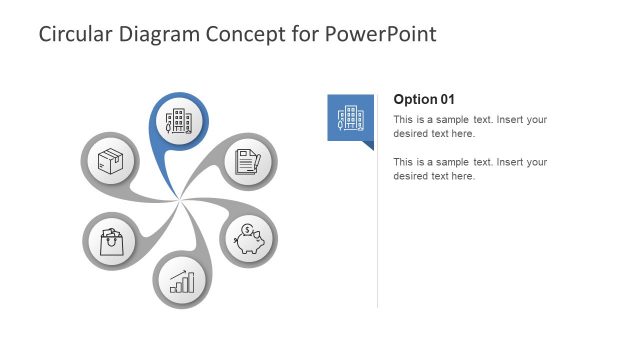
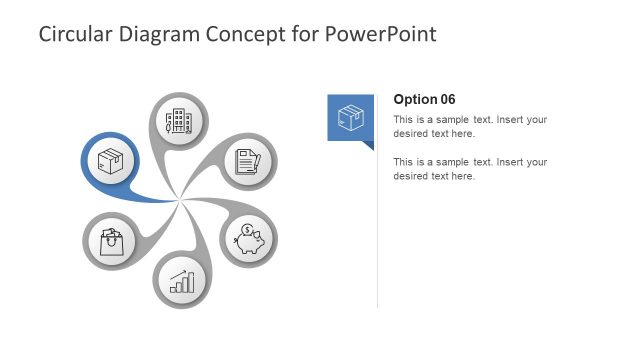
The Circular Diagram Concept slide from the Animated Swirl Diagram for PowerPoint template offers a clear way to visualize interconnected processes and multiple options within a business presentation. This slide layout features editable shapes arranged around a central node, making it suitable for project planning and illustrating complex workflows in professional slide decks.
What’s on This Slide
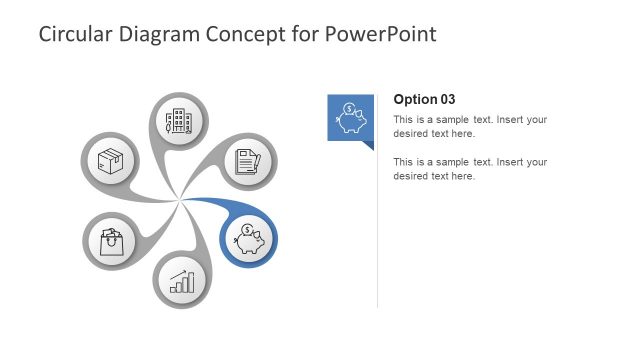
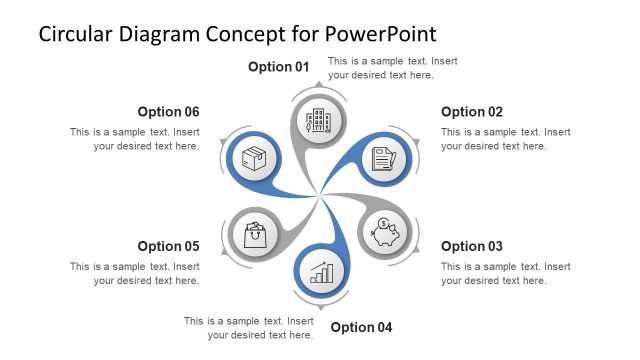
The layout features a central circular diagram with six surrounding nodes. Each node is represented by a circular shape containing an icon, positioned evenly around the center. The central node is larger and contains a growth chart icon. To the right, a rectangular text box displays a title and two lines of sample text. The background is white, providing contrast to the gray and blue elements. The visual hierarchy emphasizes the central node, with the surrounding nodes being smaller and less prominent. Text placeholders are aligned to the right of the diagram.
How to Use It
This layout serves as a circular process flow diagram, suitable for illustrating interconnected concepts or steps. It fits well in a presentation sequence after introducing a problem or topic, leading into detailed discussions. Real-world scenarios include project planning, product development stages, or marketing strategies, where multiple components are related. This slide can be used individually to highlight specific processes or options within a broader context.
Text Placeholders & Capacity
Keep your copy within these limits so it fits without resizing. Body slots can hold roughly 15-20 words each.
| Placeholder | Count | Max characters (approx.) |
|---|---|---|
| Slide title | 1 | 30 |
| Item heading | 6 | 20 |
| Body paragraph | 2 | 100 |
Slide Keywords
Download unlimited PowerPoint templates, charts and graphics for your presentations with our annual plan.
DOWNLOADReturn to Animated Swirl Diagram for PowerPoint.