Slide 7 of 8 from Animated Student Intro PowerPoint Template
Case Study Slide – Animated Student Intro Template
Case Study Slide for Student Introduction
- Media Layout
- Other
- Context Slide
- 16:9
- 100% Editable
About This Slide
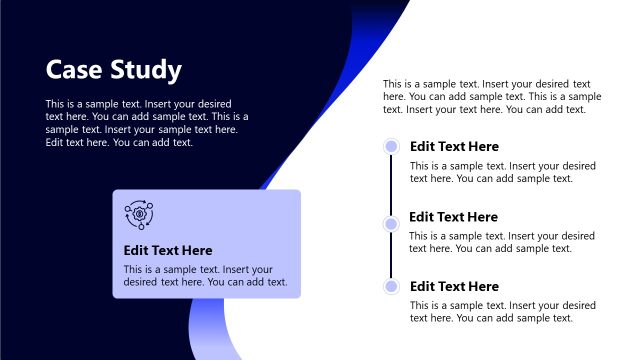
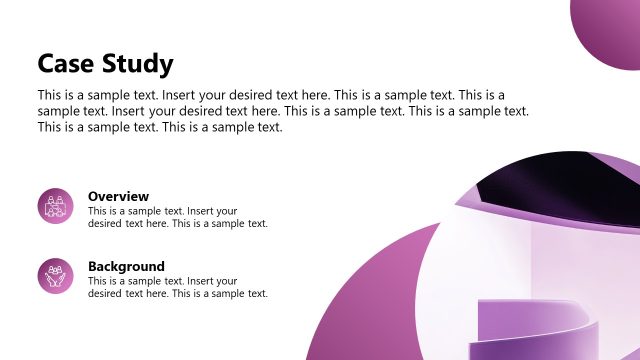
The image is a PowerPoint slide from SlideModel.com, designed for presenting a case study. The slide has a modern, clean layout with a dark navy background, accented with abstract geometric shapes in shades of blue and pops of yellow, which add visual interest without distracting from the content.
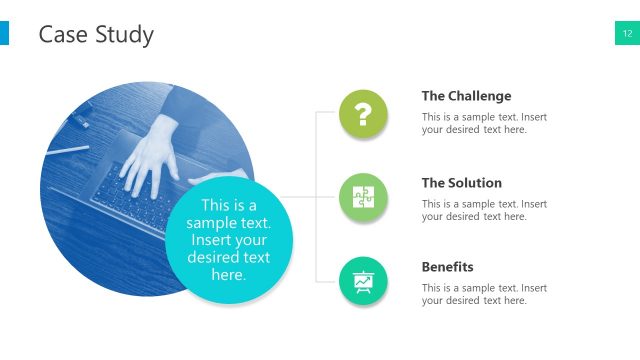
The title “Case Study” appears in the upper left corner in bold, white font, clearly indicating the slide’s purpose. To the left, there is a large circular cut-out image showing a library with bookshelves, suggesting a theme of research or learning, which is apt for a case study.
On the right side of the slide, there are three text placeholders, each preceded by a vertical line and an icon of a book, symbolizing sections of the case study. These placeholders are labeled “Placeholder” and contain sample text, suggesting where detailed information about the case study should be entered.
This slide template is ideal for educational settings, business presentations, or research briefings where a specific case study needs to be highlighted. The design allows for a concise summary of the case study’s key points, while the visual elements help to make the slide memorable and engaging. The template is customizable, enabling the presenter to replace placeholders with their specific content.
What’s on This Slide
The layout features a large circular image placeholder on the left, showcasing a library scene. To the right, three text placeholders are vertically aligned, each with a corresponding icon. The first icon is a book symbol, positioned within a blue circular shape. The text placeholders are aligned to the right of the image, with a connecting line indicating a relationship. The background is a dark blue with abstract shapes in lighter tones, creating a modern look. The visual hierarchy emphasizes the title at the top, followed by the image and text sections.
How to Use It
This layout serves as a case study presentation, ideal for showcasing specific examples or projects. It fits within a sequence that introduces personal achievements or experiences, allowing for detailed exploration of a subject. This structure is suitable for educational contexts, such as student presentations or project reports, where clear visual separation of content enhances understanding. It can also be used to highlight key insights or lessons learned from a case study.
Text Placeholders & Capacity
Keep your copy within these limits so it fits without resizing. Body slots can hold about 8-10 words each.
| Placeholder | Count | Max characters (approx.) |
|---|---|---|
| Slide title | 1 | 30 |
| Item body | 3 | 50 |
Slide Keywords
Download unlimited PowerPoint templates, charts and graphics for your presentations with our annual plan.
DOWNLOADReturn to Animated Student Intro PowerPoint Template.