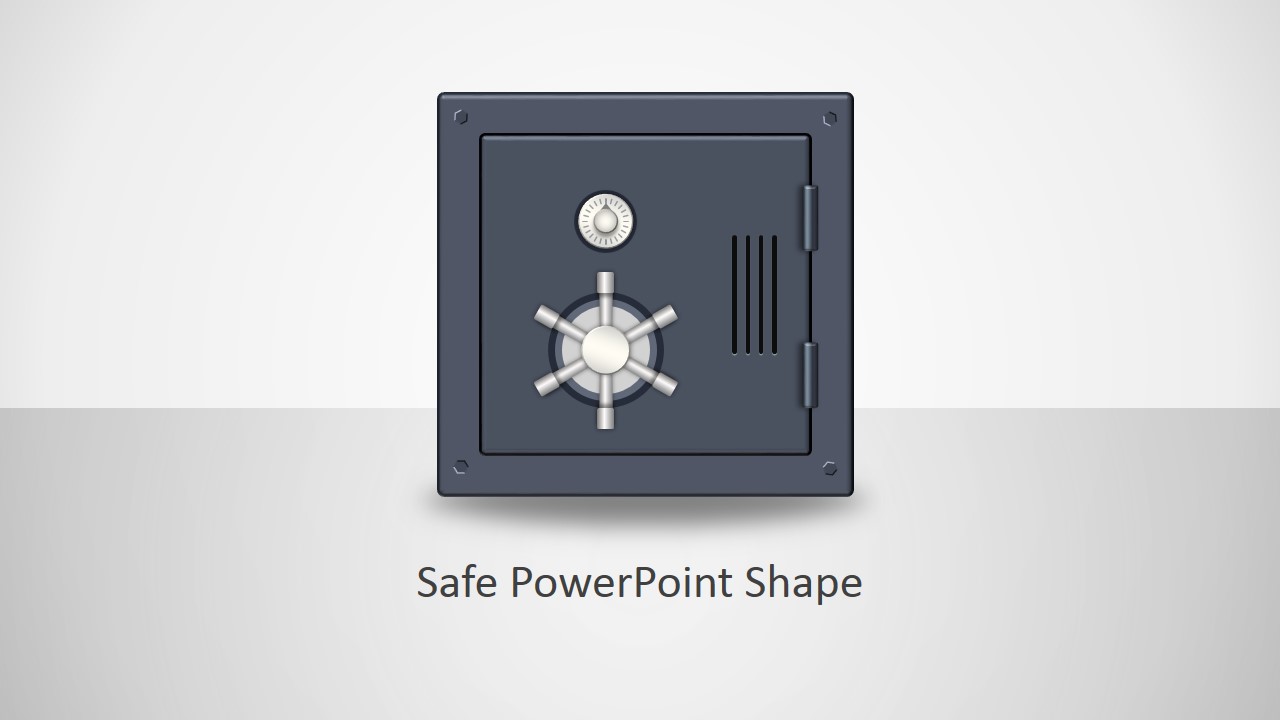
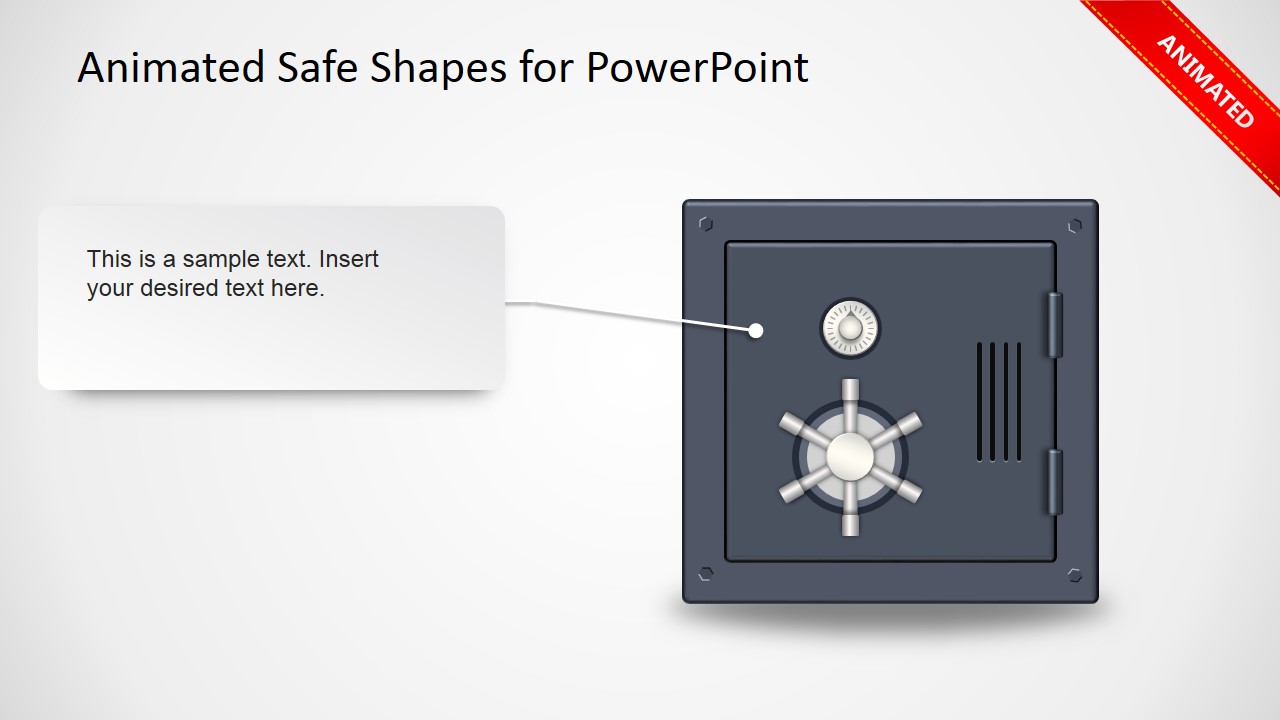
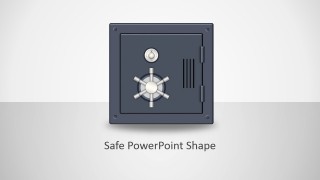
Animated Safe Shapes PowerPoint template contains a safe clipart illustration for your presentations created as a PowerPoint shape that you can easily edit.
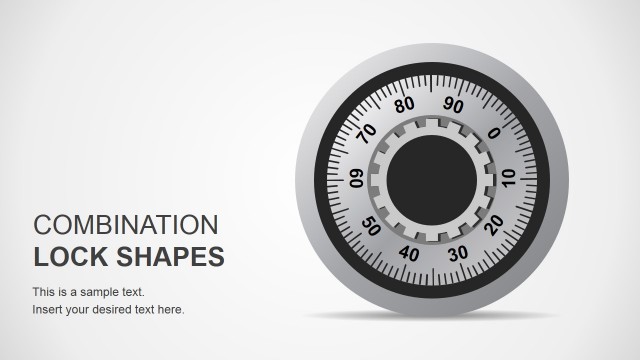
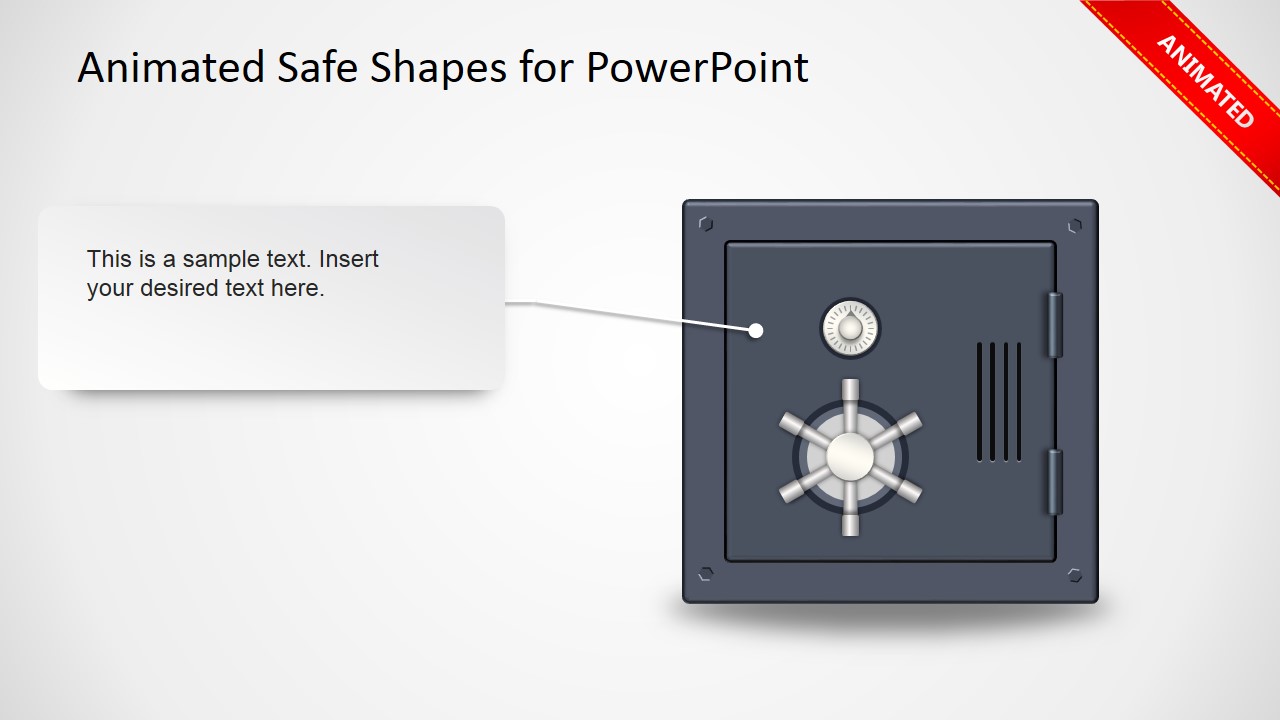
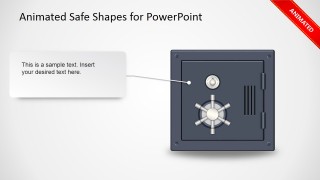
Given that this safe shape design for PowerPoint was created using PowerPoint shapes we added a subtle animated effect to the wheel using a spin animation.
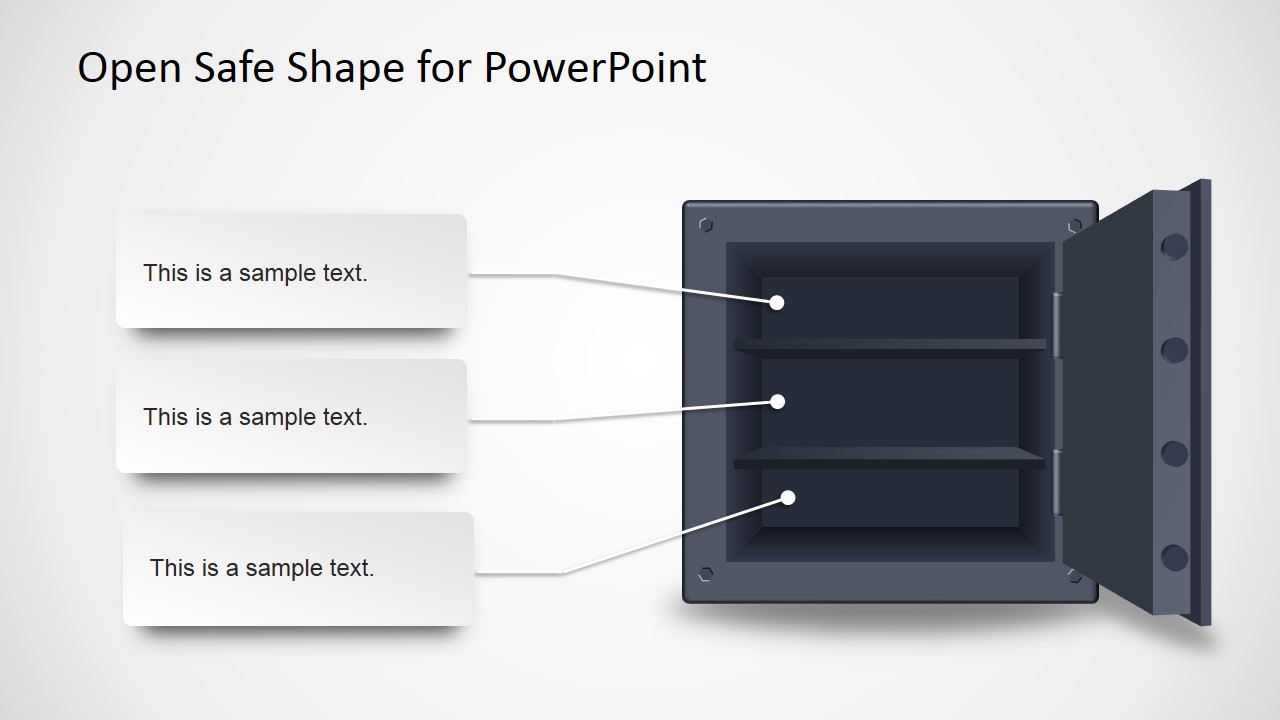
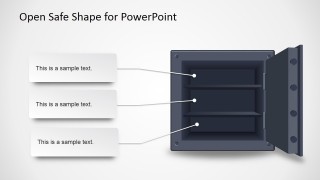
Inside this presentation template you can find a safe vector design for PowerPoint with door opened and closed. Inside the safe there are shelves where you can place other vector graphics or PowerPoint icons. We added some placeholders to the layout so you can easily edit the text.
What’s inside this template
Example presentation scenarios
- A security manager can explain physical or digital asset protection by starting with the closed safe slide and using the callout layouts to label key safeguards.
- A compliance officer can present how confidential records are stored and governed by placing policy categories or controls on the three shelves of the open safe diagram.
- An IT leader can introduce access control concepts to executives by using the vault door illustration as a simple metaphor for authentication, authorization, and restricted entry.
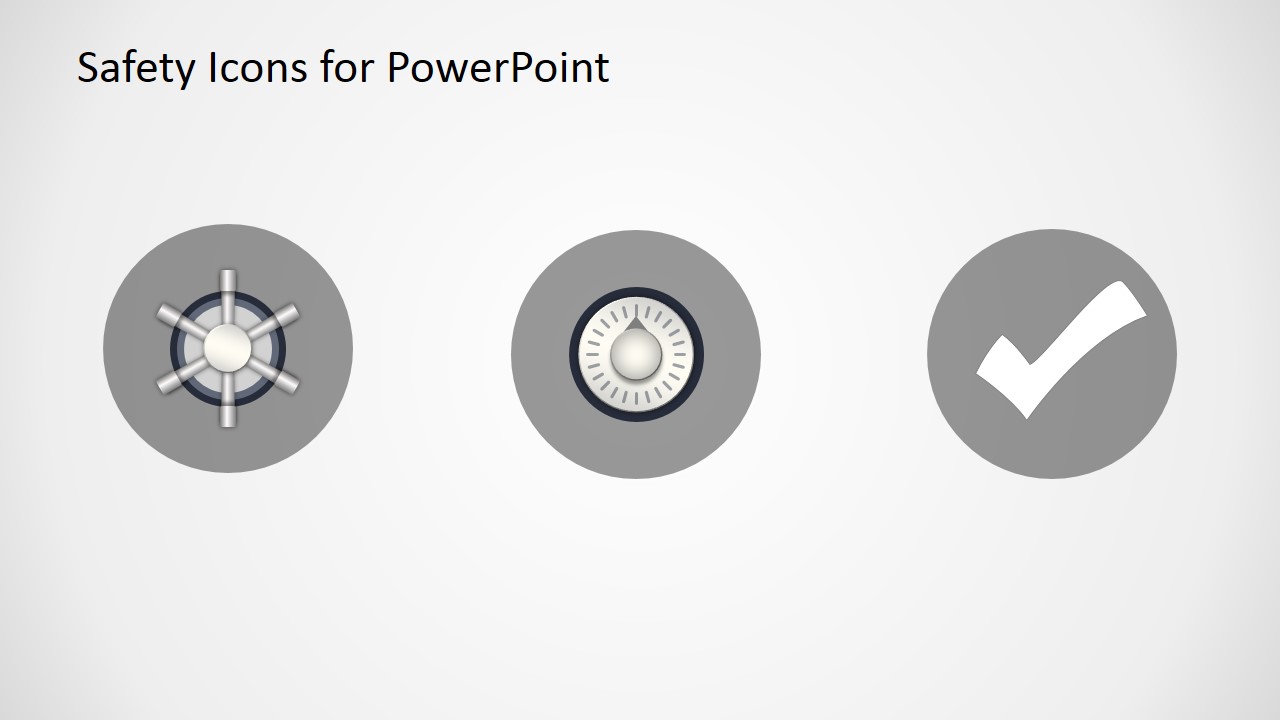
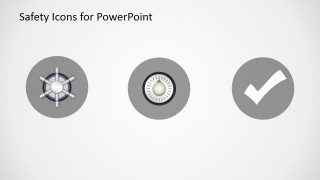
- A consultant can summarize a safety or security recommendation by using the safety icon slide to show trusted status, locked access, or approval checkpoints.
Features
- 100% editable presentation template
- Compatible with Microsoft PowerPoint
- 16:9 aspect ratio slides
- Scalable vector shapes, icons and illustrations
- AI-Ready for Microsoft Copilot and Claude
- Instant access and download
Frequently asked questions
Q: How should a presenter structure a security message with this template?
A: Use the closed safe slide to introduce the protected asset or risk, then move to the callout layouts to label the most important controls. The open safe slide works well for categorizing what is inside the protection boundary. Keep each callout short so the vault visual remains the main message.
Q: Who is this template best suited for?
A: This template fits security, risk, compliance, and IT presenters who need a simple visual metaphor rather than a data report. It is useful for explaining asset protection, confidential information handling, access control, or approval status to business audiences that may not need technical architecture diagrams.
Q: Why does the safe and vault metaphor help communicate security topics?
A: A safe instantly signals protection, limited access, and valuable contents, so the audience understands the concept before reading the labels. The closed safe implies restricted entry, while the open safe with shelves creates a clear reveal for categories, controls, or stored assets. This reduces explanation time for abstract security ideas.
Animated Safe Shapes Template for PowerPoint
5-slide PowerPoint presentation template with vault safe shapes, open safe callouts, and safety icons
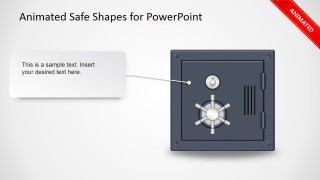
The Animated Safe Shapes Template for PowerPoint is a 5-slide security-themed shape set for Microsoft PowerPoint. It includes a closed safe cover, two callout layouts with a vault door, an open safe shelf diagram, and a safety icon slide. Presenters can use the vector safe illustration to explain protection, access, and stored assets.
- Category
- Shapes
- Rating


 Loading...
- Aspect ratio
- 16:9
- Item ID
- 2012-01
- Colors
 Microsoft PowerPoint
  Microsoft Copilot
  Claude for PowerPoint
 Other formats supported
Subscribe today and get immediate
access to download our PowerPoint templates.