Slide 5 of 14 from Animated All Into One Circle PowerPoint Template
All Into One Circle Infographic PowerPoint Design
Team Collaboration Circle Slide
- Diagram
- Other
- Team Slide
- 16:9
- 100% Editable
What’s on This Slide
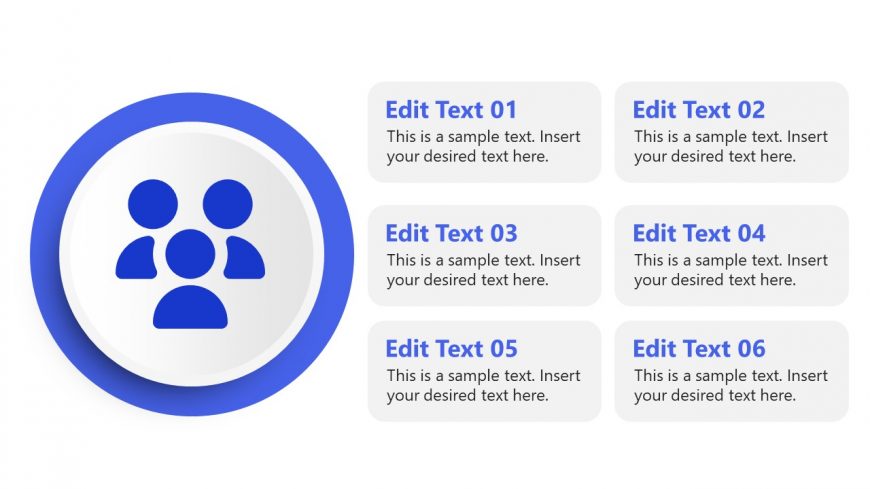
The slide features a central circular shape containing an icon of three people, positioned in the middle. Surrounding this central circle are six rectangular text placeholders, arranged in two columns of three on the right side. Each placeholder is labeled 'Edit Text' followed by a number, indicating their sequence. The central circle has a blue border, while the background is white, creating a clear visual hierarchy. The placeholders are aligned to the right, providing a structured layout that emphasizes the central icon.
How to Use It
This layout serves to present team roles or collaboration points in a business context. It is suitable for discussing team dynamics, project responsibilities, or collaboration strategies. In a presentation sequence, it can follow a problem identification slide and precede a solution proposal. This structure is effective for workshops, team meetings, or strategic planning sessions.
Text Placeholders & Capacity
Keep your copy within these limits so it fits without resizing. Text slots can accommodate roughly 8 words each.
| Placeholder | Count | Max characters (approx.) |
|---|---|---|
| Item body | 6 | 40 |
Slide Keywords
Download unlimited PowerPoint templates, charts and graphics for your presentations with our annual plan.
DOWNLOAD