Slide 4 of 6 from Animated 3D 7-Pillar Diagram for PowerPoint
3D Pillars Diagram with Placeholder Text
3D Pillar Diagram for Presentations
- Diagram
- Other
- Strategic Analysis Slide
- 16:9
- 100% Editable
What’s on This Slide
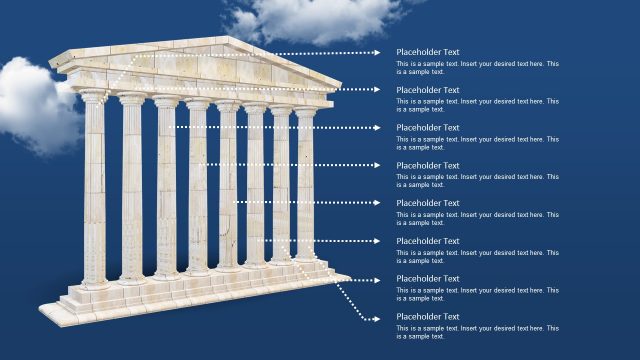
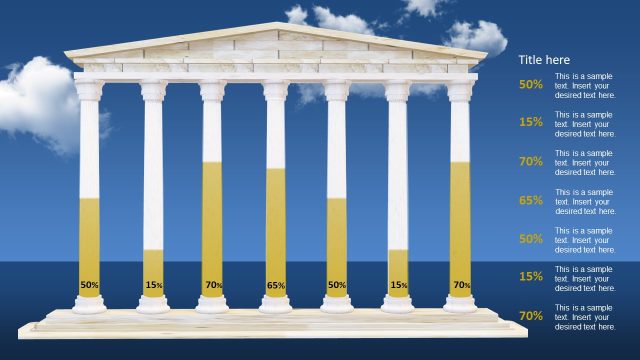
The slide features a 3D pillar structure centered against a blue background with clouds. Seven vertical pillars are arranged in a row, each with a corresponding text placeholder aligned to the right. The placeholders are positioned horizontally next to each pillar, with dashed lines connecting them to indicate association. The top of the slide contains a flat roof structure above the pillars. The overall visual hierarchy emphasizes the pillars, while the placeholders are uniformly sized and aligned for clarity. The background is a gradient blue, enhancing the 3D effect.
How to Use It
This layout serves as a metaphorical representation of strengths or key components in a business context. It is suitable for presentations that require highlighting multiple factors or pillars of a strategy, initiative, or concept. The slide fits well after an introductory problem slide, leading into a detailed analysis or roadmap. It can be used to summarize critical elements in a strategic plan or to showcase foundational aspects of a project, making it versatile for various business scenarios.
Text Placeholders & Capacity
Keep your copy within these limits so it fits without resizing. Each text placeholder can hold roughly 10 words.
| Placeholder | Count | Max characters (approx.) |
|---|---|---|
| Item body | 7 | 50 |
Slide Keywords
Download unlimited PowerPoint templates, charts and graphics for your presentations with our annual plan.
DOWNLOADReturn to Animated 3D 7-Pillar Diagram for PowerPoint.