Slide 1 of 6 from Animated 3D 7-Pillar Diagram for PowerPoint
3D Pillars Diagram Cover Slide
3D Pillars Diagram for PowerPoint
- Diagram
- Other
- Strategic Analysis Slide
- 16:9
- 100% Editable
What’s on This Slide
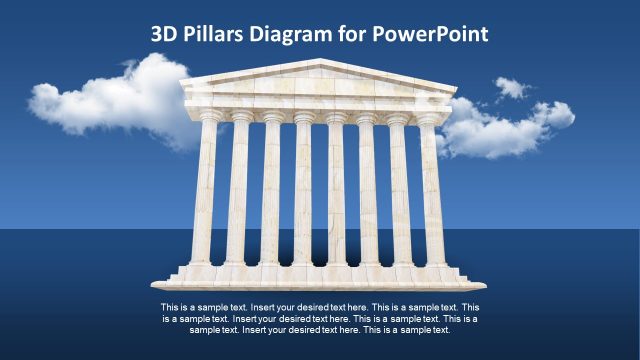
The slide features a 3D diagram of seven pillars arranged in a row against a blue sky background with clouds. The pillars are white and have a classical design, standing on a solid base. Text placeholders are positioned at the top and bottom of the slide, with the title centered at the top and body text centered below the pillars. The visual hierarchy emphasizes the pillars as the main focus, while the background provides a contrasting color. The overall composition is balanced, with ample space around the pillars.
How to Use It
This layout serves as a metaphorical representation of strengths or key components in a business context. It is suitable for presentations discussing foundational elements, strategic pillars, or core values. This slide fits well at the beginning of a presentation to introduce key themes or concepts. It can be used in various scenarios, such as strategic planning, organizational structure, or project overviews, to visually emphasize important aspects.
Text Placeholders & Capacity
Keep your copy within these limits so it fits without resizing. Body slots can accommodate roughly 15-20 words each.
| Placeholder | Count | Max characters (approx.) |
|---|---|---|
| Slide title | 1 | 35 |
| Body paragraph | 4 | 100 |
Slide Keywords
Download unlimited PowerPoint templates, charts and graphics for your presentations with our annual plan.
DOWNLOADReturn to Animated 3D 7-Pillar Diagram for PowerPoint.