Slide 1 of 8 from Anguilla PowerPoint Map
Editable Anguilla Map PowerPoint
Editable Anguilla Map for PowerPoint
- Map
- Country Map
- Context Slide
- 16:9
- 100% Editable
What’s on This Slide
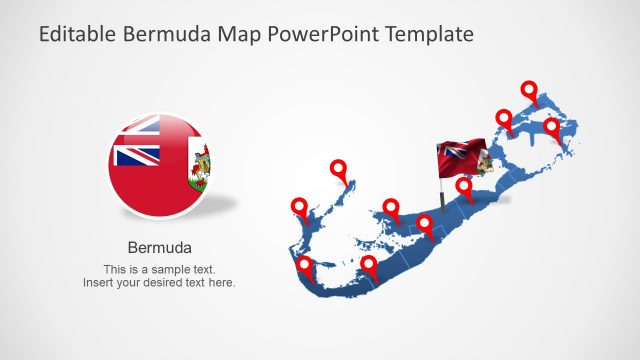
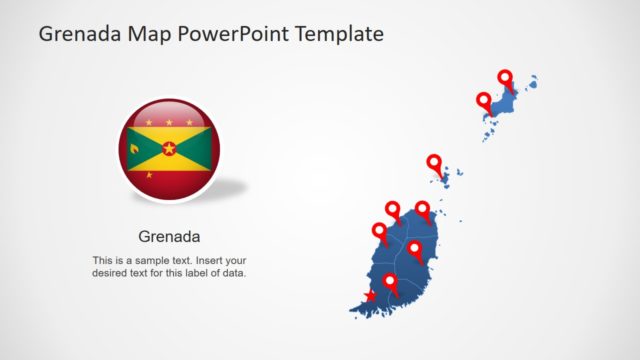
The slide features a map of Anguilla displayed prominently on the right side. Red location markers are scattered across the map, indicating specific points of interest. On the left side, there is a circular emblem containing the Anguilla flag and coat of arms. Below the emblem, a text placeholder is present, aligned to the left, allowing for additional information to be inserted. The background is a light gradient, enhancing the visibility of the map and icons. The overall layout emphasizes the map as the central visual element.
How to Use It
This layout serves as a geographic representation, suitable for highlighting locations or points of interest in Anguilla. It fits well in presentations that require a visual map to support discussions about tourism, real estate, or local features. This slide can be used in various contexts, such as travel presentations, regional planning, or educational content focused on Anguilla. It is particularly effective when paired with narrative elements that explain the significance of the marked locations.
Text Placeholders & Capacity
Keep your copy within these limits so it fits without resizing. Body slot can accommodate roughly 15-20 words.
| Placeholder | Count | Max characters (approx.) |
|---|---|---|
| Slide title | 1 | 40 |
| Item heading | 10 | 20 |
| Body paragraph | 1 | 100 |
Slide Keywords
Download unlimited PowerPoint templates, charts and graphics for your presentations with our annual plan.
DOWNLOADReturn to Anguilla PowerPoint Map.