Amazing Rainbow Template for PowerPoint presentations that you can download to decorate your business slides with creative diagrams and layout designs.
This PowerPoint template contains good presentation slide designs that you can use to present business topics, make marketing presentations in PowerPoint, as well as corporate or strategy slide designs. It contains creative layouts with arrow graphics and multi-step process flows as well as concept slide designs that you can use to represent timelines, simple process flow diagrams or an agenda slide in PowerPoint.
The rainbow colors PowerPoint template also contains 3D graphics that were created with PowerPoint shapes and concept slide designs created with circular shapes and PowerPoint icons that you can easily replace by any other icon that helps to make the slide relevant to your presentation topic.
Alternatively you can download other slides with creative presentation ideas for PowerPoint that can help you to make presentations with stunning graphics including funnel graphics for PowerPoint, presentation agenda slides or even data-driven charts and spoke diagrams.
What’s inside this template
Example presentation scenarios
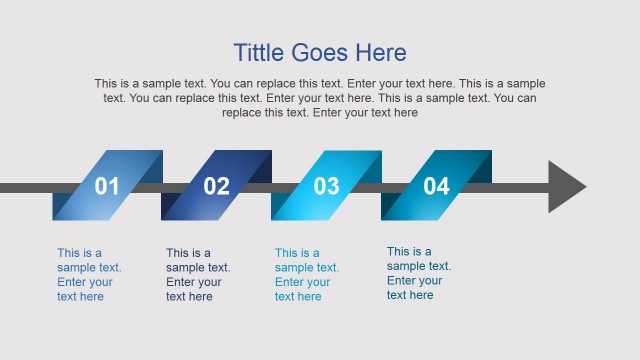
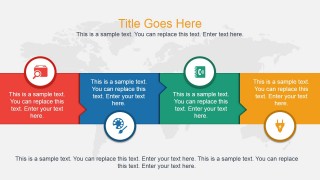
- A marketing manager can use the horizontal process flow to present campaign phases, assign a short message to each colored segment, and keep the discussion focused on sequence.
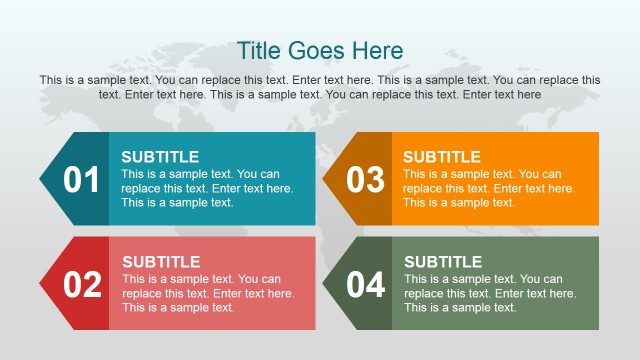
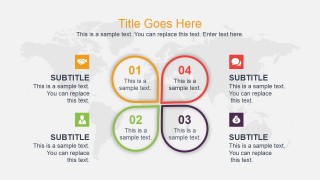
- A consultant can use the four-part agenda slide to frame a client workshop, showing numbered discussion areas with supporting side notes and icons.
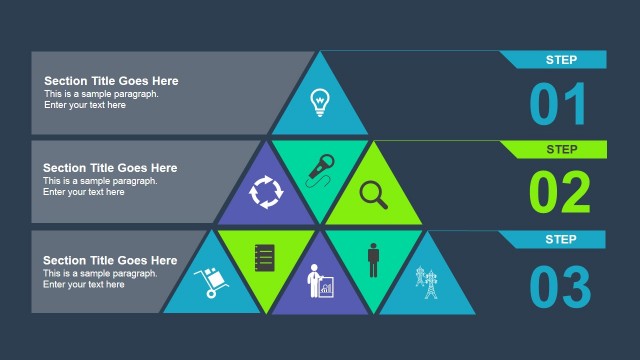
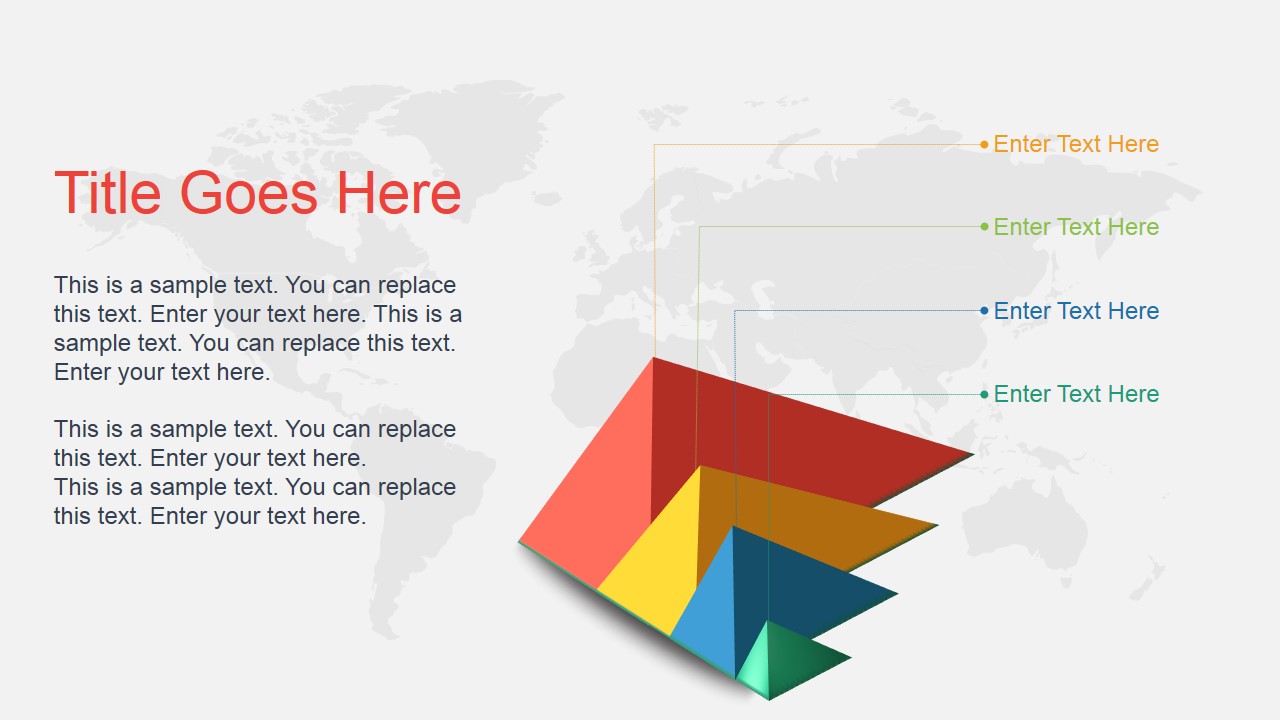
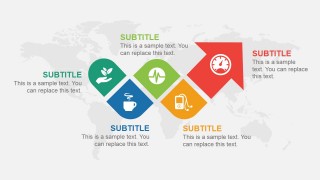
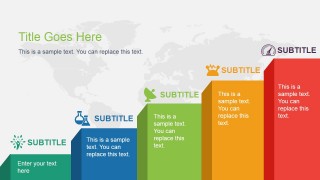
- A project manager can use the rising arrow process and stepped progression slides to explain milestones, improvement targets, or staged adoption in a planning meeting.
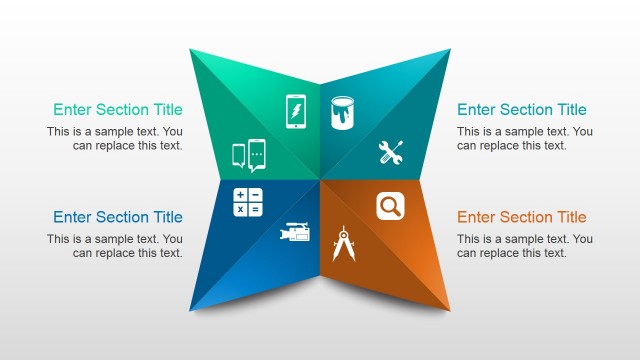
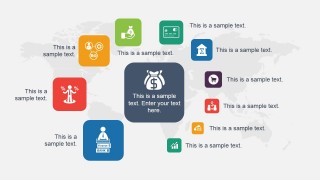
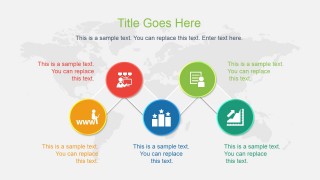
- A business trainer can use the central icon cluster and connected node diagram to introduce concepts, show relationships, and make lesson sections easier to follow.
Features
- 100% editable presentation template
- Compatible with Microsoft PowerPoint and Google Slides
- 16:9 aspect ratio slides
- Scalable vector shapes, icons and illustrations
- AI-Ready for Microsoft Copilot and Claude
- Instant access and download
Frequently asked questions
Q: How should a presenter organize a message with these rainbow business slides?
A: Start with the ribbon title slide to name the topic and set context. Use the four-part agenda to show what will be covered, then move into process or concept slides such as the horizontal flow, connected nodes, or stepped progression. Keep each colored element to one idea so the color system helps the audience track the structure.
Q: Who is this template best suited for?
A: This template fits presenters who need a creative business look without building diagrams from scratch. Marketing teams, consultants, project leads, and trainers can use it for agenda setting, process explanation, workshop framing, or strategy discussions where visual steps, icons, and color-coded sections make the message easier to scan.
Q: Why does the rainbow visual style help the communication?
A: The rainbow motif gives each point a distinct visual identity, which is useful for process steps, agenda categories, and concept groups. The ribbon, arrows, rising blocks, and semicircles create movement across the slide, guiding attention from one idea to the next instead of leaving the audience to read a static text list.


Amazing Rainbow Template for PowerPoint with Business Slides
8-slide business presentation template with rainbow process diagrams, agenda layouts, and icon concepts
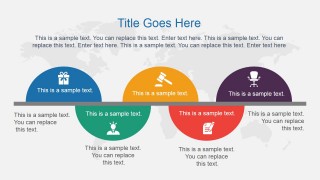
Amazing Rainbow Template for PowerPoint with Business Slides is an 8-slide business presentation template for PowerPoint and Google Slides. It includes a ribbon cover, horizontal process flow, four-part agenda, icon cluster, connected node diagram, rising arrow process, stepped progression, and semicircle concept layout for marketing, strategy, and business topics.
- Category
- Template Backgrounds
- Rating

 Loading...
- Aspect ratio
- 16:9
- Item ID
- 4050-01
- Colors
 Microsoft PowerPoint
  Microsoft Copilot
  Claude for PowerPoint
 Other formats supported
Subscribe today and get immediate
access to download our PowerPoint templates.