Slide 2 of 13 from Altius Business Presentation Template
Company Overview Slide – Altius Business Presentation PPT Template
Company Overview Slide for Business Presentations
- Text Layout
- Definition Block
- Context Slide
- 16:9
- 100% Editable
What’s on This Slide
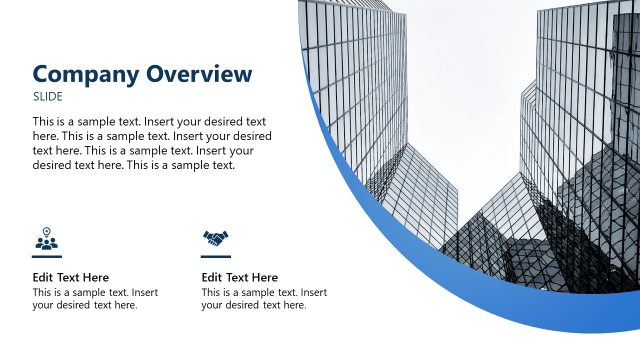
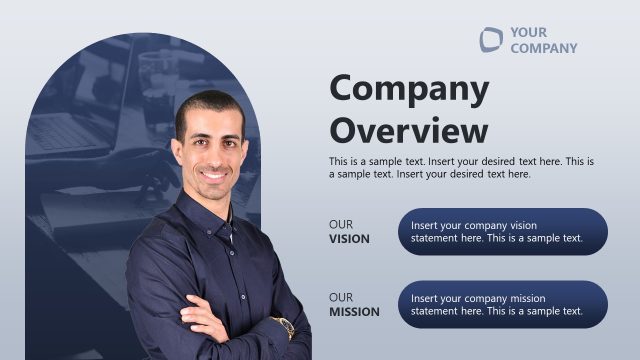
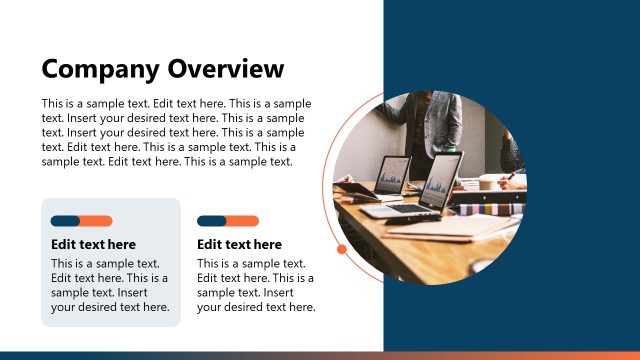
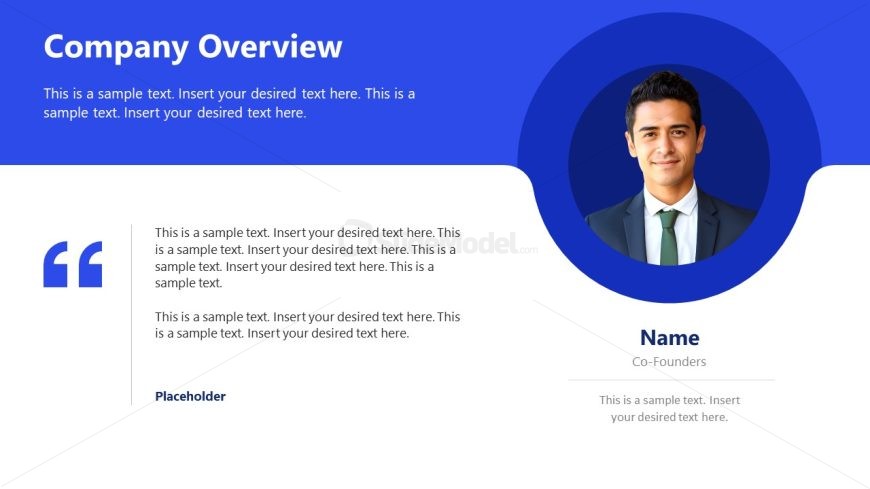
The slide features a blue background with a prominent title at the top left, stating 'Company Overview.' Below the title, there are multiple text placeholders aligned left, allowing for detailed descriptions. A quote icon is positioned to the left of the text, indicating a section for testimonials or key points. On the right side, a circular image placeholder is present, likely for a person's photo, with a name and title area beneath it. The overall layout is structured to emphasize both textual and visual elements, creating a balanced composition.
How to Use It
This layout serves as a company overview, ideal for introducing a business in presentations. It fits well after a title slide and before detailed sections about services or history. This structure is useful in various business contexts, such as investor pitches, company introductions, or team presentations, where a concise summary of the company is required. It allows for a blend of visual and textual information to engage the audience effectively.
Text Placeholders & Capacity
Keep your copy within these limits so it fits without resizing. Body slots can accommodate roughly 25-30 words each.
| Placeholder | Count | Max characters (approx.) |
|---|---|---|
| Slide title | 1 | 30 |
| Body paragraph | 4 | 150 |
| Person name | 1 | 20 |
| Person title | 1 | 20 |
| Footer | 1 | 50 |
Slide Keywords
Download unlimited PowerPoint templates, charts and graphics for your presentations with our annual plan.
DOWNLOADReturn to Altius Business Presentation Template.