Download our editable Advantages vs Disadvantages PowerPoint Template to showcase the pros and cons of a business process. Professionals can use this template to visualize how a particular decision can be beneficial or harmful for a company. Project managers can discuss the advantages and disadvantages of project execution in the next six months. You can also use this diagram template for risk assessment sessions or impact analysis presentations. This template is ideal for decision-making sessions where professionals need to deliver presentations on the pros and cons of:
- Beginning Strategic Initiatives
- Launching Start-ups
- Career and Personal Changes
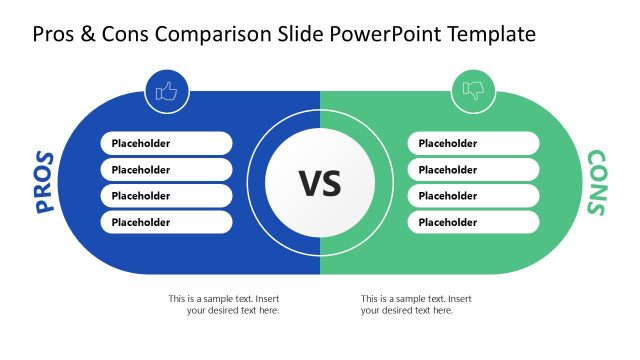
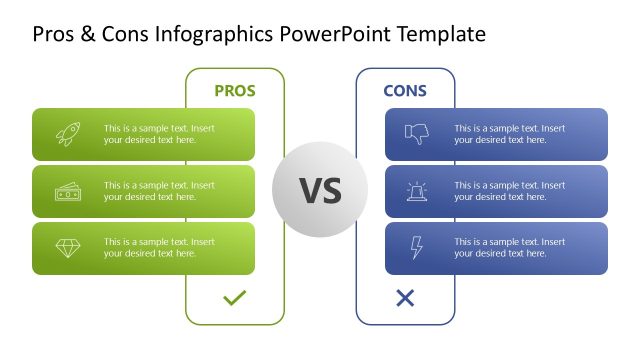
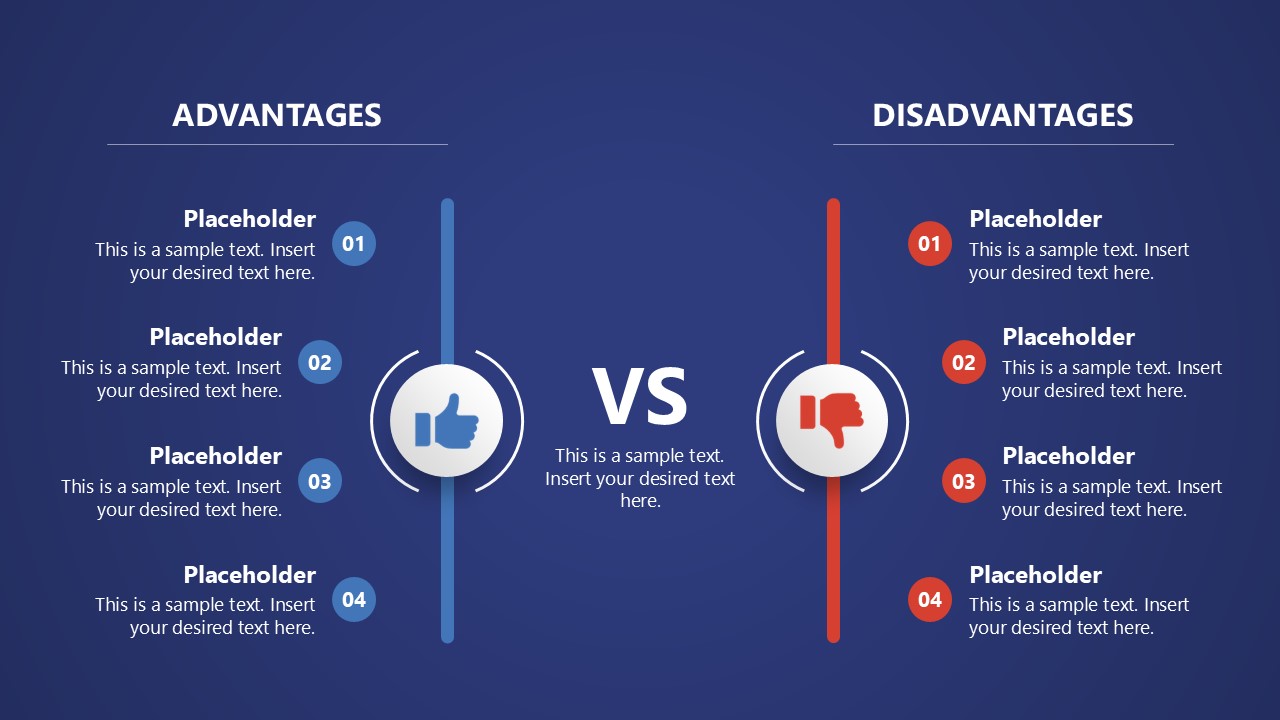
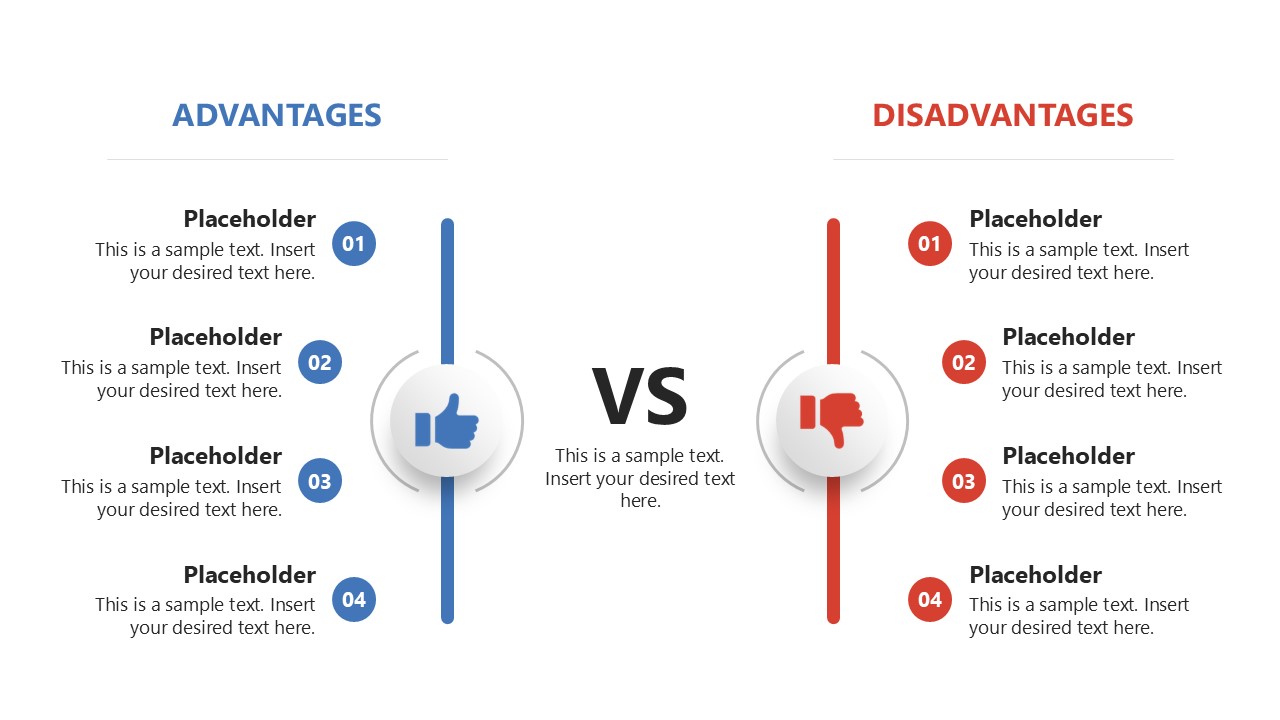
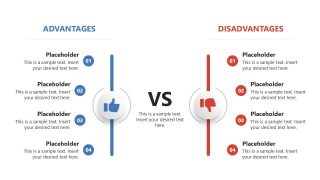
The Advantages vs Disadvantages PowerPoint Template has two slides with the same design, but with different background colors. The first slide has a blue background, while the second has a white background. The slide layout shows two lines with a ‘versus’ sign between them. The left side, in blue, has a circular thumbs-up button. The other line is red and has a circular thumbs-down button. The left side is for showcasing the advantages, while the other side is for presenting the demerits of the business process implementation. Both sides have numbered bullets with placeholder text so that professionals can add the details accordingly. You can change the colors, numbers, bullet points, and icons used in the template to fit your needs perfectly. Moreover, users can also customize this design with Google Slides and other versions of Microsoft PowerPoint.
If you want to discuss the similarities or differences between two products during business sessions, you can easily edit the text and add your desired information. Download the advantages vs disadvantages slide PPT layout and communicate your points in the executive sessions. Try it today!
What’s inside this template
Example presentation scenarios
- A project manager can use the numbered advantages and disadvantages columns to compare the benefits and risks of executing a project over the next planning period.
- A consultant can present two sides of a strategic initiative by placing supporting arguments under the thumbs-up icon and concerns under the thumbs-down icon.
- A business analyst can support an impact analysis meeting by organizing operational gains and potential drawbacks in the mirrored comparison layout.
- An executive presenter can use the white background version to summarize pros and cons of a product, service, or process choice in a boardroom discussion.
Features
- 100% editable presentation template
- Compatible with Microsoft PowerPoint and Google Slides
- 16:9 aspect ratio slides
- Scalable vector shapes, icons and illustrations
- AI-Ready for Microsoft Copilot and Claude
- Instant access and download
Frequently asked questions
Q: How should a presenter structure the message with this advantages vs disadvantages layout?
A: Start by naming the decision in the center area, then keep each side parallel: one advantage should answer the same business question as the matching disadvantage. Limit each numbered item to a short claim, then explain verbally. This keeps the slide balanced and prevents the audience from seeing one column as more developed only because it has more text.
Q: Who is this template best suited for in a decision meeting?
A: This template fits project managers, consultants, analysts, and team leads who need to show trade-offs quickly before a recommendation or vote. The two-column pros and cons structure works well when the audience already understands the topic and needs a clear view of benefits, drawbacks, and the decision tension.
Q: Why does the thumbs-up, thumbs-down, and VS design work for comparison topics?
A: The visual metaphor makes the comparison immediately recognizable before the audience reads the details. The thumbs-up and thumbs-down icons signal positive and negative positions, while the central VS label creates a clear decision frame. The mirrored layout also reduces bias by giving equal visual weight to both sides.
Advantages vs Disadvantages PowerPoint Template
2-slide comparison presentation template for advantages and disadvantages, pros and cons decision analysis
The Advantages vs Disadvantages PowerPoint Template is a 2-slide comparison deck for presenting pros and cons in Microsoft PowerPoint and Google Slides. It includes mirrored advantages and disadvantages columns, numbered bullet lists, thumbs-up and thumbs-down icons, and a central VS divider for decision reviews, risk discussions, and business comparisons.
- Category
- Multi-purpose
- Rating

 Loading...
- Aspect ratio
- 16:9
- Item ID
- 23385-01
- Colors
 Microsoft PowerPoint
  Microsoft Copilot
  Claude for PowerPoint
 Other formats supported
Subscribe today and get immediate
access to download our PowerPoint templates.