Slide 2 of 2 from ABCDE Productivity Model PowerPoint Template
ABCDE Productivity Model Presentation Template
ABCDE Productivity Model Overview
- Diagram
- Matrix Quadrant
- Process Slide
- 16:9
- 100% Editable
What’s on This Slide
The layout features five horizontal sections, each representing a category labeled A to E. The sections are arranged from top to bottom, with A at the top and E at the bottom. Each section includes a circular icon on the left, followed by a bold title and a description. The colors transition from dark gray for A to green for E, creating a clear visual hierarchy. Text placeholders exist for the titles and descriptions, aligned left within each section. The overall composition is structured and organized, emphasizing clarity.
How to Use It
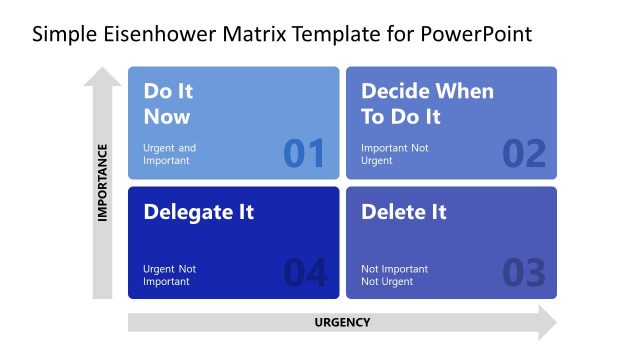
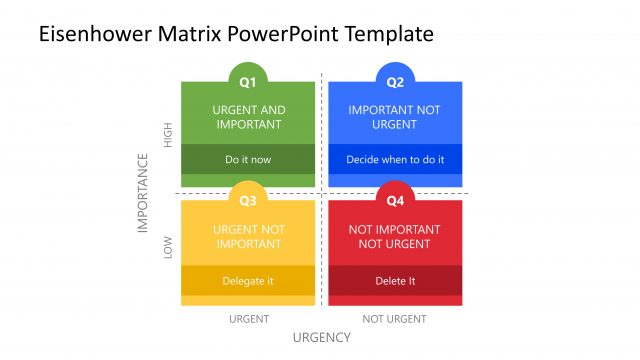
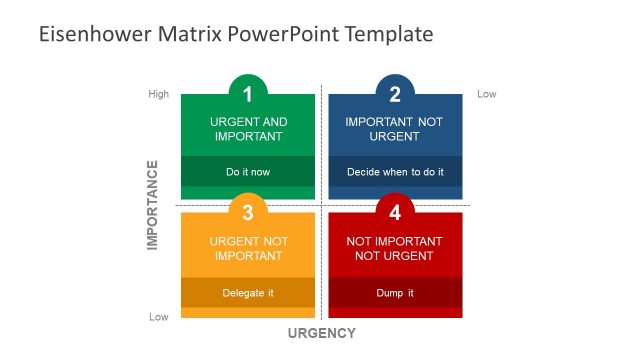
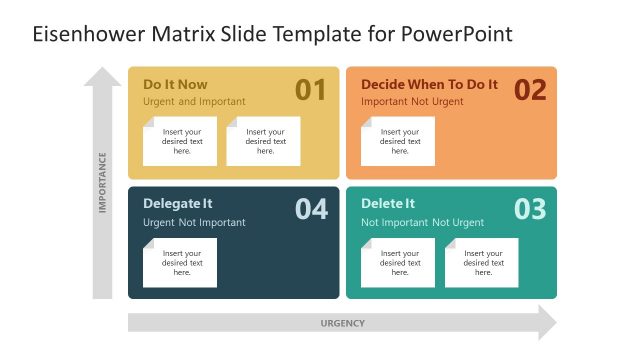
This layout serves as a prioritization model, categorizing tasks based on importance and urgency. It fits well in presentations focused on productivity or time management strategies. This structure can be applied in business scenarios such as project planning, task delegation, or workflow optimization. It allows for quick visual assessment of tasks, helping teams prioritize effectively. Use this slide to guide discussions on task management and decision-making processes.
Text Placeholders & Capacity
Keep your copy within these limits so it fits without resizing. Node body slots can accommodate roughly 10-12 words each.
| Placeholder | Count | Max characters (approx.) |
|---|---|---|
| Item heading | 5 | 20 |
| Item body | 5 | 50 |
Slide Keywords
Download unlimited PowerPoint templates, charts and graphics for your presentations with our annual plan.
DOWNLOADReturn to ABCDE Productivity Model PowerPoint Template.