Slide 3 of 4 from 90-Day Business Plan PowerPoint Template
90-Day Business Plan Template Slide
60-Day Plan Overview for Business Planning
- Table
- Data Table
- Project Plan Slide
- 16:9
- 100% Editable
What’s on This Slide
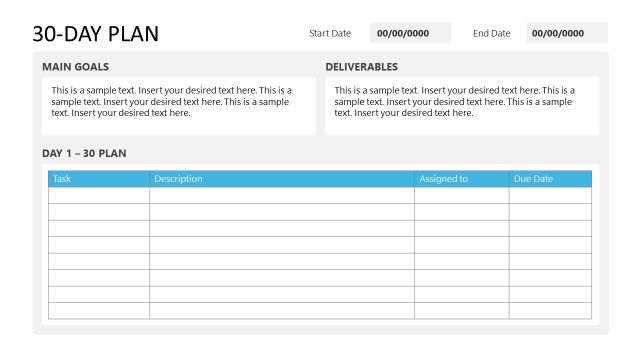
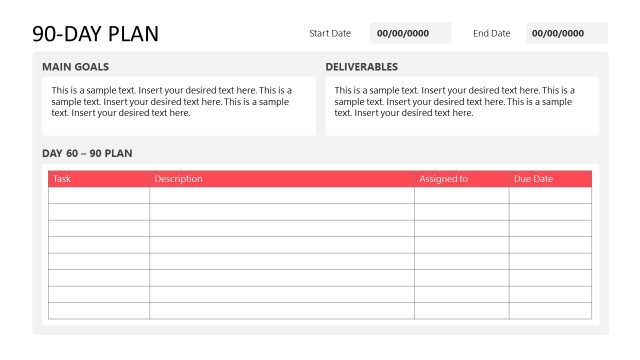
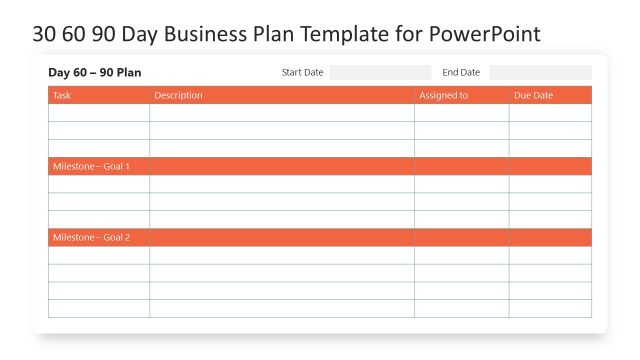
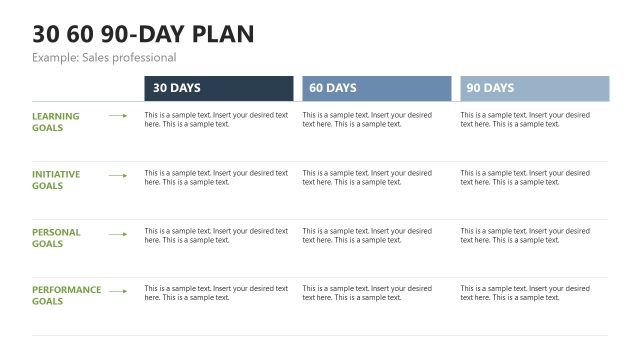
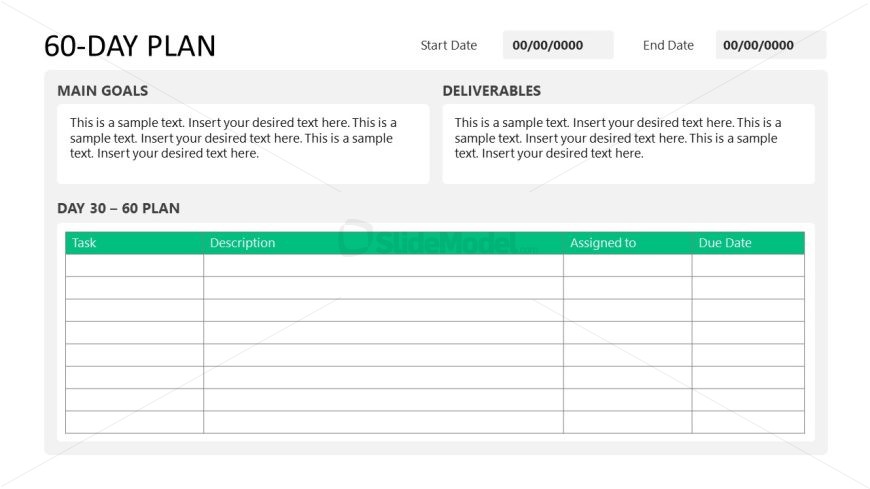
The layout features a two-column structure with a header section at the top. The left column contains two labeled text boxes for 'Main Goals' and 'Deliverables,' with sample text placeholders aligned to the left. The right column includes a table with a header row for 'Task,' 'Description,' 'Assigned to,' and 'Due Date.' Below the header, there are several empty rows for data entry. The overall color scheme includes a light background with a green accent for the table header. The visual hierarchy emphasizes the header sections and table layout.
How to Use It
This layout serves as a detailed planning tool for a 60-day business strategy. It is suitable for tracking tasks, descriptions, assignments, and due dates. This slide fits within a presentation sequence focused on business timelines, particularly after outlining initial goals. It is ideal for project management meetings, team planning sessions, or stakeholder updates, allowing for clear visibility of responsibilities and timelines.
Text Placeholders & Capacity
Keep your copy within these limits so it fits without resizing. Body slots can hold roughly 10-15 words each.
| Placeholder | Count | Max characters (approx.) |
|---|---|---|
| Slide title | 1 | 20 |
| Body paragraph | 2 | 200 |
| Column header | 4 | 15 |
| Cell | 20 | 50 |
Slide Keywords
Download unlimited PowerPoint templates, charts and graphics for your presentations with our annual plan.
DOWNLOADReturn to 90-Day Business Plan PowerPoint Template.