9-Item Interconnected Nodes PowerPoint Template
Download our editable 9-Item Interconnected Nodes PowerPoint Template to clearly showcase various touchpoints in a customer journey map. This template helps IT experts visualize the components of a computer network or a server-client relationship. Project managers can use this node diagram to present various linked activities or tasks necessary for the project completion. The template helps mentors showcase multiple factors that contribute to leadership or personal development. Marketers can use it to map the steps of their target customers’ buying journey. Further, you can easily edit slide components and customize the design in Google Slides. The nodes diagram PPT layout is perfect to display complex processes or non-hierarchical process steps in simple, understandable formats.
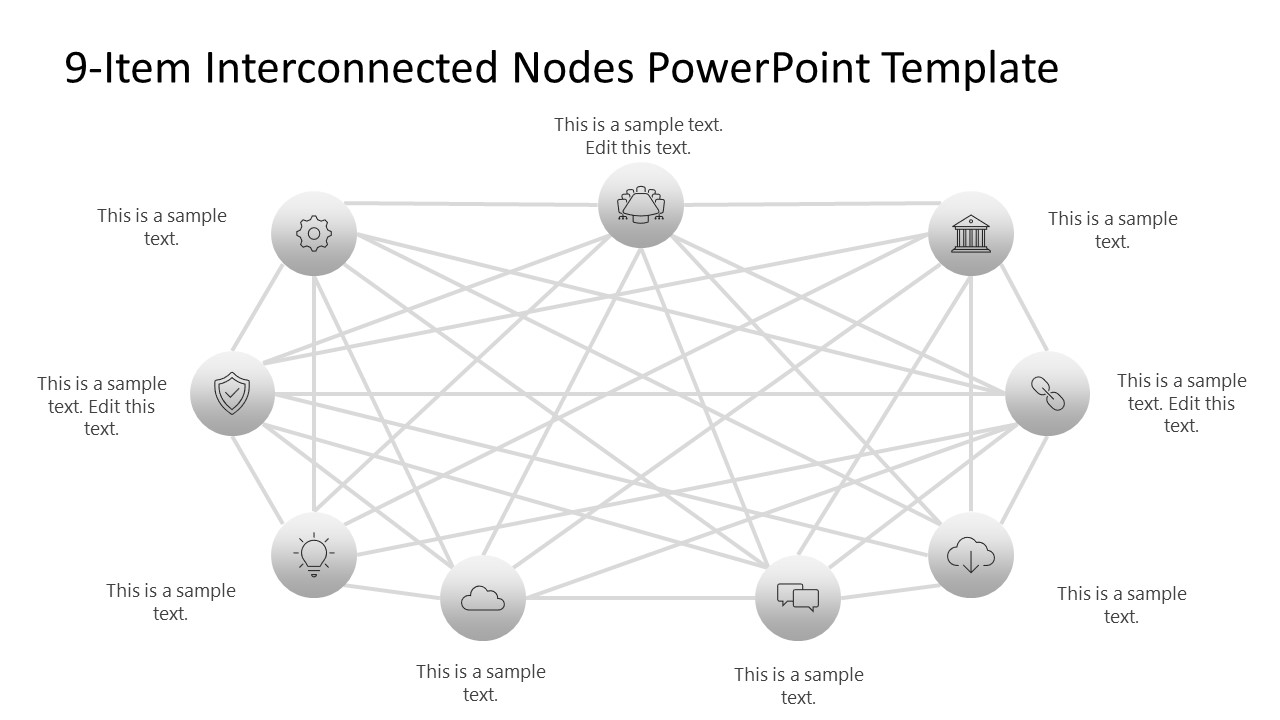
The 9-Item Interconnected Nodes PowerPoint Template features a single slide with nine small circular shapes placed near the outline. All these shapes include infographic icons and relevant placeholder text, enabling the presenters to provide brief information about the key point to be discussed. Multiple straight lines emerge from the icons and connect with two or more other icons on the slide, showing interconnectivity. The template has a grey-black color scheme with a white background. Moreover, you can easily add or remove icons to showcase different numbers of points in business presentations. You can also try our ready-to-use versions of interconnected nodes diagram templates: 10-Item Interconnected Nodes PowerPoint Template and 8-Item Interconnected Nodes PowerPoint Template.
Adjust the design of this layout based on your specific theme needs. Download the 9-item interconnected nodes diagram template for presentation and try it for your business meetings or academic sessions!
You must be logged in to download this file.
DOWNLOAD- Category
- Diagrams
- Rating

 Loading...
- Size
- 16x9
- Item ID
- 23397-01
- Colors
Subscribe today and get immediate
access to download our PowerPoint templates.