Slide 3 of 3 from 8-Step Circular Diagram PowerPoint Template
8-Step Circular Diagram Template for PowerPoint
8-Point Circular Overview Diagram Template
- Diagram
- Circular Cycle
- Process Slide
- 16:9
- 100% Editable
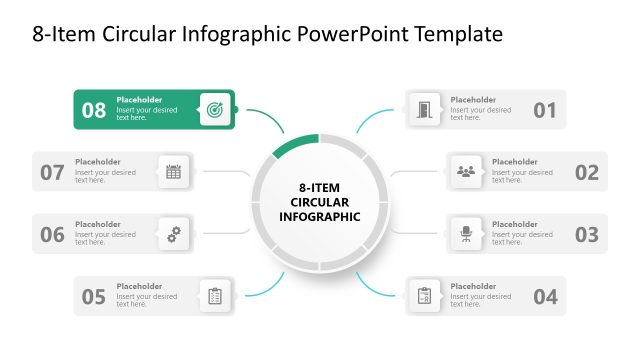
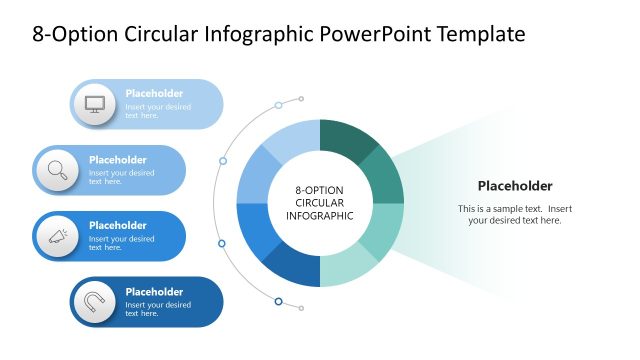
The 8-Point Circular Overview Diagram slide from the 8-Step Circular Diagram PowerPoint Template offers a clear visual for illustrating processes and customer journeys. This slide layout features editable shapes and vector icons arranged in a balanced circular format, ideal for corporate presentations and business presentation slide decks that require a seamless depiction of interconnected phases.
What’s on This Slide
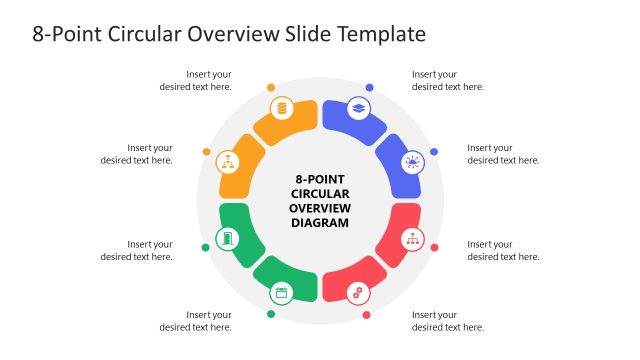
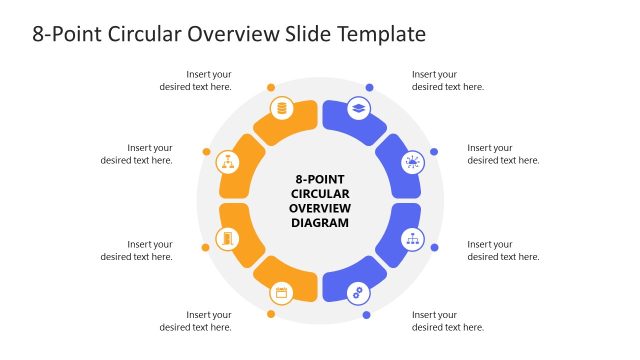
The layout features a circular diagram with eight segments arranged evenly around a central label. Each segment contains an icon and a text placeholder positioned below it. The icons are colored in a palette of green, orange, blue, and yellow, contributing to a clear visual hierarchy. The central label states '8-POINT CIRCULAR OVERVIEW DIAGRAM' in bold text. Text placeholders are aligned vertically and are evenly spaced, allowing for consistent text entry. The overall composition is balanced, with the circular shape emphasizing the cyclical nature of the content.
How to Use It
This layout serves as a circular process diagram, ideal for illustrating multi-step processes or customer segmentation strategies. It fits well in presentations that require a visual representation of interconnected steps or phases. Suitable scenarios include marketing strategies, project overviews, and operational workflows. The circular format emphasizes continuity and flow, making it effective for engaging audiences in discussions about processes or systems.
Text Placeholders & Capacity
Keep your copy within these limits so it fits without resizing. Node labels can hold up to 30 characters, while node bodies can accommodate 50 characters each.
| Placeholder | Count | Max characters (approx.) |
|---|---|---|
| Item heading | 8 | 30 |
| Item body | 8 | 50 |
| Slide title | 1 | 40 |
Slide Keywords
Download unlimited PowerPoint templates, charts and graphics for your presentations with our annual plan.
DOWNLOADReturn to 8-Step Circular Diagram PowerPoint Template.