Slide 2 of 3 from 8-Step Circular Diagram PowerPoint Template
8-Step Circular Diagram PowerPoint Slide
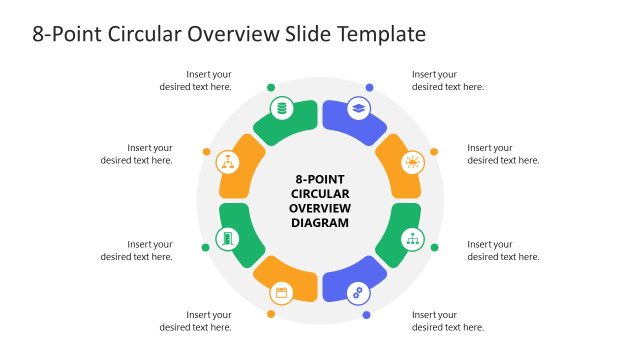
8-Point Circular Overview Diagram Template
- Diagram
- Circular Cycle
- Process Slide
- 16:9
- 100% Editable
The 8-Point Circular Overview Diagram from the 8-Step Circular Diagram PowerPoint Template offers a clear visual format for illustrating processes and project phases. This slide layout uses editable shapes and vector icons arranged in a circular flow, making it suitable for business presentations and customer journey mapping. Its design supports easy customization within slide templates, helping users convey interconnected steps effectively in pitch decks or corporate presentations.
What’s on This Slide
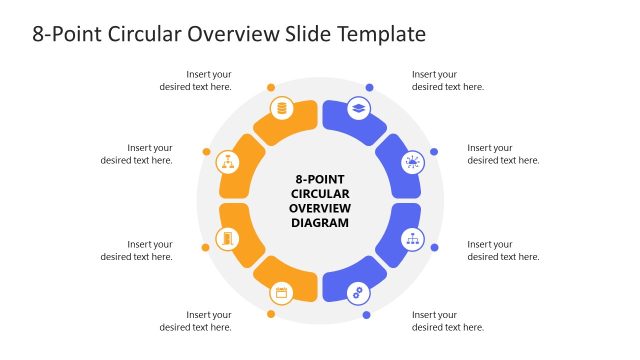
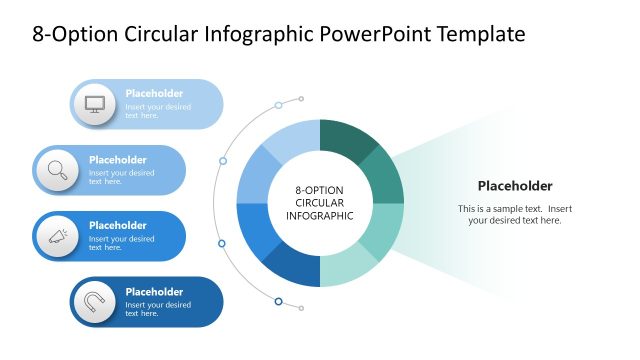
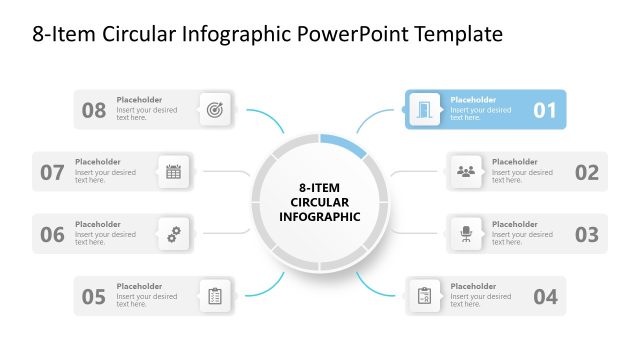
The slide features a circular diagram divided into eight segments, each containing a placeholder for text. The segments are arranged in a clockwise direction, with icons representing various concepts placed within each segment. The central area displays the title '8-POINT CIRCULAR OVERVIEW DIAGRAM'. Each segment is visually distinct, using different colors to enhance separation. Text placeholders are aligned within each segment, allowing for clear insertion of content. The overall layout is symmetrical, emphasizing the circular flow of information.
How to Use It
This layout serves as a circular overview diagram, ideal for illustrating processes or concepts that involve multiple steps or components. It fits well in presentations that require a visual representation of sequential or interconnected ideas. Common scenarios include marketing strategies, project phases, or customer journey mapping. This format allows for easy understanding of complex information by breaking it down into digestible parts, making it suitable for both team discussions and client presentations.
Text Placeholders & Capacity
Keep your copy within these limits so it fits without resizing. Node body slots can hold roughly 5-6 words each.
| Placeholder | Count | Max characters (approx.) |
|---|---|---|
| Item body | 8 | 30 |
| Slide title | 1 | 40 |
Slide Keywords
Download unlimited PowerPoint templates, charts and graphics for your presentations with our annual plan.
DOWNLOADReturn to 8-Step Circular Diagram PowerPoint Template.