Slide 2 of 2 from 8-Step Animated Side-by-Side Diagram Template for PowerPoint
8-Step Animated Side-by-Side Diagram Template Slide
8-Step Side by Side Diagram for Presentations
- Diagram
- Matrix Grid
- Process Slide
- 16:9
- 100% Editable
What’s on This Slide
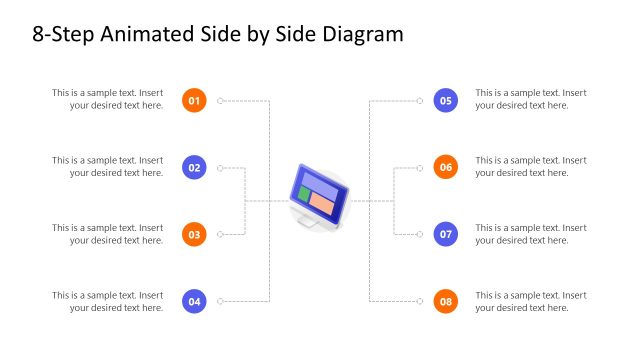
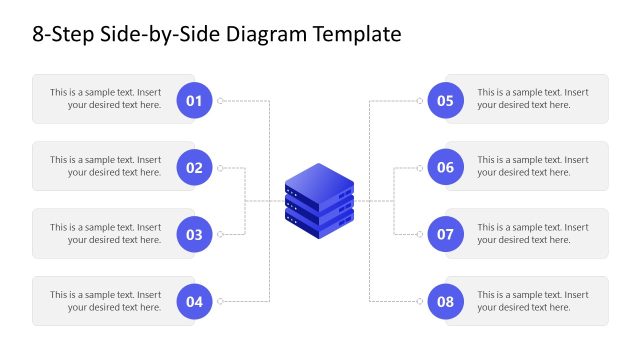
The layout features a central icon representing a database, flanked by eight text placeholders arranged in two vertical columns. Each column contains four text boxes, numbered from one to eight, with connecting dashed lines leading to the central icon. The text placeholders are aligned to the left and right of the diagram, with the central icon positioned at the bottom center. The visual hierarchy emphasizes the central icon, while the numbered placeholders provide a clear sequence. Background is white, enhancing readability.
How to Use It
This layout serves as a step-by-step process diagram, ideal for outlining stages in a project or strategy. It fits well in presentations discussing business strategies, career roadmaps, or milestone tracking. The sequential arrangement allows for clear communication of processes, making it suitable for both team meetings and client presentations. It can be used to illustrate complex ideas in a structured manner, ensuring the audience can easily follow along.
Text Placeholders & Capacity
Keep your copy within these limits so it fits without resizing. Node body slots can hold roughly 15-20 words each.
| Placeholder | Count | Max characters (approx.) |
|---|---|---|
| Item heading | 8 | 30 |
| Item body | 8 | 100 |
| Slide title | 1 | 50 |
Slide Keywords
Download unlimited PowerPoint templates, charts and graphics for your presentations with our annual plan.
DOWNLOADReturn to 8-Step Animated Side-by-Side Diagram Template for PowerPoint.