Slide 8 of 8 from 7 Steps of Buying And Selling Process PowerPoint
Business Selling Objectives PowerPoint Presentaion Template
Post-Sale Process Overview Slide
- Diagram
- Process Flow
- Process Slide
- 16:9
- 100% Editable
What’s on This Slide
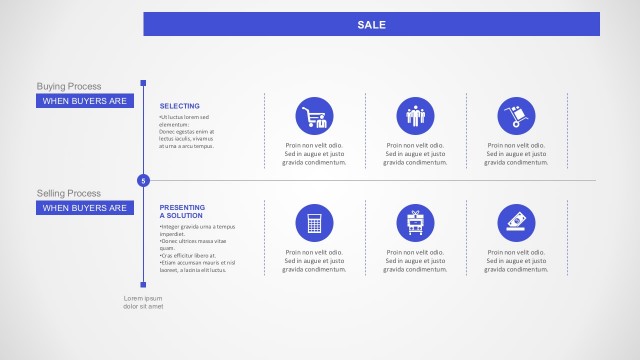
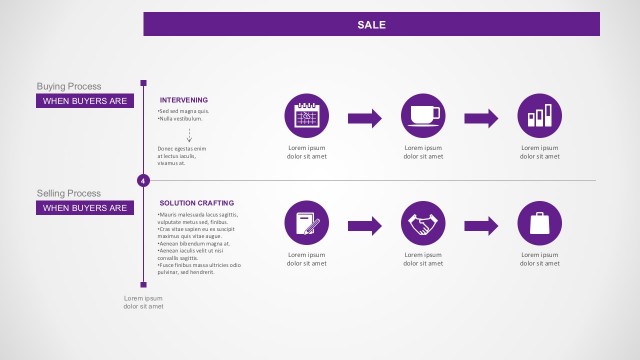
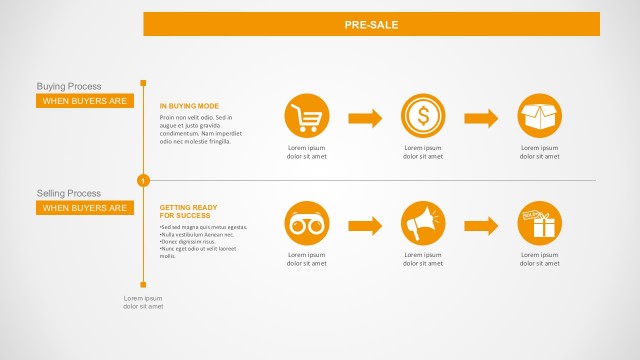
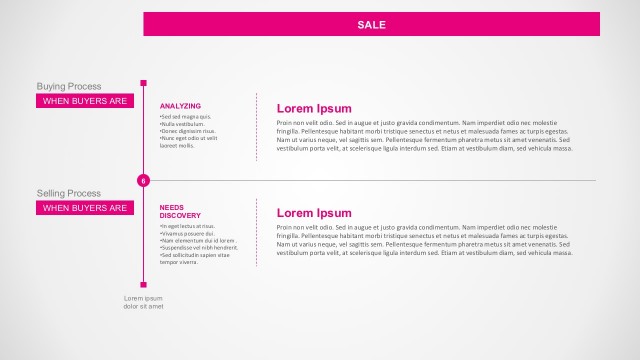
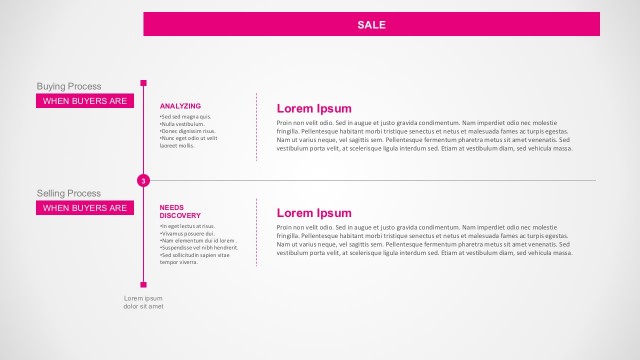
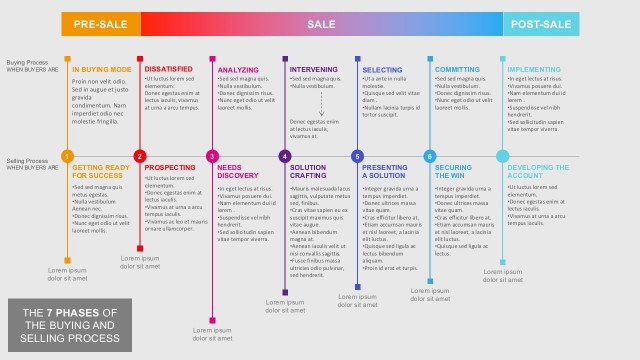
The layout features a horizontal flowchart divided into two main sections: Buying Process and Selling Process. Each section contains two nodes labeled 'Implementing' and 'Developing the Account,' respectively. The nodes are circular icons with text placeholders positioned above and below them. Arrows connect the icons, indicating a sequential flow. The background is light with a subtle gradient, and the color scheme includes shades of blue. Text placeholders are aligned centrally within their respective nodes, and additional text areas are present for descriptions.
How to Use It
This layout serves as a process overview, illustrating the post-sale steps in both buying and selling contexts. It fits well at the end of a presentation, summarizing key actions after a sale. Ideal for business scenarios such as sales training, customer relationship management, or marketing strategies. The structure allows for clear communication of sequential actions, making it effective for stakeholder presentations or team briefings.
Text Placeholders & Capacity
Keep your copy within these limits so it fits without resizing. Node body slots can hold roughly 20-25 words each.
| Placeholder | Count | Max characters (approx.) |
|---|---|---|
| Item heading | 4 | 30 |
| Item body | 4 | 100 |
| Body paragraph | 2 | 200 |
Slide Keywords
Download unlimited PowerPoint templates, charts and graphics for your presentations with our annual plan.
DOWNLOAD