Slide 5 of 9 from 7 Steps Circles PowerPoint Diagram
7 Steps Business Strategy Goals For Business PowerPoint
7 Step Circles Diagram for PowerPoint
- Diagram
- Circular Cycle
- Process Slide
- 16:9
- 100% Editable
The 7 Step Circles Diagram from the 7 Steps Circles PowerPoint Diagram template offers a clear visual process layout ideal for business presentations. This slide template features editable shapes arranged in a circular cycle to illustrate workflows or project phases effectively. Its design supports highlighting key steps within a seven-stage sequence, making it suitable for corporate presentations and pitch decks that require a structured process explanation using professional slide templates.
What’s on This Slide
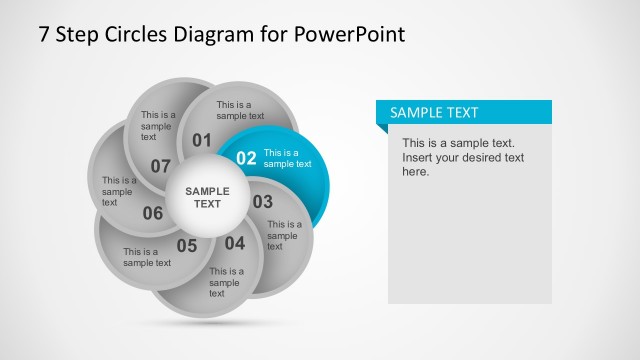
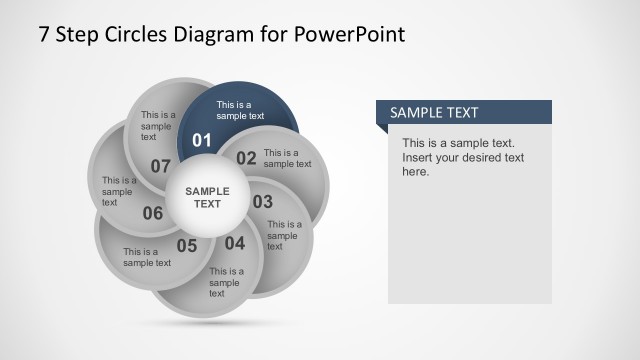
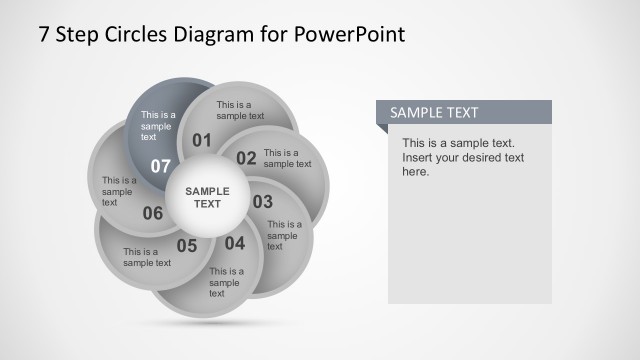
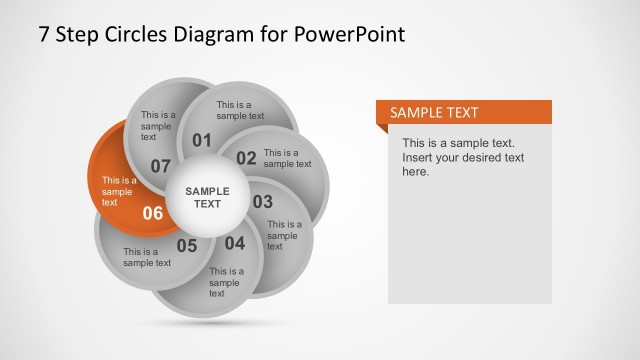
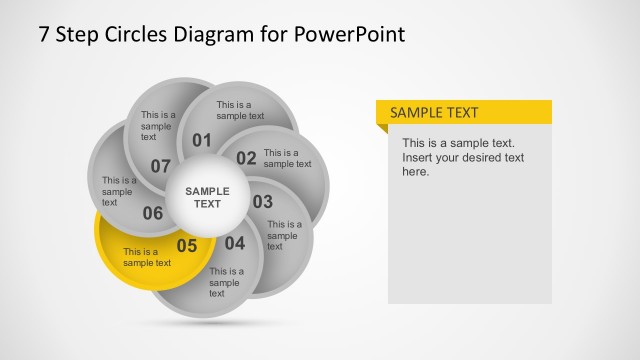
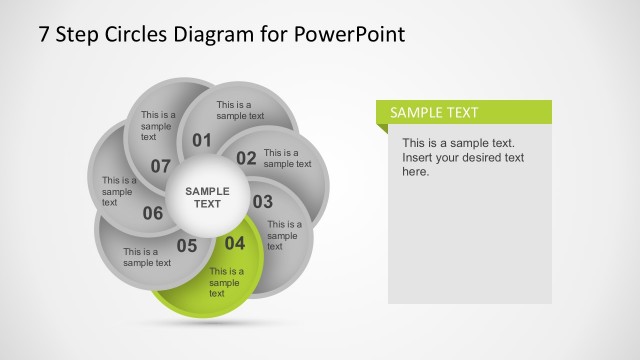
The layout features a central circle surrounded by six additional circles, each labeled with numbers 01 to 07. The central circle contains a placeholder for text, while the outer circles have sample text placeholders. The circles are arranged in a circular pattern, with the third circle highlighted in teal. To the right, there is a rectangular text box with a sample text placeholder. The background is light, enhancing visual clarity. The overall composition emphasizes the central idea while providing space for additional information.
How to Use It
This layout serves as a process diagram, illustrating a seven-step cycle or sequence. It fits well in presentations discussing methodologies, workflows, or project phases. The highlighted circle can represent the current focus or key step, while the surrounding circles provide context. This structure is useful in business scenarios such as project management, training sessions, or strategic planning discussions, where a clear visual representation of steps is needed.
Text Placeholders & Capacity
Keep your copy within these limits so it fits without resizing. Node labels can hold roughly 3-4 words each, while body text is more flexible.
| Placeholder | Count | Max characters (approx.) |
|---|---|---|
| Slide title | 1 | 30 |
| Item heading | 7 | 20 |
| Item body | 7 | 40 |
| Body paragraph | 1 | 150 |
Slide Keywords
Download unlimited PowerPoint templates, charts and graphics for your presentations with our annual plan.
DOWNLOADReturn to 7 Steps Circles PowerPoint Diagram.