Slide 2 of 2 from 7 Step Vertical Journey Diagram
7 Step Vertical PowerPoint Diagram
7 Step Vertical Journey Diagram for Presentations
- Diagram
- Other
- Process Slide
- 16:9
- 100% Editable
What’s on This Slide
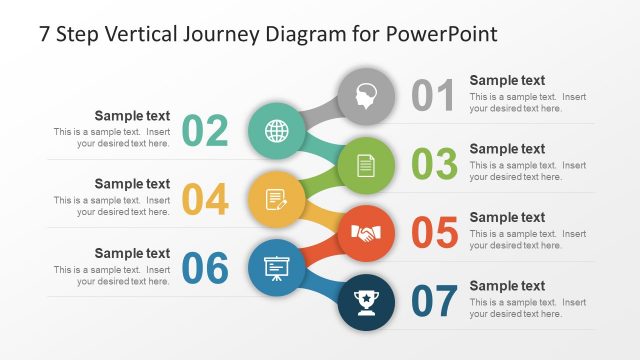
The layout features a vertical journey diagram with seven steps. Each step is represented by a circular node, colored differently, with icons inside. The nodes are connected by curved lines, indicating flow from top to bottom. The first node is at the top, labeled '01', followed by '02', '03', '04', '05', '06', and '07' at the bottom. Each node has a corresponding text placeholder below it, aligned center. The background is dark, enhancing the visibility of the colorful nodes and icons.
How to Use It
This layout serves as a sequential diagram to illustrate a seven-step process. It is suitable for presentations that outline methodologies, planning stages, or procedures. This slide is effective when placed after an introduction or problem statement, guiding the audience through a structured journey. It can be used in business contexts to explain project phases, strategic planning, or operational processes, making complex information more digestible.
Text Placeholders & Capacity
Keep your copy within these limits so it fits without resizing. Body slots can hold roughly 15-20 words each.
| Placeholder | Count | Max characters (approx.) |
|---|---|---|
| Item heading | 7 | 20 |
| Body paragraph | 7 | 100 |
Slide Keywords
Download unlimited PowerPoint templates, charts and graphics for your presentations with our annual plan.
DOWNLOADReturn to 7 Step Vertical Journey Diagram.