Slide 4 of 8 from 7-Step Pyramid Diagram PowerPoint Template
Pyramid Hierarchy Template Design
7-Layer Pyramid Diagram for PowerPoint
- Diagram
- Pyramid
- Process Slide
- 16:9
- 100% Editable
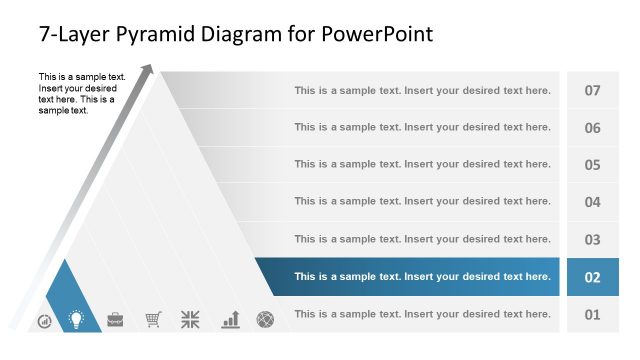
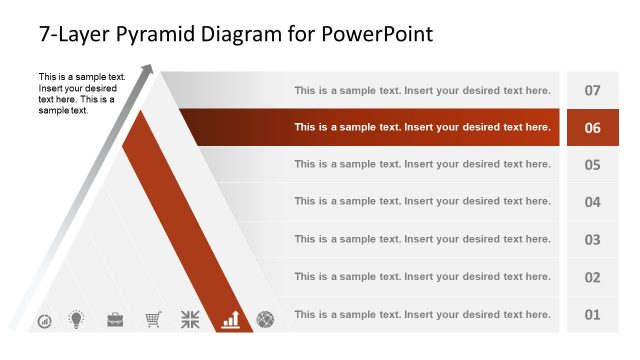
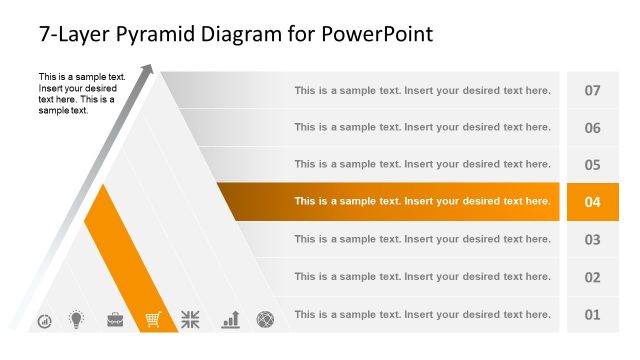
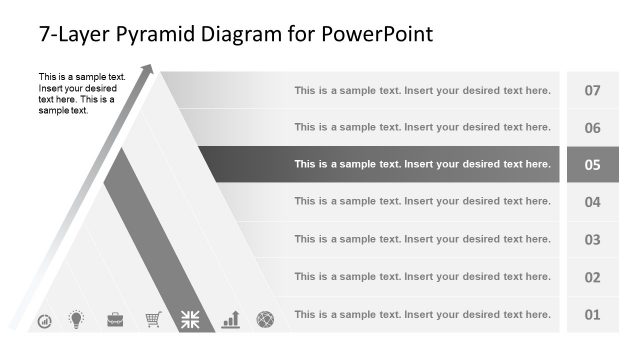
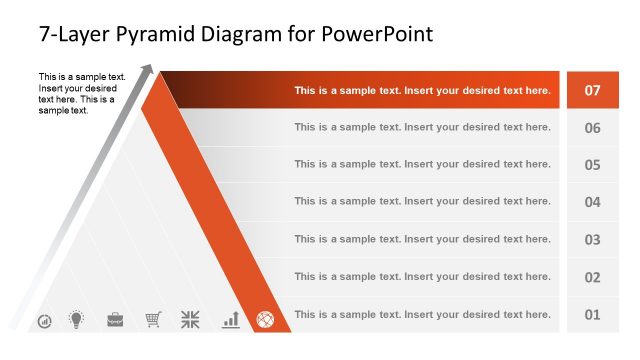
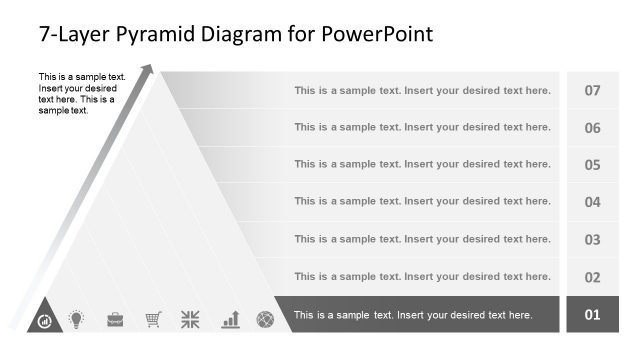
The 7-Layer Pyramid Diagram slide from the 7-Step Pyramid Diagram PowerPoint Template offers a clear hierarchical layout ideal for business presentations. This slide template features editable shapes arranged in a seven-tier pyramid, making it suitable for illustrating multi-level strategies, organizational structures, or project phases within a corporate presentation or pitch deck template.
What’s on This Slide
The layout features a large, triangular pyramid shape positioned centrally, divided into seven horizontal layers. Each layer contains a text placeholder aligned to the left, with the top layer being the smallest and the bottom layer the largest. Below the pyramid, there are icons representing various concepts, arranged in a row. The background is a gradient transitioning from light gray at the top to white at the bottom. The visual hierarchy is clear, with the pyramid being the focal point and the icons serving as supplementary elements.
How to Use It
This layout serves as a hierarchical representation of concepts or processes, ideal for illustrating multi-level strategies or frameworks. It fits well in a presentation sequence following introductory content or problem framing. Use it to present steps in a process, organizational structures, or project phases. This format is effective in business contexts where clarity in structure is essential, such as training sessions or strategic planning meetings.
Text Placeholders & Capacity
Keep your copy within these limits so it fits without resizing. Node slots can accommodate roughly 15-20 words each.
| Placeholder | Count | Max characters (approx.) |
|---|---|---|
| Item body | 7 | 100 |
| Slide title | 1 | 50 |
Slide Keywords
Download unlimited PowerPoint templates, charts and graphics for your presentations with our annual plan.
DOWNLOADReturn to 7-Step Pyramid Diagram PowerPoint Template.