Slide 6 of 8 from 7-Step Pyramid Diagram PowerPoint Template
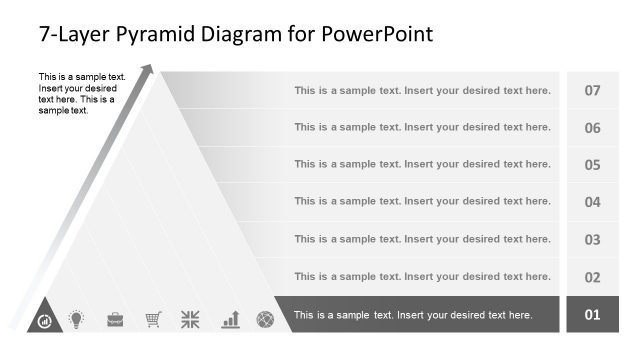
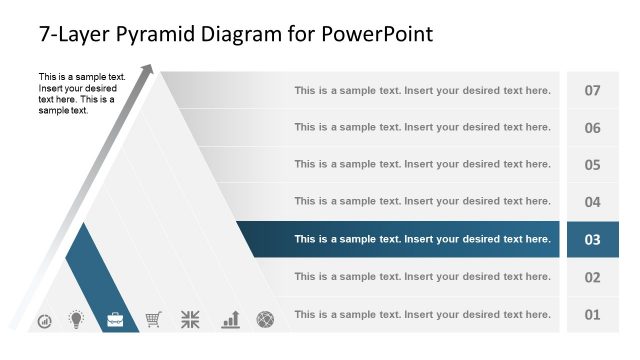
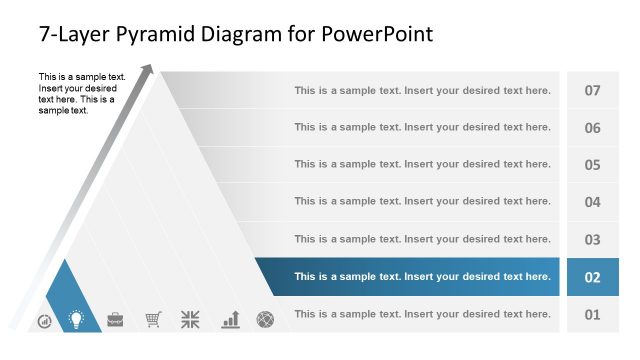
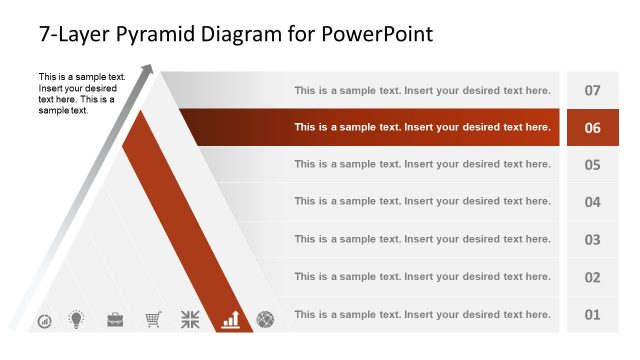
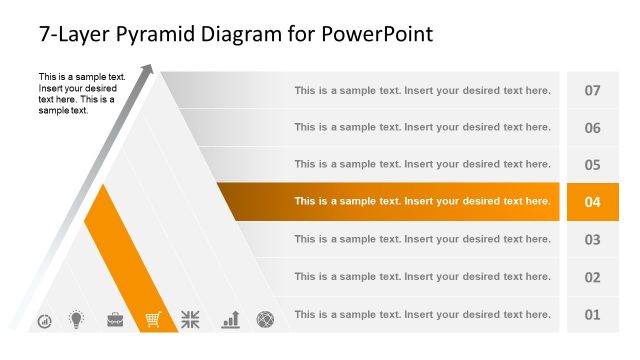
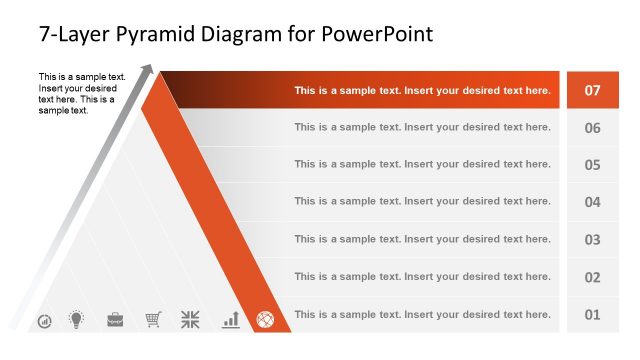
Diagram of 7 Level Pyramid
7-Layer Pyramid Diagram for PowerPoint
- Diagram
- Pyramid
- Process Slide
- 16:9
- 100% Editable
The 7-Layer Pyramid Diagram slide from the 7-Step Pyramid Diagram PowerPoint Template offers a clear visual hierarchy to illustrate multi-step processes. This slide layout is well-suited for strategic planning and project management presentations, featuring editable shapes and vector icons to enhance clarity. Its design supports business presentations and training sessions by effectively communicating layered information within a professional slide deck.
What’s on This Slide
The layout features a large, stylized pyramid divided into seven horizontal layers, each representing a step. The pyramid is oriented to the left, with a gradient background transitioning from light to dark. Each layer has a text placeholder aligned to the right, with the largest placeholder at the center for the fifth layer. Below the pyramid, there are five icons representing various concepts, arranged horizontally. The overall composition emphasizes the pyramid structure, with clear visual hierarchy and separation between layers. The background is primarily white with gray tones.
How to Use It
This layout serves as a multi-level hierarchical diagram, ideal for illustrating processes or frameworks with seven distinct steps. It fits within a presentation sequence that discusses structured methodologies or strategic plans. This format is suitable for business contexts such as project management, training sessions, or strategic planning meetings, where clarity in step progression is essential. It can also be used to highlight key components of a product or service offering.
Text Placeholders & Capacity
Keep your copy within these limits so it fits without resizing. Node body slots can accommodate roughly 15-20 words each.
| Placeholder | Count | Max characters (approx.) |
|---|---|---|
| Item body | 7 | 100 |
| Slide title | 1 | 50 |
Slide Keywords
Download unlimited PowerPoint templates, charts and graphics for your presentations with our annual plan.
DOWNLOADReturn to 7-Step Pyramid Diagram PowerPoint Template.