Slide 7 of 8 from 7-Step Component Diagram for PowerPoint
7 Component Part 6 Diagram Template
7-Step Component Diagram for Presentations
- Diagram
- Process Flow
- Process Slide
- 16:9
- 100% Editable
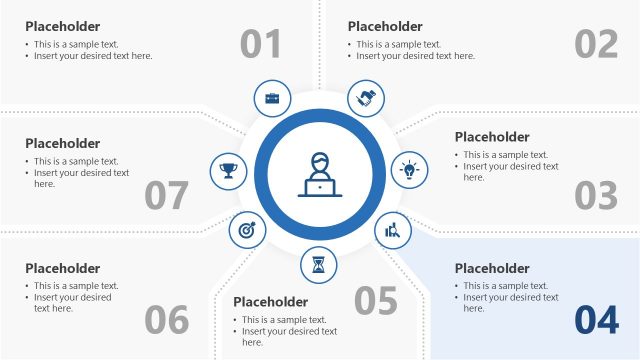
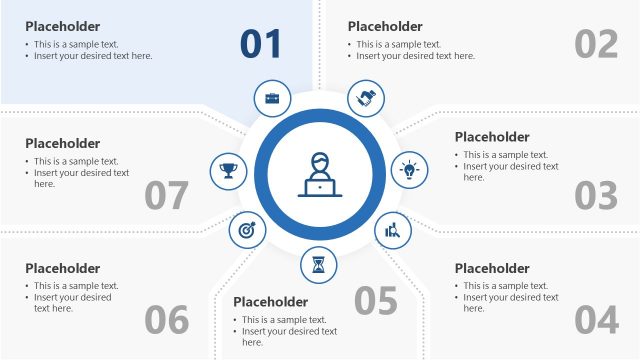
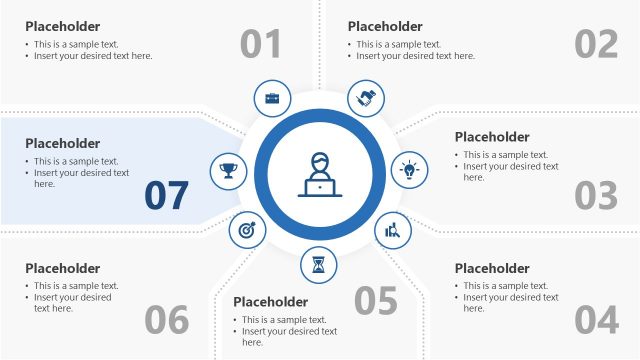
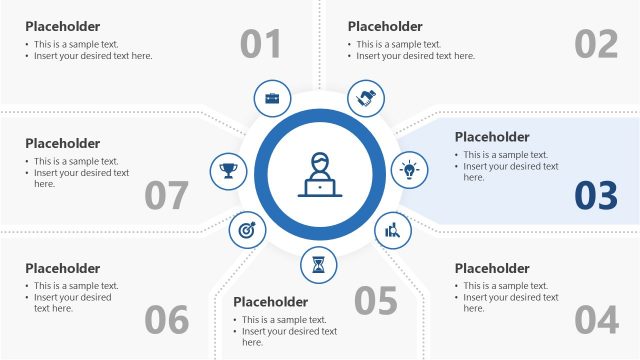
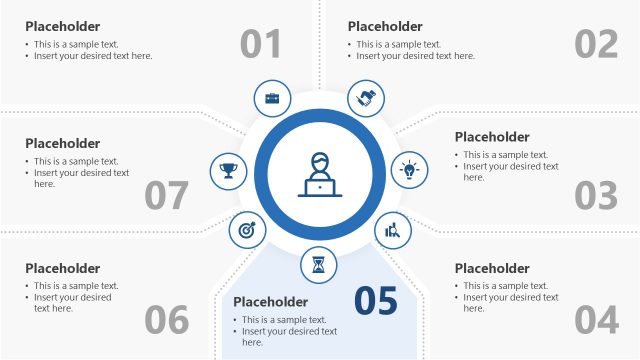
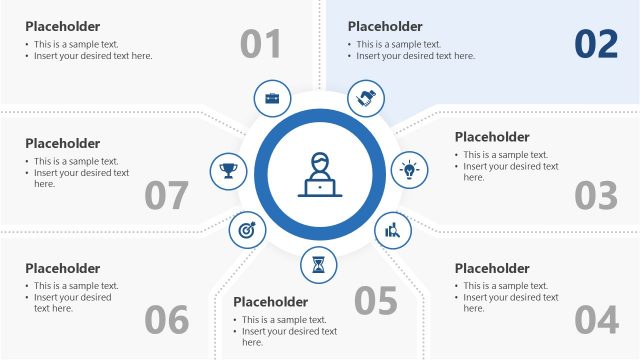
The 7-Step Component Diagram slide from the 7-Step Component Diagram for PowerPoint template offers a clear process flow layout ideal for project management and product development presentations. This slide features editable shapes and vector icons arranged around a central user icon, facilitating a structured visualization of sequential steps. It integrates well into business presentations and training sessions, enhancing comprehension through its organized design and use of blue and gray tones.
What’s on This Slide
The layout features a central circular node surrounded by six peripheral nodes. Each peripheral node is labeled with numbers 1 through 7, positioned evenly around the center. The central node contains an icon representing a user. Each peripheral node includes a placeholder for text, with a visual hierarchy indicating the central node as the focal point. Connecting lines extend from the central node to each peripheral node, creating a structured flow. The background is light, enhancing the clarity of the elements, which are primarily in blue and gray tones.
How to Use It
This layout serves as a structured process diagram, ideal for illustrating sequential steps in a project or methodology. It fits well in a presentation sequence following an introductory context slide, providing clarity on the components involved. Common scenarios include project management, product development, or training sessions where a step-by-step approach is necessary. Each node can represent a specific phase or task, making it easy for audiences to grasp complex processes visually.
Text Placeholders & Capacity
Keep your copy within these limits so it fits without resizing. Node body slots can accommodate roughly 15-20 words each.
| Placeholder | Count | Max characters (approx.) |
|---|---|---|
| Item heading | 7 | 30 |
| Item body | 7 | 100 |
Slide Keywords
Download unlimited PowerPoint templates, charts and graphics for your presentations with our annual plan.
DOWNLOADReturn to 7-Step Component Diagram for PowerPoint.