Slide 1 of 3 from 7-Step Circular Twirl Diagram PowerPoint Template
7 Steps Circular Diagram PPT
7 Step Circular Twirl Diagram for PowerPoint
- Diagram
- Circular Cycle
- Process Slide
- 16:9
- 100% Editable
What’s on This Slide
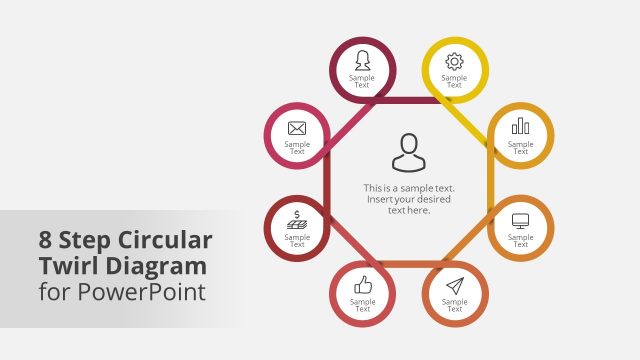
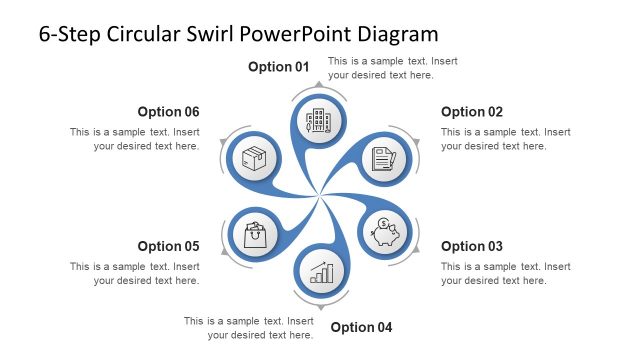
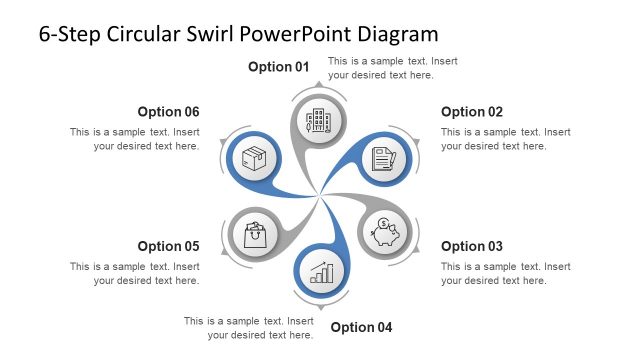
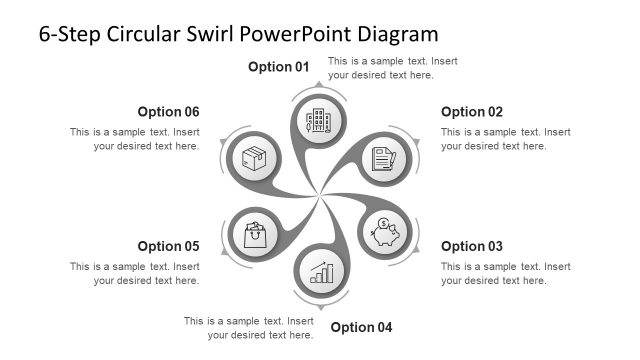
The layout features a central circle with a person icon, surrounded by six additional circular nodes. Each node contains an icon and a text placeholder, arranged in a circular pattern. The nodes are connected by curved lines, creating a twirling effect. The central node is larger than the surrounding nodes, emphasizing its importance. Text placeholders are aligned within each node, indicating where content should be inserted. A title placeholder is positioned at the bottom left, with a gradient background transitioning from light to dark. The overall composition is balanced and visually engaging.
How to Use It
This layout serves as a visual representation of a seven-step process or cycle. It is suitable for presentations that outline sequential steps in a business process or project. The circular design emphasizes continuity and connection among the steps. It can be effectively used in training sessions, strategic planning meetings, or project updates. The layout fits well at the beginning of a presentation to introduce a process or at a point where detailed steps need to be discussed. It provides clarity and structure to complex information.
Text Placeholders & Capacity
Keep your copy within these limits so it fits without resizing. Node slots can hold roughly 5-7 words each.
| Placeholder | Count | Max characters (approx.) |
|---|---|---|
| Slide title | 1 | 30 |
| Item body | 6 | 30 |
| Item body | 1 | 30 |
Slide Keywords
Download unlimited PowerPoint templates, charts and graphics for your presentations with our annual plan.
DOWNLOADReturn to 7-Step Circular Twirl Diagram PowerPoint Template.