Slide 3 of 10 from Free 6 Step Circular Diagram for PowerPoint
Infographic Swirl Circular PPT
6-Step Circular Swirl Diagram for Presentations
- Diagram
- Circular Cycle
- Process Slide
- 16:9
- 100% Editable
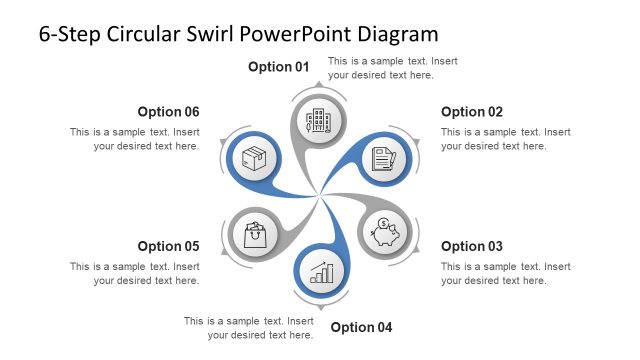
The 6-Step Circular Swirl Diagram slide from the Free 6 Step Circular Diagram for PowerPoint template offers a clear visual for illustrating cyclical processes or project phases. This editable slide features vector icons and a balanced circular layout, making it suitable for business presentations and marketing strategies. Its design supports easy customization within a professional slide deck or pitch deck template, enhancing communication of complex workflows in PowerPoint or Google Slides templates.
What’s on This Slide
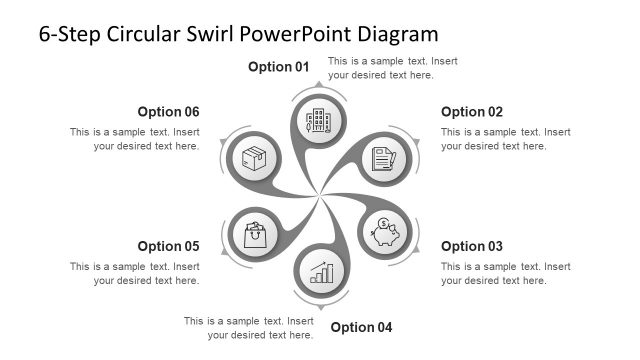
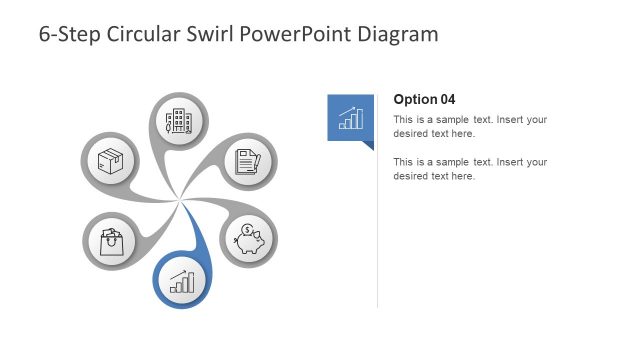
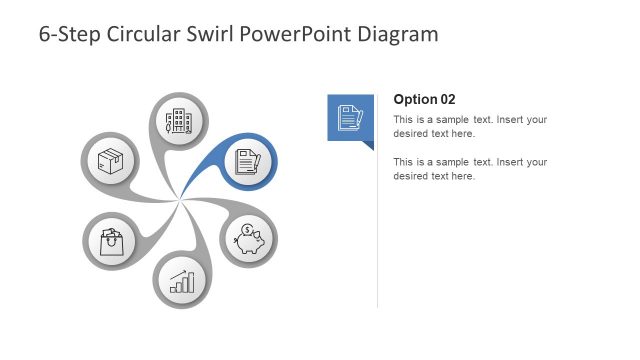
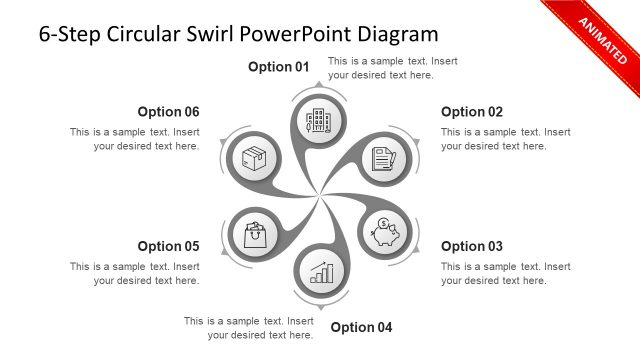
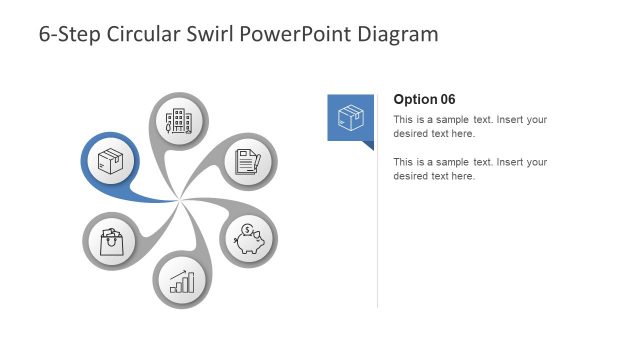
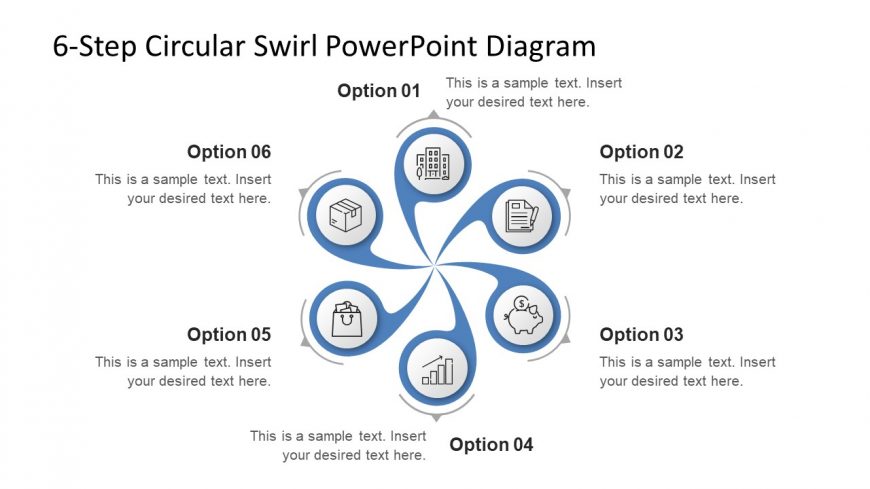
The layout features a circular swirl diagram with six segments arranged evenly around a central point. Each segment contains an icon and a text placeholder, with the icons representing various concepts. The segments are visually connected by curved lines that enhance the circular flow. The text placeholders are aligned centrally within each segment, allowing for clear labeling. The background is white, providing contrast to the blue and gray elements. The overall composition is balanced, with equal spacing between segments to maintain visual harmony.
How to Use It
This layout serves as a process flow diagram, ideal for illustrating six steps in a cycle or workflow. It fits well in presentations that aim to explain processes, strategies, or phases in a project. This structure is applicable in business contexts such as project management, product development, or marketing strategies. It allows for easy customization of content while maintaining a cohesive visual theme, making it suitable for both detailed explanations and high-level overviews.
Text Placeholders & Capacity
Keep your copy within these limits so it fits without resizing. Node labels can hold about 30 characters each, while body text can accommodate around 50 characters.
| Placeholder | Count | Max characters (approx.) |
|---|---|---|
| Item heading | 6 | 30 |
| Item body | 6 | 50 |
| Slide title | 1 | 50 |
Slide Keywords
Download unlimited PowerPoint templates, charts and graphics for your presentations with our annual plan.
DOWNLOADReturn to Free 6 Step Circular Diagram for PowerPoint.