Slide 5 of 8 from 7-Point Radial Infographic PowerPoint Template
23386-01-7-point-radial-infographic-diagram-powerpoint-template-16×9-5
7-Point Radial Infographic Diagram Template
- Diagram
- Radial Hub
- Process Slide
- 16:9
- 100% Editable
The 7-Point Radial Infographic Diagram slide from the 7-Point Radial Infographic PowerPoint Template offers a clear visual layout ideal for business presentations and strategic planning. This diagram slide template features editable shapes arranged in a radial pattern, facilitating an organized breakdown of processes or features. It suits corporate presentations and pitch decks requiring a structured overview of interconnected concepts, enhancing audience understanding through its vector icons and clean design.
What’s on This Slide
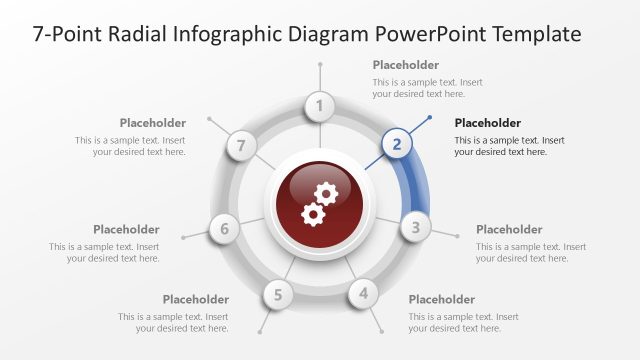
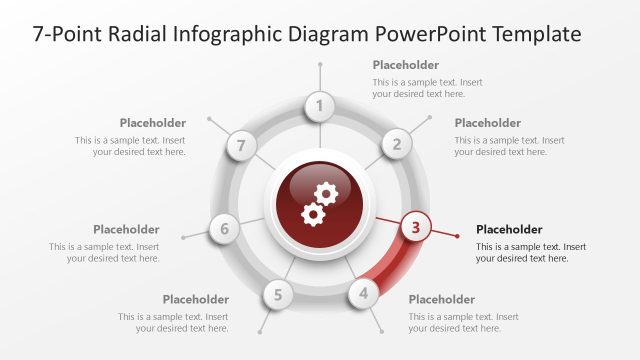
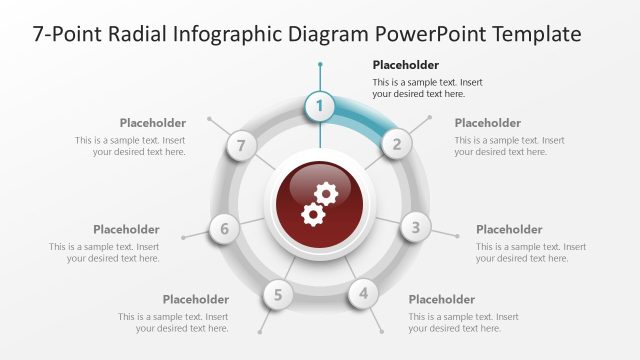
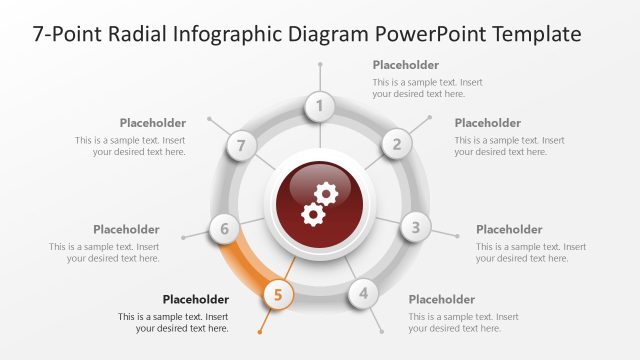
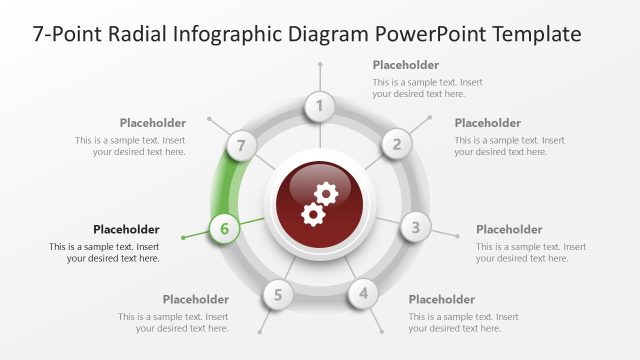
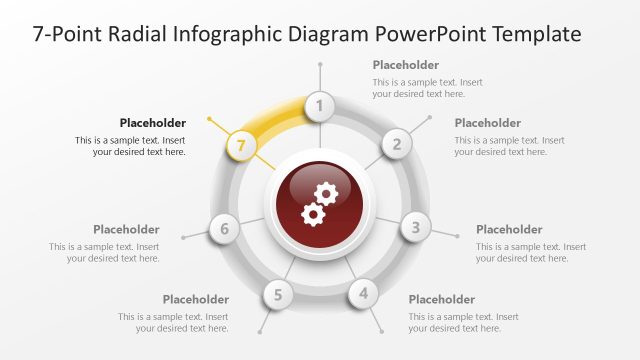
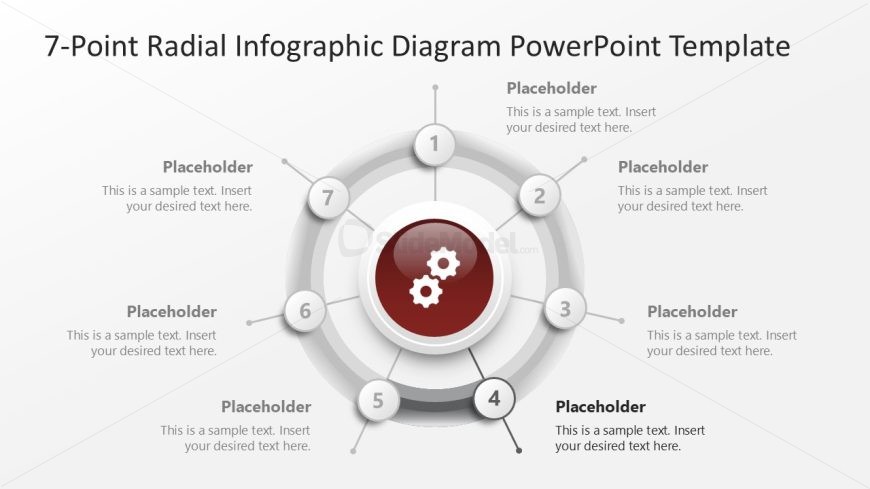
The layout features a central circular shape with a gear icon, surrounded by seven evenly spaced circular nodes. Each node contains a text placeholder, arranged in a radial pattern. The central circle is larger than the surrounding nodes, emphasizing its importance. The text placeholders are aligned within each node, with a consistent font size. Connecting lines extend from the central circle to each node, indicating relationships. The background is a light gradient, enhancing the visual hierarchy and separation of elements. Overall, the design is structured to convey a clear, organized flow.
How to Use It
This layout serves as a radial infographic to represent seven related concepts or steps. It is suitable for presentations that require a visual breakdown of processes, strategies, or components. This slide fits well after an introductory slide, providing a detailed overview. Real-world applications include project planning, product features, or marketing strategies, where each point can represent a key aspect. The radial format allows for easy comprehension of interconnected ideas, making it effective for audience engagement.
Text Placeholders & Capacity
Keep your copy within these limits so it fits without resizing. Node body slots can accommodate about 15-20 words each.
| Placeholder | Count | Max characters (approx.) |
|---|---|---|
| Item heading | 7 | 30 |
| Item body | 7 | 100 |
| Slide title | 1 | 60 |
Slide Keywords
Download unlimited PowerPoint templates, charts and graphics for your presentations with our annual plan.
DOWNLOAD