Slide 3 of 8 from 7-Point Radial Infographic PowerPoint Template
23386-01-7-point-radial-infographic-diagram-powerpoint-template-16×9-3
7-Point Radial Infographic Diagram Template
- Diagram
- Radial Hub
- Concept Explanation Slide
- 16:9
- 100% Editable
The 7-Point Radial Infographic Diagram from the 7-Point Radial Infographic PowerPoint Template offers a clear visual structure ideal for business presentations. This slide template features editable shapes arranged radially to illustrate interconnected concepts, making it suitable for summarizing strategies or presenting product features within a corporate presentation or pitch deck template.
What’s on This Slide
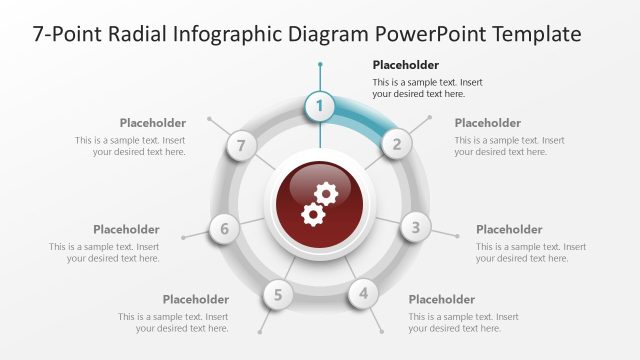
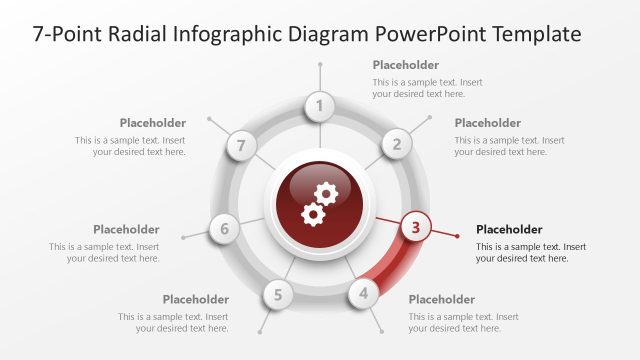
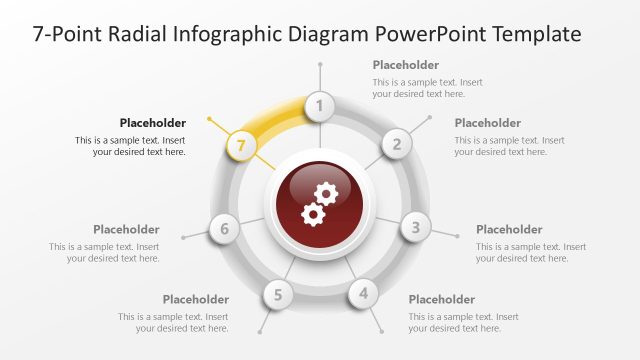
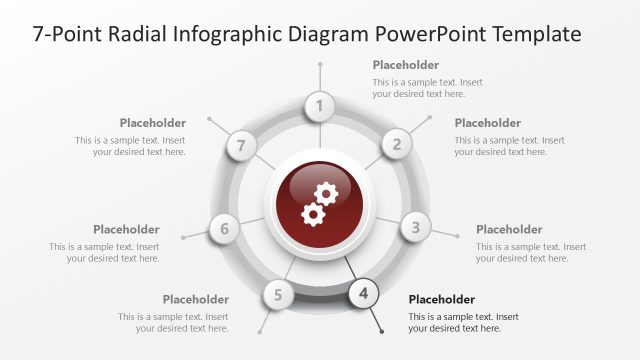
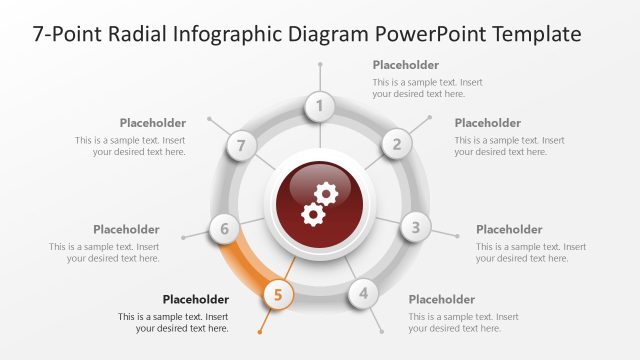
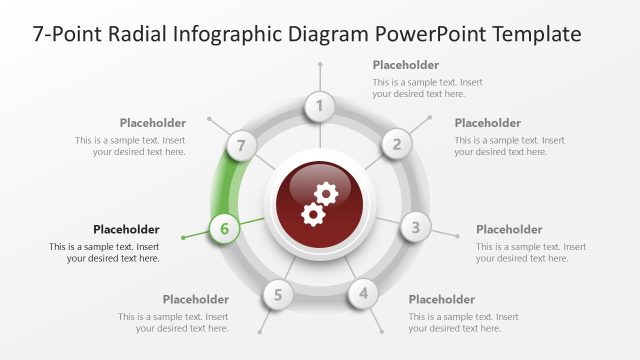
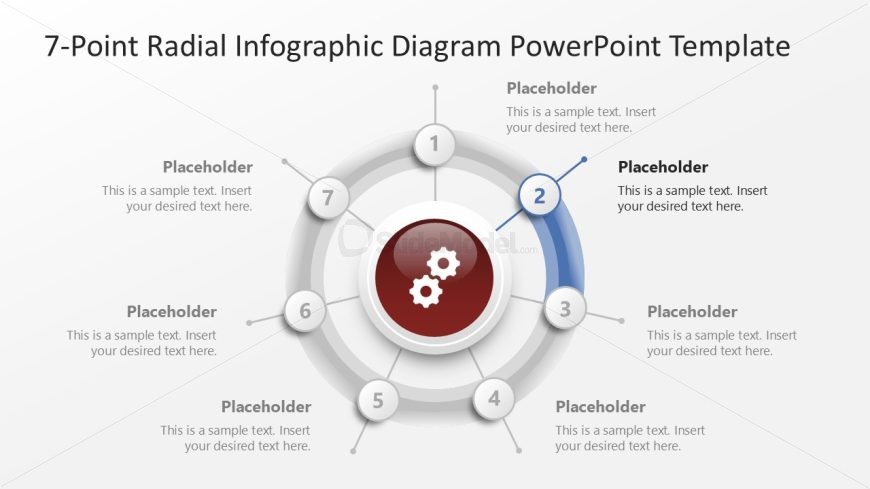
The layout features a central circular node surrounded by six equally spaced circular nodes. Each node contains a text placeholder aligned centrally. The central node is highlighted in red with gear icons, indicating a focal point. The nodes are connected by curved lines, enhancing the radial structure. A gradient background transitions from light to dark, emphasizing the diagram's depth. The text placeholders are positioned at the top, bottom, and sides of the nodes, maintaining a balanced visual hierarchy. Overall, the design is structured to convey interconnected concepts.
How to Use It
This layout serves as a radial infographic, ideal for presenting seven related points or concepts. It fits well in a presentation sequence after introducing a topic and before diving into detailed analysis. Real-world applications include product features, strategic initiatives, or project phases. This structure allows for clear visual communication of complex information, making it suitable for business contexts where clarity is essential. It can be used to summarize key elements or to illustrate relationships among various components.
Text Placeholders & Capacity
Keep your copy within these limits so it fits without resizing. Node body slots can hold about 40 characters each.
| Placeholder | Count | Max characters (approx.) |
|---|---|---|
| Item body | 7 | 40 |
| Slide title | 1 | 50 |
Slide Keywords
Download unlimited PowerPoint templates, charts and graphics for your presentations with our annual plan.
DOWNLOAD