Slide 4 of 7 from 6 Steps Twirl Design PowerPoint Diagram
PowerPoint Process Cycle Twirl
6 Elements Infographic for Presentations
- Diagram
- Circular Cycle
- Process Slide
- 16:9
- 100% Editable
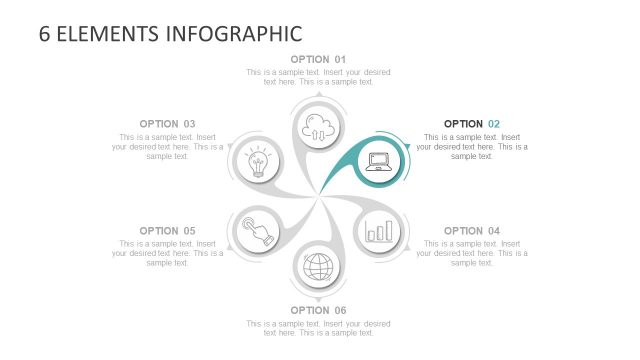
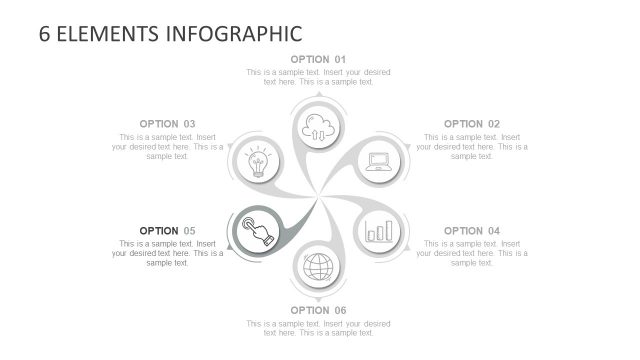
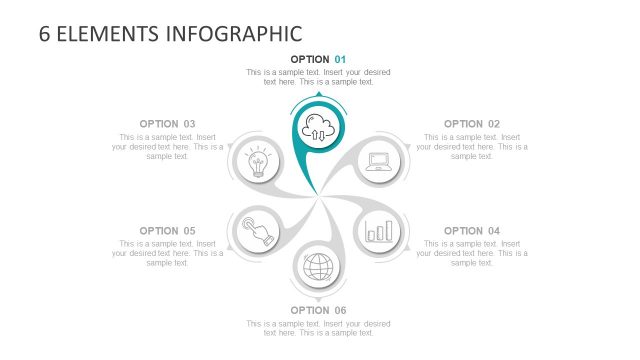
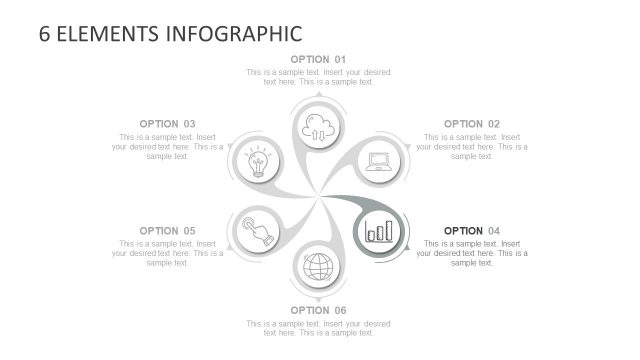
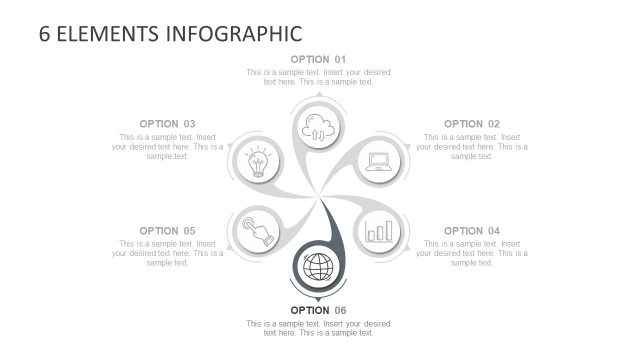
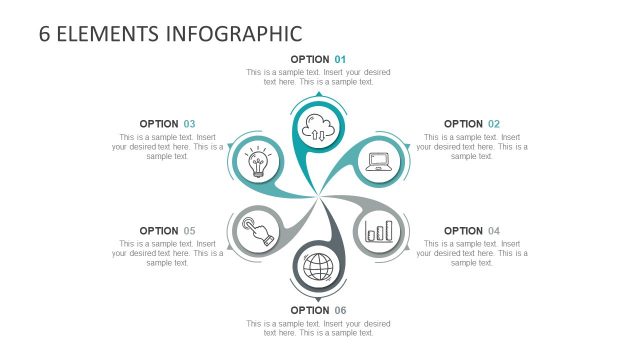
The 6 Elements Infographic slide from the 6 Steps Twirl Design PowerPoint Diagram template offers a clear circular process layout ideal for business presentations and pitch decks. This slide template features editable shapes arranged in a cycle to showcase six interconnected steps or product features, enhancing the visual flow of complex frameworks. Its design supports both PowerPoint and Google Slides templates, making it a versatile choice for corporate presentation needs.
What’s on This Slide
The layout features a central circular node with six surrounding nodes arranged in a circular pattern. Each node is labeled as 'OPTION 01' through 'OPTION 06' and contains a text placeholder below each label. The central node is highlighted with a different color, indicating emphasis. The nodes are circular with a light gray outline, and the central node has a more pronounced border. Text placeholders are centered within each node, with a consistent font size. The background is white, providing contrast to the nodes.
How to Use It
This layout serves as a process cycle or infographic, ideal for illustrating six related concepts or steps. It fits well in presentations discussing methodologies, frameworks, or product features. The circular arrangement allows for easy visual flow, making it suitable for business scenarios like project planning, strategic initiatives, or educational content. It can be used to present complex information in a simplified manner, enhancing audience engagement.
Text Placeholders & Capacity
Keep your copy within these limits so it fits without resizing. Node body slots can hold around 15-20 words each.
| Placeholder | Count | Max characters (approx.) |
|---|---|---|
| Item heading | 6 | 20 |
| Item body | 6 | 100 |
| Slide title | 1 | 30 |
Slide Keywords
Download unlimited PowerPoint templates, charts and graphics for your presentations with our annual plan.
DOWNLOADReturn to 6 Steps Twirl Design PowerPoint Diagram.