Slide 3 of 7 from 6 Steps Ribbons Funnel Diagrams
Ribbon Style 6 Steps Funnel PowerPoint Stage 2
6 Steps Ribbon Funnel Diagram Template
- Diagram
- Funnel
- Process Slide
- 16:9
- 100% Editable
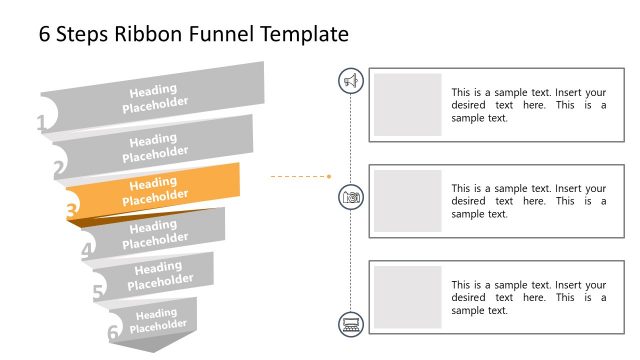
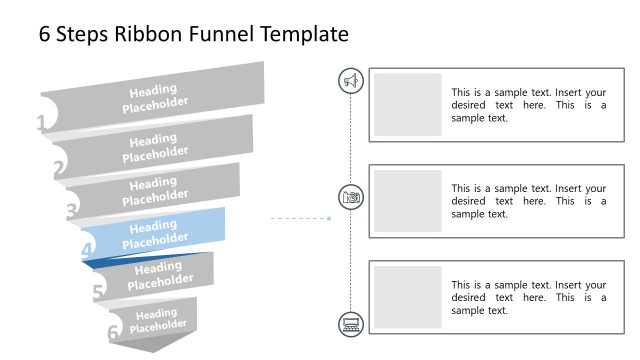
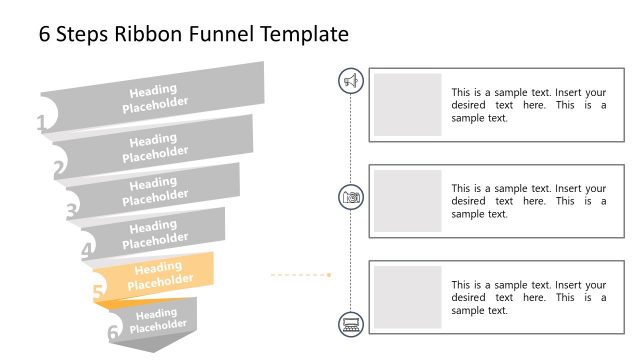
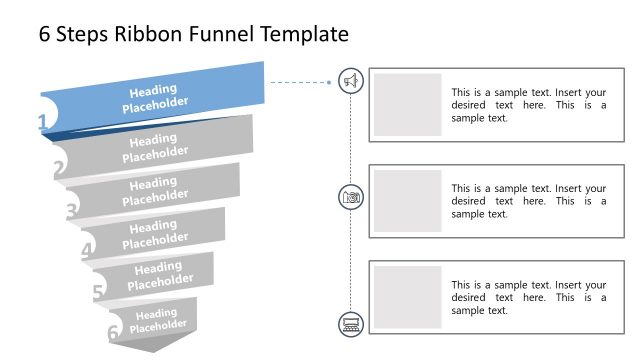
The 6 Steps Ribbon Funnel Diagram slide from the 6 Steps Ribbons Funnel Diagrams template offers a clear process visualization using editable shapes and vector icons. This slide layout is designed for business presentations or pitch deck templates that require illustrating project stages or strategic planning through a structured funnel diagram. It integrates well with PowerPoint templates and Google Slides templates focused on sequential workflows and progress updates.
What’s on This Slide
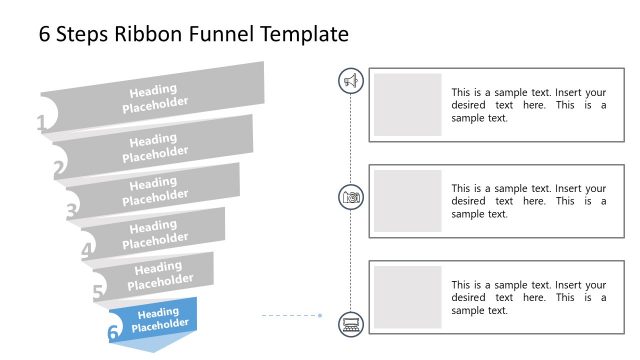
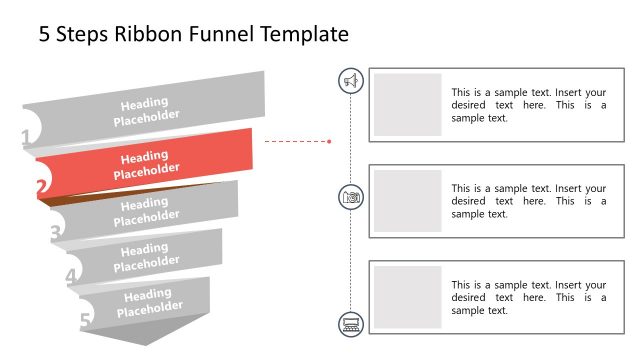
The layout features a funnel diagram on the left, consisting of six horizontal ribbons stacked vertically. The second ribbon is highlighted in red, indicating its significance. Each ribbon has a placeholder for a heading, aligned centrally. To the right, there are three rectangular text placeholders stacked vertically, each with a circular icon above. The icons represent different themes, with the first being a camera, the second an unspecified icon, and the third a computer. The overall color scheme includes shades of gray and red.
How to Use It
This layout serves as a step-by-step funnel diagram, ideal for illustrating processes or stages. It fits well in presentations discussing workflows, project phases, or strategic plans. The highlighted ribbon emphasizes the current focus, making it suitable for progress updates. Use it in business contexts where visualizing sequential steps is necessary, such as marketing strategies or operational processes. It can also be adapted for educational purposes to explain concepts in a structured manner.
Text Placeholders & Capacity
Keep your copy within these limits so it fits without resizing. Node labels can hold roughly 6-8 words each, while body text can accommodate about 25-30 words.
| Placeholder | Count | Max characters (approx.) |
|---|---|---|
| Item heading | 6 | 30 |
| Item body | 3 | 150 |
Slide Keywords
Download unlimited PowerPoint templates, charts and graphics for your presentations with our annual plan.
DOWNLOADReturn to 6 Steps Ribbons Funnel Diagrams.