Slide 2 of 7 from 6 Steps Ribbons Funnel Diagrams
Ribbon Style 6 Steps Funnel PowerPoint Stage 1
6 Steps Ribbon Funnel Diagram Template
- Diagram
- Funnel
- Process Slide
- 16:9
- 100% Editable
What’s on This Slide
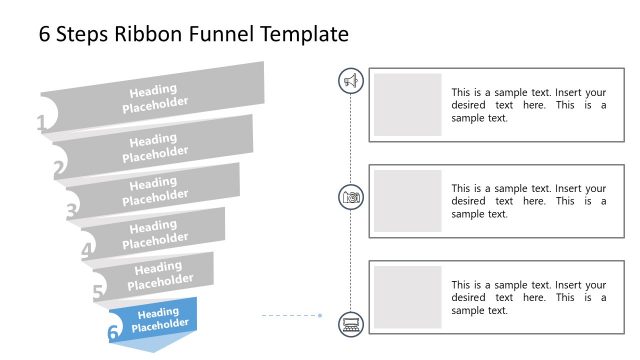
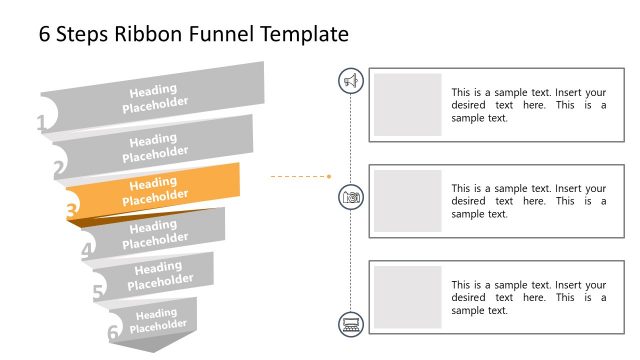
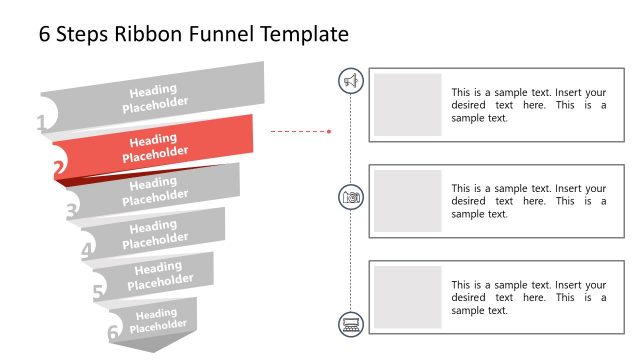
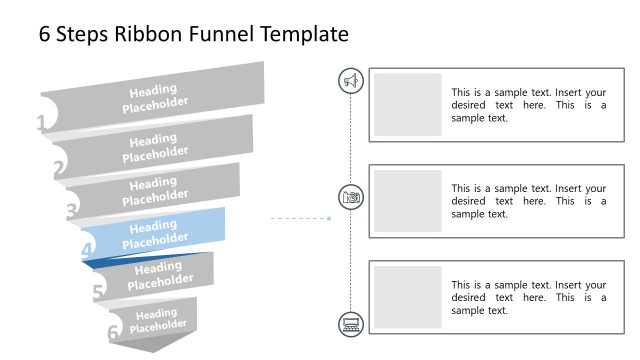
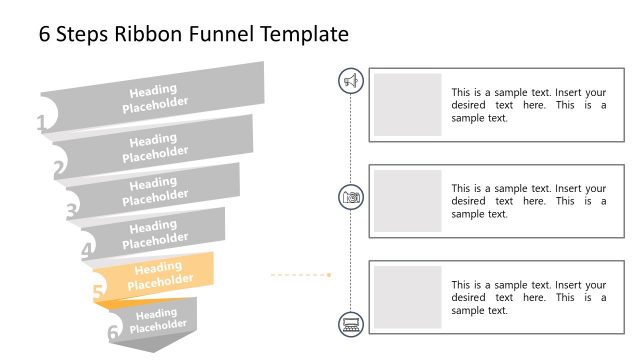
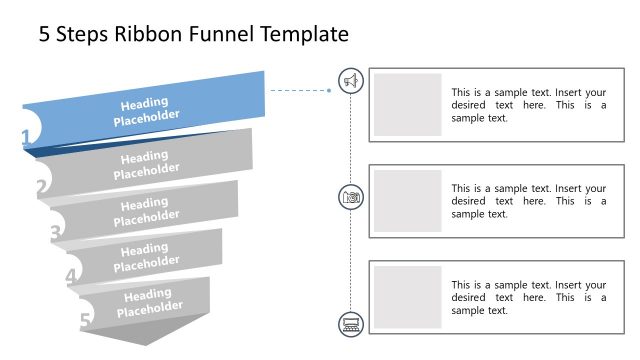
The slide features a funnel diagram on the left side, consisting of six horizontal ribbon sections. The top section is highlighted in blue and labeled as 'Heading Placeholder,' while the remaining five sections are in shades of gray, each also labeled as 'Heading Placeholder.' To the right, there are three text placeholders stacked vertically, aligned with the funnel sections. Each placeholder is rectangular and allows for text input. The overall layout is structured to emphasize the funnel's progression from top to bottom, with a clear visual hierarchy.
How to Use It
This layout serves as a sequential funnel diagram, ideal for illustrating processes or stages in a business context. It fits well in presentations that require a clear depiction of steps, such as sales processes or project phases. This slide can be effectively used to communicate a series of actions or decisions that lead to a final outcome, making it suitable for training sessions, strategy meetings, or project updates.
Text Placeholders & Capacity
Keep your copy within these limits so it fits without resizing. Node body slots can hold approximately 150 characters each.
| Placeholder | Count | Max characters (approx.) |
|---|---|---|
| Item heading | 6 | 30 |
| Item body | 6 | 150 |
| Body paragraph | 3 | 200 |
Slide Keywords
Download unlimited PowerPoint templates, charts and graphics for your presentations with our annual plan.
DOWNLOADReturn to 6 Steps Ribbons Funnel Diagrams.