Slide 9 of 9 from 6 Steps Fluid Process PowerPoint Diagram
Template of 6 Item Fluid Design
6 Steps Fluid Process Diagram Overview
- Diagram
- Process Flow
- Process Slide
- 16:9
- 100% Editable
What’s on This Slide
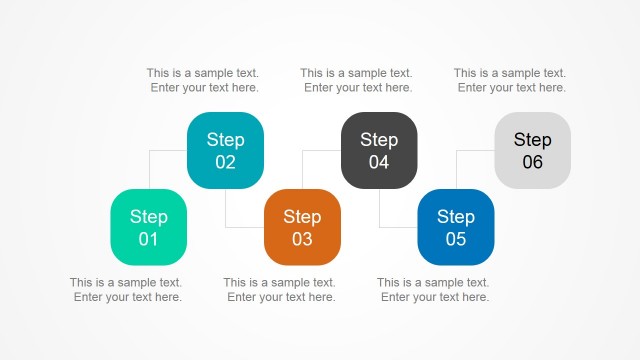
The layout features a fluid process diagram with six circular nodes arranged in a non-linear flow. Nodes are positioned in two rows, with arrows indicating the direction of progression. Each node is a different color, including blue, green, and red, and contains a text placeholder for step descriptions, aligned centrally. The background is a solid purple color, providing contrast to the colorful nodes. Arrows connect the nodes, emphasizing the flow between steps. The visual hierarchy is clear, with larger nodes for steps and smaller arrows guiding the viewer's attention.
How to Use It
This layout serves as a visual representation of a six-step process, ideal for illustrating workflows or project phases. It fits well in a presentation sequence after introducing a problem and before detailing solutions. Business scenarios include project management, product development, or any process requiring step-by-step guidance. The diagram effectively communicates complex information in a structured format, making it suitable for training sessions or strategic planning discussions.
Text Placeholders & Capacity
Keep your copy within these limits so it fits without resizing. Node body slots can accommodate roughly 15-20 words each.
| Placeholder | Count | Max characters (approx.) |
|---|---|---|
| Item heading | 6 | 30 |
| Item body | 6 | 100 |
Slide Keywords
Download unlimited PowerPoint templates, charts and graphics for your presentations with our annual plan.
DOWNLOADReturn to 6 Steps Fluid Process PowerPoint Diagram.