Slide 4 of 9 from 6 Steps Fluid Process PowerPoint Diagram
Flat Diagram of Fluid Style PPT
6 Steps Fluid Process Diagram Overview
- Diagram
- Process Flow
- Process Slide
- 16:9
- 100% Editable
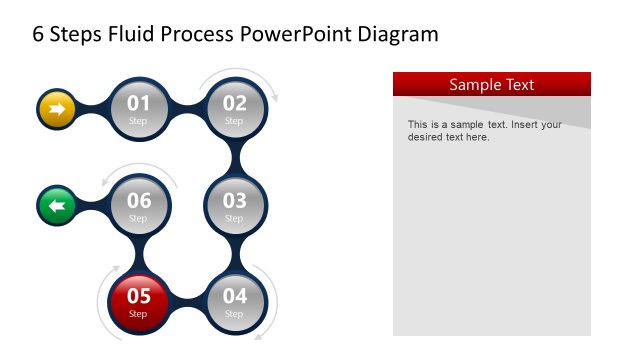
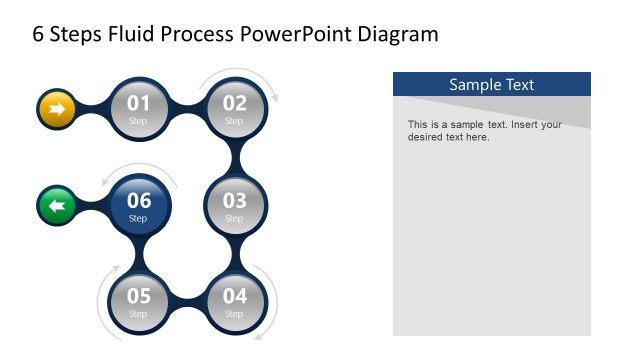
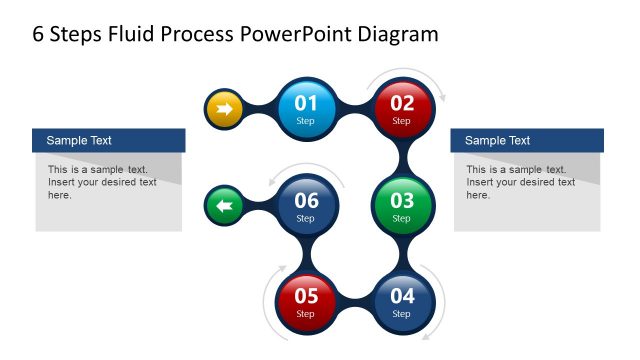
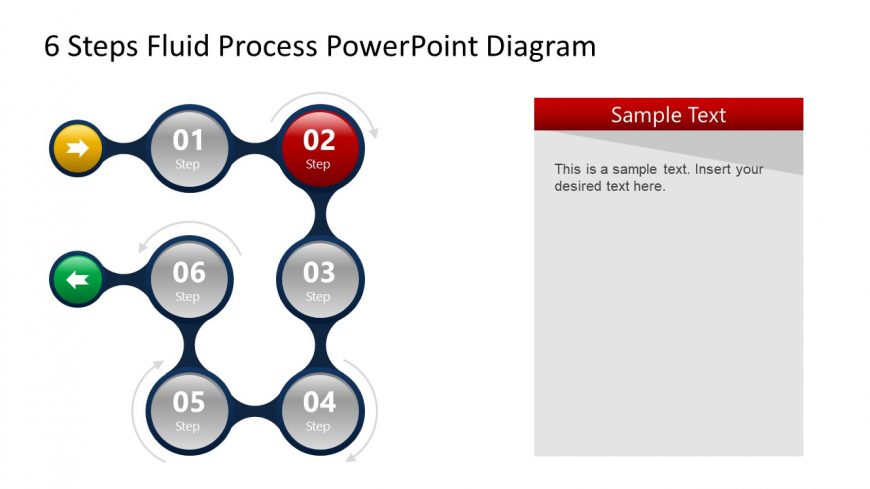
The 6 Steps Fluid Process Diagram from the 6 Steps Fluid Process PowerPoint Diagram template offers a clear visual representation of sequential workflows. This slide layout uses editable shapes to highlight each step in a circular flow, making it suitable for business presentations and training process explanations. Its design supports detailed notes alongside the diagram, enhancing communication in project management and methodology outlines within professional slide decks.
What’s on This Slide
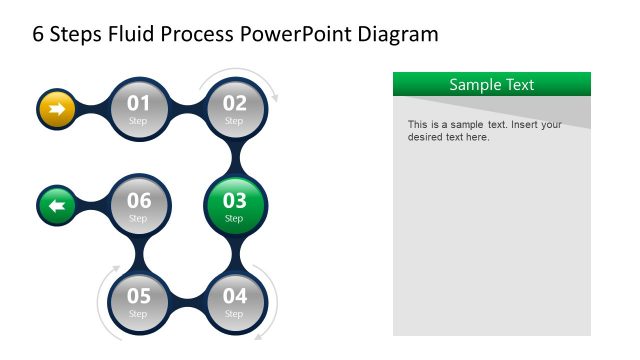
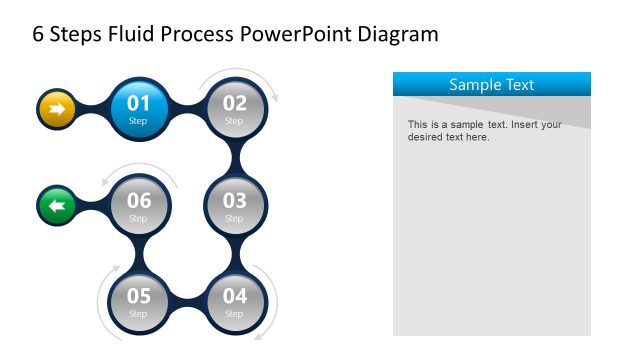
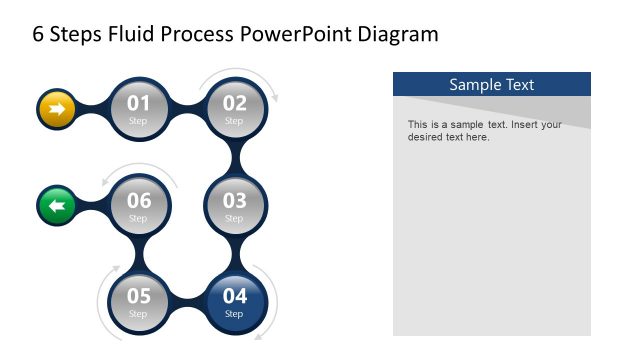
The layout features a circular flow diagram with six nodes arranged in a fluid pattern. The nodes are labeled with numbers from 01 to 06, with the second node highlighted in red to indicate the current step. Arrows connect the nodes, showing the progression from one step to another. A text placeholder is positioned on the right side, aligned vertically, allowing for detailed descriptions or notes. The overall color scheme includes blue and red, with a white background enhancing clarity and focus.
How to Use It
This layout serves as a process flow diagram, ideal for illustrating a six-step methodology. It fits within a presentation sequence that discusses sequential processes or workflows. This structure is useful in business contexts such as project management, training sessions, or operational strategies, where clarity in steps is essential. It can also be adapted for educational purposes, guiding learners through a structured approach to complex topics.
Text Placeholders & Capacity
Keep your copy within these limits so it fits without resizing. Body text can accommodate approximately 25-30 words.
| Placeholder | Count | Max characters (approx.) |
|---|---|---|
| Item heading | 6 | 10 |
| Body paragraph | 1 | 150 |
Slide Keywords
Download unlimited PowerPoint templates, charts and graphics for your presentations with our annual plan.
DOWNLOADReturn to 6 Steps Fluid Process PowerPoint Diagram.