Slide 8 of 9 from 6 Steps Fluid Process PowerPoint Diagram
6 Steps Fluid Process Flow Design Template
6 Steps Fluid Process Diagram Overview
- Diagram
- Process Flow
- Process Slide
- 16:9
- 100% Editable
The 6 Steps Fluid Process Diagram from the 6 Steps Fluid Process PowerPoint Diagram template visually represents a sequential workflow using editable shapes and vector icons. This slide template is ideal for illustrating project management phases or strategic planning processes in business presentations, offering a clear and organized slide deck element compatible with PowerPoint and Google Slides templates.
What’s on This Slide
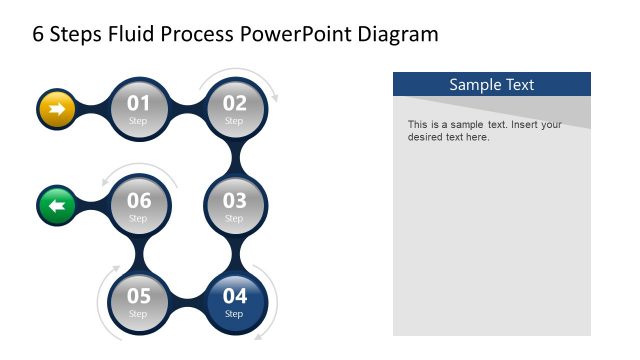
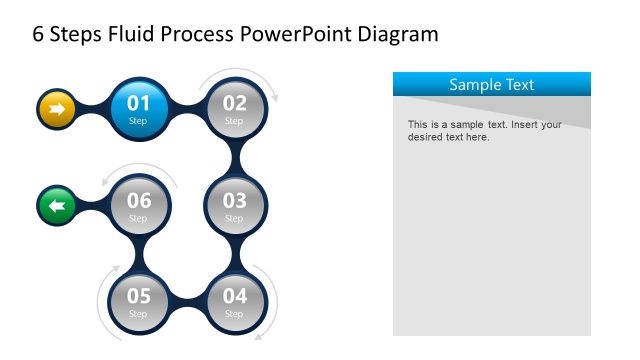
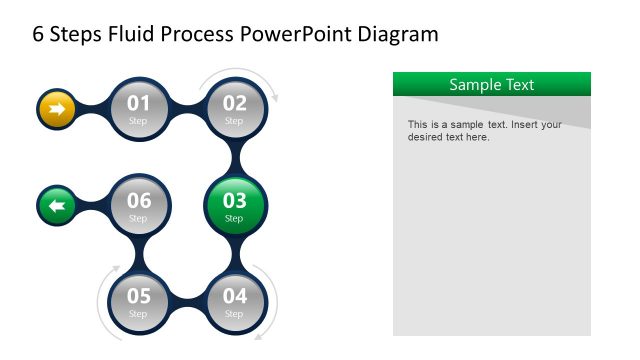
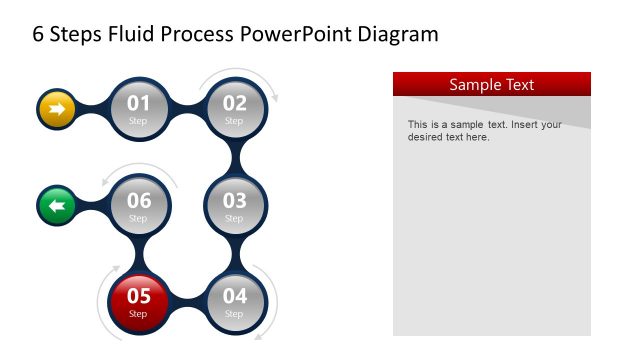
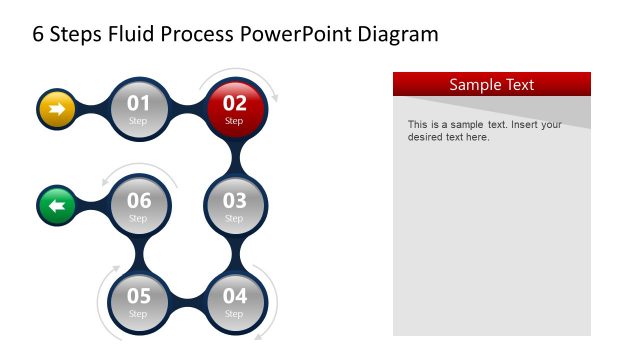
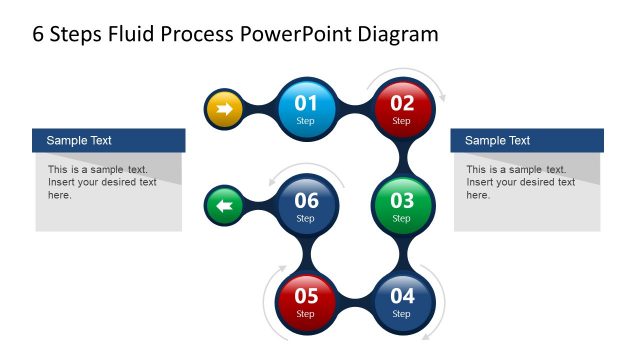
The layout features a circular flow diagram with six nodes arranged in a fluid sequence. Nodes are numbered 01 through 06, with the sixth node prominently highlighted in green. Each node contains a circular shape with a number and the word 'Step' inside. Arrows connect the nodes, indicating the flow direction from left to right and around the diagram. To the right, there is a rectangular text placeholder positioned vertically, allowing for additional content. The background is light with a subtle gradient, enhancing visual clarity.
How to Use It
This layout serves as a process flow diagram, illustrating a six-step procedure. It fits well in presentations that outline workflows, project phases, or strategic plans. This structure is useful in business contexts such as project management, operational processes, or training sessions. It can effectively communicate sequential steps in a clear and organized manner, making it suitable for both team meetings and client presentations.
Text Placeholders & Capacity
Keep your copy within these limits so it fits without resizing. Node labels can hold up to 10 characters each, while the body paragraph can accommodate around 150 characters.
| Placeholder | Count | Max characters (approx.) |
|---|---|---|
| Item heading | 6 | 10 |
| Body paragraph | 1 | 150 |
Slide Keywords
Download unlimited PowerPoint templates, charts and graphics for your presentations with our annual plan.
DOWNLOADReturn to 6 Steps Fluid Process PowerPoint Diagram.