Slide 1 of 9 from 6 Steps Circular Chevron Paper Effect PowerPoint Template
6 Steps Chevron Cycle Diagram PowerPoint
6 Steps Circular Process Diagram Template
- Diagram
- Circular Cycle
- Process Slide
- 16:9
- 100% Editable
What’s on This Slide
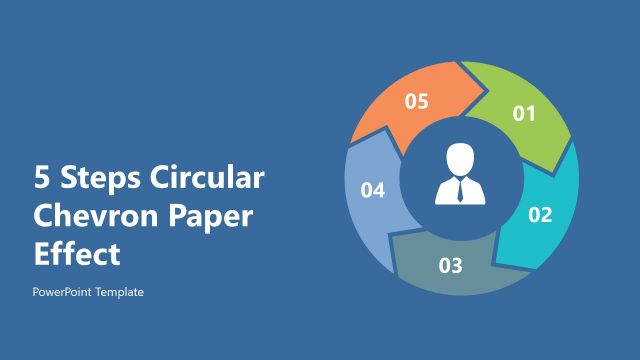
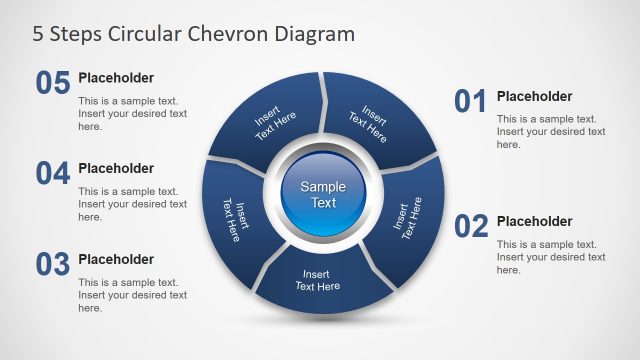
The layout features a circular diagram with six chevron-shaped segments arranged in a clockwise direction. Each segment is numbered from one to six, with a central icon representing a person. The segments alternate in color, including orange, green, blue, and gray, set against a solid blue background. Text placeholders are positioned to the left of the diagram, with the title prominently displayed at the top. The visual hierarchy emphasizes the circular flow of the steps, with clear boundaries around each segment. The overall composition is balanced and structured.
How to Use It
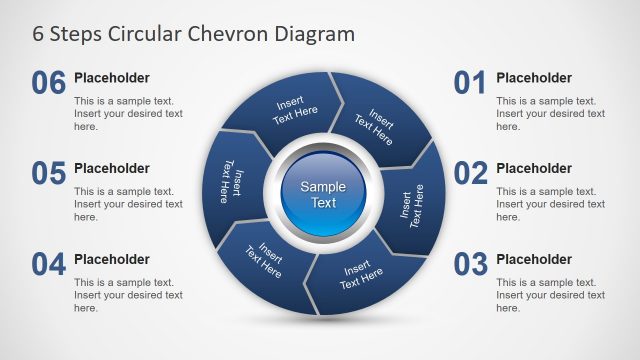
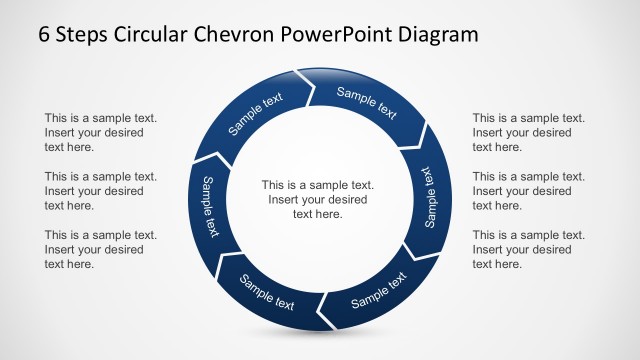
This layout serves as a process flow diagram, ideal for illustrating sequential steps in a business context. It fits well at the beginning of a presentation to introduce a process or methodology. Suitable scenarios include project management, training sessions, or operational workflows. The circular design emphasizes continuity and progression, making it effective for explaining cyclical processes. It can be used to present strategies, phases of development, or stages in a project lifecycle, enhancing audience understanding of the process.
Text Placeholders & Capacity
Keep your copy within these limits so it fits without resizing. Node labels can accommodate short numbers or titles.
| Placeholder | Count | Max characters (approx.) |
|---|---|---|
| Slide title | 1 | 30 |
| Item heading | 6 | 2 |
Slide Keywords
Download unlimited PowerPoint templates, charts and graphics for your presentations with our annual plan.
DOWNLOADReturn to 6 Steps Circular Chevron Paper Effect PowerPoint Template.