Slide 1 of 2 from 6 Step Segmented Infinity Loop Diagram for PowerPoint
6 Steps Infinite Loop PowerPoint Diagram
6 Step Segmented Infinity Loop Diagram Overview
- Diagram
- Segmented Wheel
- Process Slide
- 16:9
- 100% Editable
What’s on This Slide
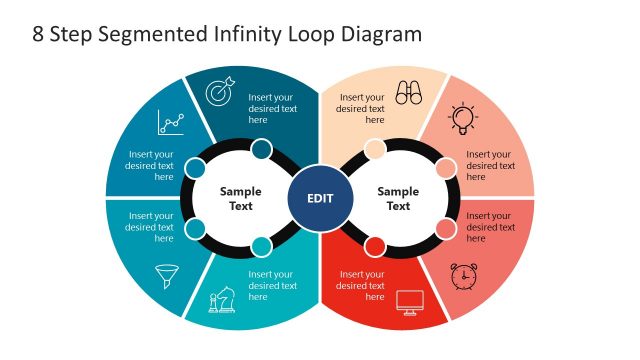
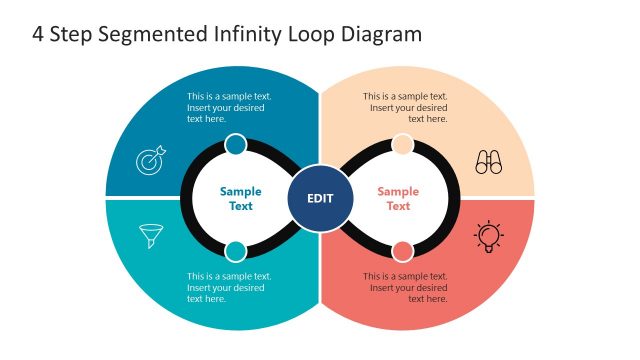
The layout features a central circular element surrounded by six segments, each representing a step in the infinity loop. The segments are colored in alternating shades of blue and coral, with icons positioned at the top of each segment. Text placeholders are present, aligned centrally within each segment, indicating where to insert content. The central circle contains the label 'EDIT' and two additional text placeholders. The overall composition is symmetrical, emphasizing the loop structure, with a clean background enhancing visibility.
How to Use It
This layout serves as a process diagram, illustrating a cyclical workflow with six distinct steps. It fits well in presentations that require a visual representation of iterative processes or continuous improvement cycles. Suitable scenarios include project management, product development, or strategic planning discussions. The design allows for clear communication of steps while maintaining a cohesive visual flow, making it ideal for training sessions or stakeholder presentations.
Text Placeholders & Capacity
Keep your copy within these limits so it fits without resizing. Node body slots can hold roughly 6-8 words each.
| Placeholder | Count | Max characters (approx.) |
|---|---|---|
| Slide title | 1 | 30 |
| Item body | 6 | 40 |
| Item body | 2 | 40 |
Slide Keywords
Download unlimited PowerPoint templates, charts and graphics for your presentations with our annual plan.
DOWNLOADReturn to 6 Step Segmented Infinity Loop Diagram for PowerPoint.