Slide 7 of 7 from 6 Step Circular Diagram with 2 Levels for PowerPoint
Business Cycle Diagram Model PPT
6-Step Circular Diagram for Presentations
- Diagram
- Circular Cycle
- Process Slide
- 16:9
- 100% Editable
What’s on This Slide
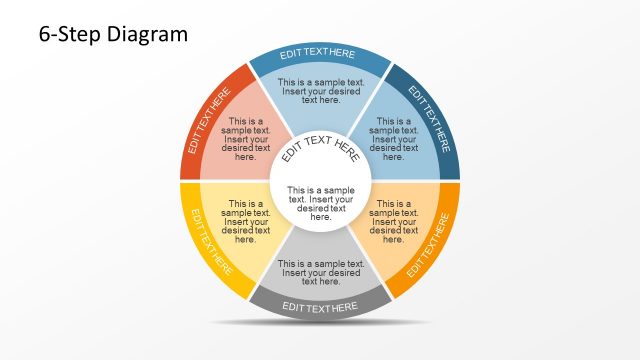
The layout features a circular diagram divided into six segments, each containing a text placeholder. The segments are arranged in two concentric rings, with the inner ring smaller than the outer. Each segment has a distinct color, creating a visual contrast. The central area contains a larger text placeholder, which is circular in shape. The text placeholders are aligned to allow for easy editing. The overall composition is balanced, with a clear visual hierarchy that emphasizes the central text. Background is light and unobtrusive.
How to Use It
This layout serves as a process visualization tool, ideal for depicting sequential steps in a business process. It fits well in a presentation that outlines workflows or methodologies. This structure can be used to illustrate concepts like project phases, product development stages, or strategic planning steps. It is effective for engaging audiences in discussions about processes and can be used in training sessions or strategic meetings.
Text Placeholders & Capacity
Keep your copy within these limits so it fits without resizing. Node body slots can hold about 8 words each.
| Placeholder | Count | Max characters (approx.) |
|---|---|---|
| Item body | 6 | 40 |
| Item body | 1 | 40 |
| Slide title | 1 | 30 |
Slide Keywords
Download unlimited PowerPoint templates, charts and graphics for your presentations with our annual plan.
DOWNLOADReturn to 6 Step Circular Diagram with 2 Levels for PowerPoint.