Slide 3 of 8 from 6 Segments Circular PowerPoint Diagram
Round Charts PowerPoint Presentation Slides
6 Segment Circular Diagram for Presentations
- Diagram
- Circular Cycle
- Process Slide
- 16:9
- 100% Editable
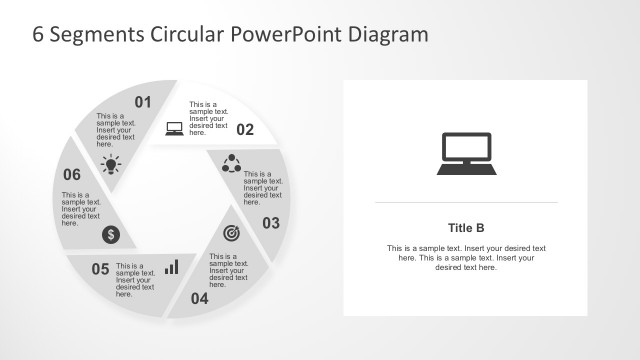
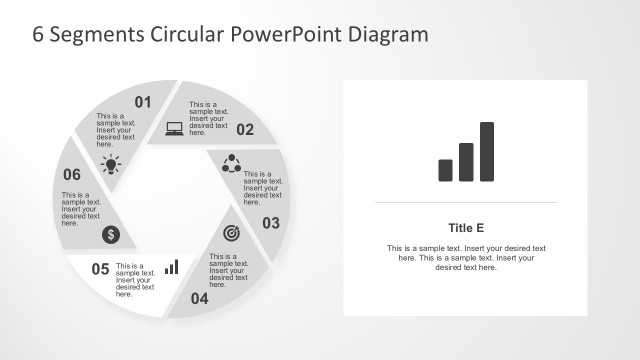
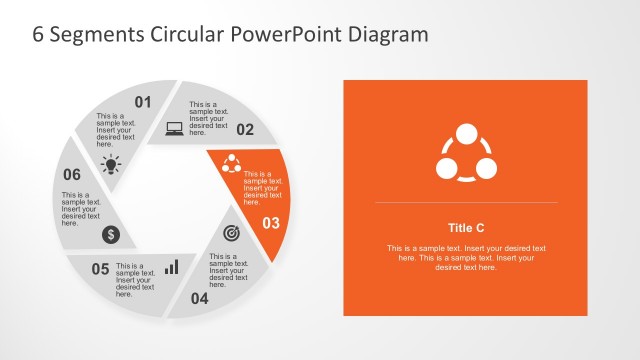
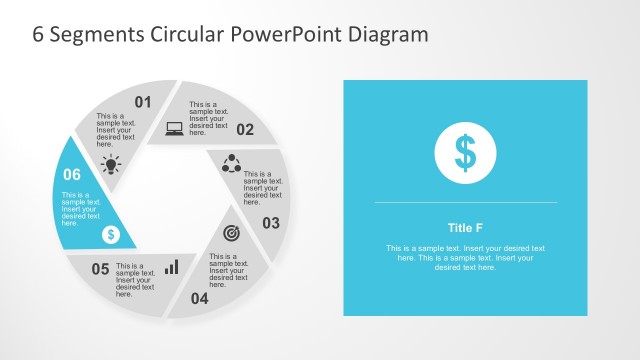
The 6 Segment Circular Diagram slide from the 6 Segments Circular PowerPoint Diagram template provides a clear visual process flow ideal for business presentations. This slide layout uses editable shapes and vector icons within a balanced circular diagram to illustrate six interconnected steps or features, making it suitable for corporate presentations, training outlines, and product overviews. Its design supports clarity and organization in slide decks, enhancing communication in pitch decks and strategic discussions.
What’s on This Slide
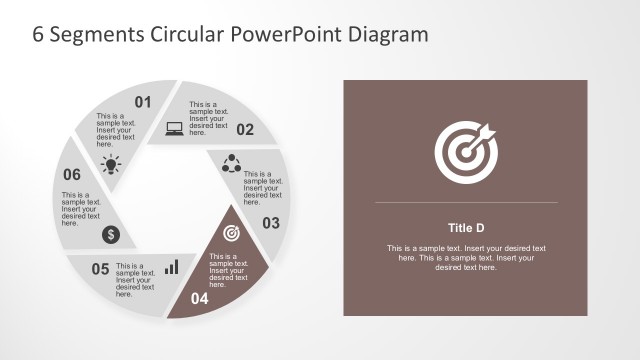
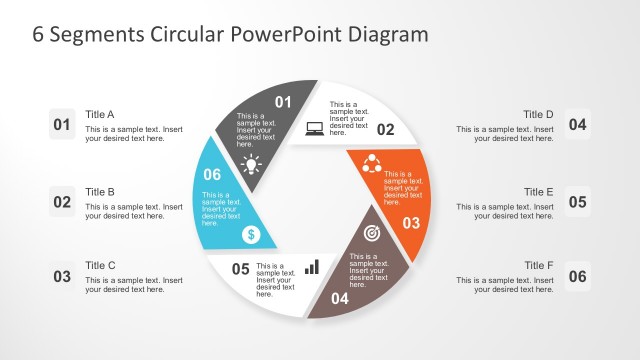
The layout features a circular diagram divided into six segments, each labeled with a number from one to six. Each segment contains a placeholder for text, positioned centrally within the segment. Icons representing various concepts are placed within the segments, enhancing visual interest. To the right, a rectangular container holds a title and additional text placeholders, aligned vertically. The background is a light gradient, providing contrast to the darker segments. The overall composition is balanced, with a clear visual hierarchy emphasizing the circular diagram.
How to Use It
This layout serves as a process flow or step-by-step guide, effectively illustrating a sequence of six related concepts or actions. It fits well in presentations discussing business processes, product features, or strategic initiatives. This structure is useful in scenarios such as training sessions, project overviews, or marketing strategies, where clarity and organization are essential. It can be used individually or as part of a larger presentation to maintain thematic consistency.
Text Placeholders & Capacity
Keep your copy within these limits so it fits without resizing. Node body slots can hold roughly 15-20 words each.
| Placeholder | Count | Max characters (approx.) |
|---|---|---|
| Item heading | 6 | 30 |
| Item body | 6 | 100 |
| Title | 1 | 50 |
| Body paragraph | 1 | 200 |
Slide Keywords
Download unlimited PowerPoint templates, charts and graphics for your presentations with our annual plan.
DOWNLOADReturn to 6 Segments Circular PowerPoint Diagram.