Slide 1 of 7 from 6-Point Radial Infographic PowerPoint Template
6-Point Radial Infographic Presentation Template – Cover Slide
6-Point Radial Infographic Diagram
- Diagram
- Radial Hub
- Process Slide
- 16:9
- 100% Editable
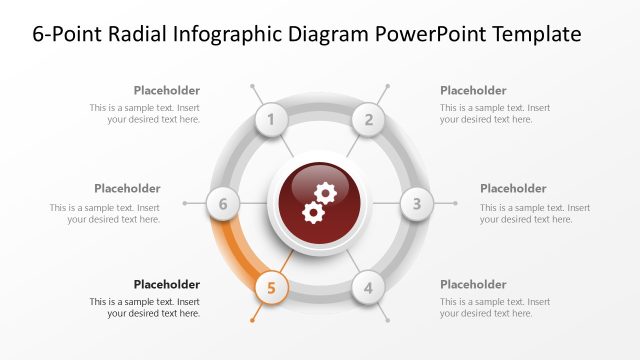
The 6-Point Radial Infographic slide from the 6-Point Radial Infographic PowerPoint Template offers a clear visual structure for illustrating processes or step-by-step guides. This slide layout uses editable shapes and vibrant segments around a central icon to enhance strategic overviews in business presentations. Ideal for creating professional slide decks, it supports effective communication of multiple interconnected points within a corporate presentation or pitch deck template.
What’s on This Slide
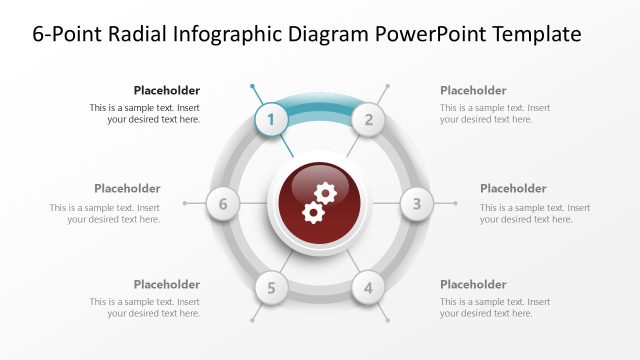
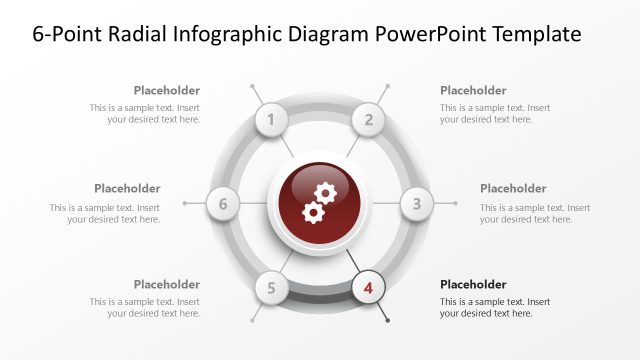
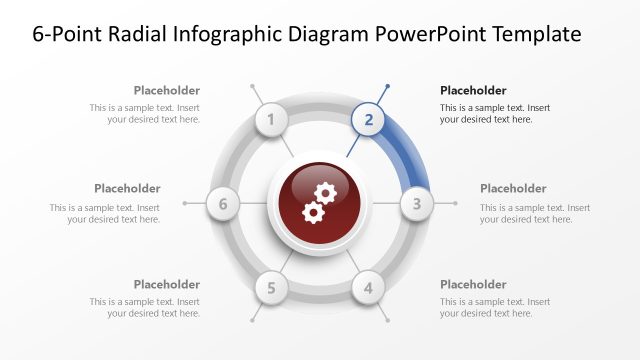
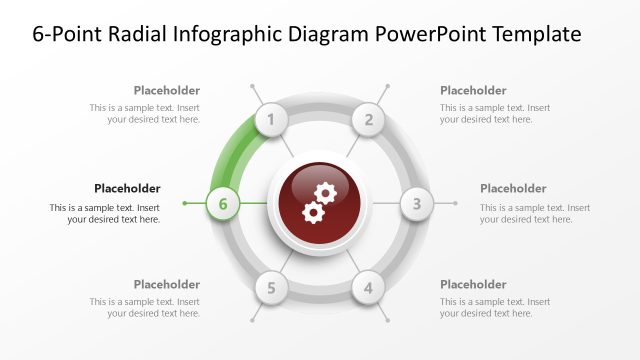
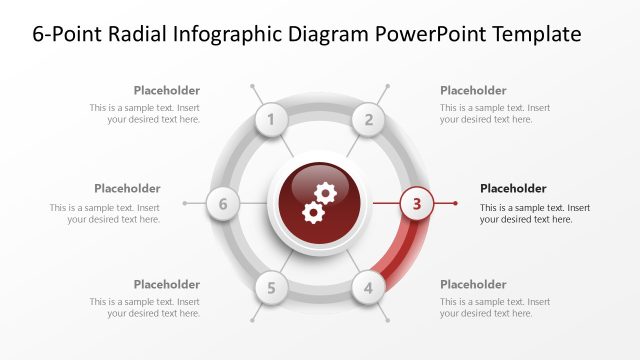
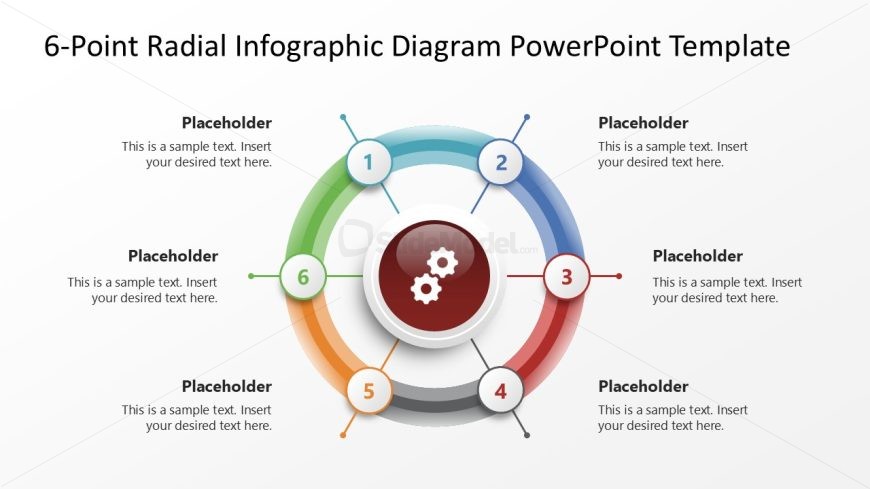
The layout features a central circular shape with six radial segments extending outward. Each segment is colored differently, with placeholders for text positioned at the top of each segment. The central circle contains an icon of gears, emphasizing a process or mechanism. The segments are numbered from 1 to 6, arranged in a circular fashion. The background is light, creating contrast with the vibrant colors of the segments. The visual hierarchy is clear, with the central icon being the focal point, while the numbered segments provide additional information.
How to Use It
This layout serves as a radial infographic to illustrate processes or key points in a structured manner. It is suitable for presentations that require highlighting multiple steps or components related to a central theme. This slide fits well in a sequence after introducing a problem or concept, transitioning into solutions or key actions. It can be utilized in business contexts such as project planning, process mapping, or strategic overviews, where visual clarity is essential for audience understanding.
Text Placeholders & Capacity
Keep your copy within these limits so it fits without resizing. Node body slots can accommodate roughly 10-12 words each.
| Placeholder | Count | Max characters (approx.) |
|---|---|---|
| Item heading | 6 | 30 |
| Item body | 6 | 60 |
| Slide title | 1 | 50 |
Slide Keywords
Download unlimited PowerPoint templates, charts and graphics for your presentations with our annual plan.
DOWNLOAD