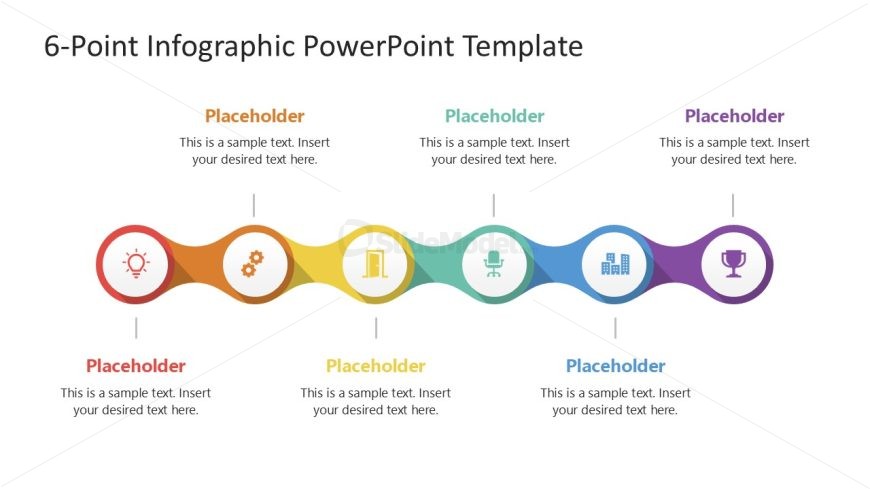
Slide 1 of 4 from 6-Point Infographic PowerPoint Template
Editable 6-Point Infographic PPT Template
6-Point Infographic PowerPoint Slide
- Diagram
- Other
- Process Slide
- 16:9
- 100% Editable
The 6-Point Infographic Layout from the 6-Point Infographic PowerPoint Template provides a clear visual process representation using six colorful nodes with icons and text placeholders. This slide layout is ideal for business presentations or project overviews requiring a step-by-step guide. Its design supports easy customization with editable shapes and vector icons, making it a practical choice for corporate presentation slide decks and pitch deck templates.
What’s on This Slide
The layout features a horizontal sequence of six circular nodes, each containing an icon and a text placeholder. The nodes are evenly spaced along a curved line, with alternating colors including orange, yellow, green, blue, purple, and red. Each node has a corresponding text placeholder positioned directly below, aligned centrally. The icons represent various concepts, and the overall design emphasizes a clear visual hierarchy. The background is white, enhancing the contrast with the colorful nodes and text. The placeholders are designed for easy text insertion.
How to Use It
This layout serves as a sequential infographic to present six distinct points or stages in a process. It is suitable for business presentations, project updates, or educational contexts where a clear step-by-step illustration is needed. The structure allows for easy comparison and visual storytelling. This slide fits well at the beginning of a presentation to outline key concepts or stages, helping to engage the audience effectively.
Text Placeholders & Capacity
Keep your copy within these limits so it fits without resizing. Node labels can hold up to 30 characters each, while body text can accommodate 100 characters.
| Placeholder | Count | Max characters (approx.) |
|---|---|---|
| Item heading | 6 | 30 |
| Item body | 6 | 100 |
Slide Keywords
Download unlimited PowerPoint templates, charts and graphics for your presentations with our annual plan.
DOWNLOADReturn to 6-Point Infographic PowerPoint Template.