Slide 2 of 4 from 6-Point Infographic PowerPoint Template
6-Point Infographic Template Slide
6-Point Infographic PowerPoint Slide
- Diagram
- Arrow Sequence
- Process Slide
- 16:9
- 100% Editable
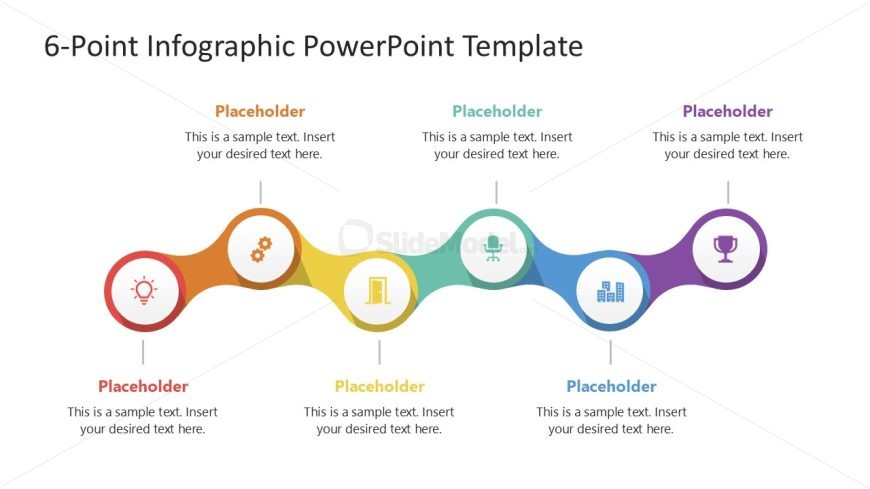
The 6-Point Infographic Layout from the 6-Point Infographic PowerPoint Template offers a clear visual process flow ideal for business presentations. This slide template features six colorful circular nodes connected by a wavy line, each with editable shapes and icons to illustrate project timelines, KPI summaries, or sequential steps. Its design supports concise communication in corporate presentations and pitch decks, making it a practical choice among professional slide templates and Google Slides templates.
What’s on This Slide
The layout features a horizontal flow of six circular nodes connected by a wavy line. Each node is a different color and contains an icon, with text placeholders positioned below each icon. The first node is red, followed by orange, yellow, green, blue, and purple. The icons represent various concepts, and the text placeholders are centered beneath each node. The overall composition is balanced, with a clear visual hierarchy emphasizing the nodes and their connections. The background is white, allowing the colors to stand out.
How to Use It
This layout serves as a sequential infographic to illustrate processes or stages. It fits well in presentations that require a clear depiction of steps, such as project timelines or strategic initiatives. This structure is useful in business contexts where visual representation of progress or phases is needed. It can be used to summarize key performance indicators or to outline a workflow in a concise manner.
Text Placeholders & Capacity
Keep your copy within these limits so it fits without resizing. Each node can hold a label and body text with moderate character limits.
| Placeholder | Count | Max characters (approx.) |
|---|---|---|
| Item heading | 6 | 30 |
| Item body | 6 | 50 |
Slide Keywords
Download unlimited PowerPoint templates, charts and graphics for your presentations with our annual plan.
DOWNLOADReturn to 6-Point Infographic PowerPoint Template.