Slide 7 of 7 from 6-Item Radial Fan PowerPoint Template
Creative 6-Item Radial Fan Template with Focus Effect
6-Item Radial Fan Diagram for Presentations
- Diagram
- Radial Hub
- Process Slide
- 16:9
- 100% Editable
The 6-Item Radial Fan Diagram slide from the 6-Item Radial Fan PowerPoint Template visually organizes six process stages with editable shapes and vector icons, ideal for business presentations and strategic planning. This slide layout enhances clarity in slide decks by illustrating interconnected steps in a radial fan format, suitable for project management and corporate presentations using PowerPoint templates or Google Slides templates.
What’s on This Slide
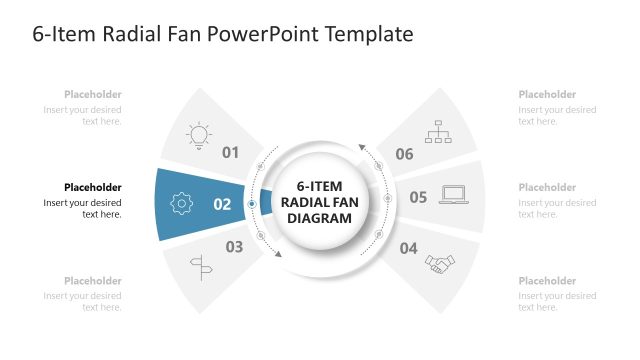
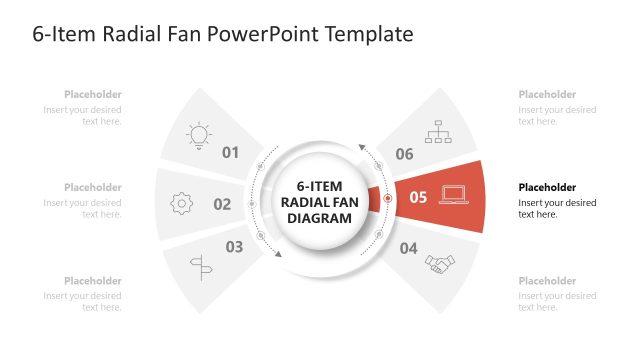
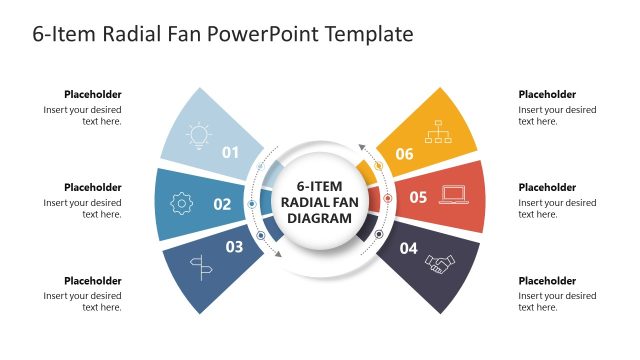
The layout features a central circular node labeled '6-ITEM RADIAL FAN DIAGRAM' surrounded by six radial segments. Each segment is numbered from 01 to 06 and contains a placeholder for text. The segments are arranged in a fan shape, with the sixth segment highlighted in orange. Icons representing different concepts are placed within the segments, enhancing visual clarity. The background is white, providing contrast to the elements. Text placeholders are aligned within each segment, maintaining a consistent visual hierarchy throughout the design.
How to Use It
This layout serves as a radial diagram to illustrate six distinct items or stages in a process. It is suitable for presentations that require a visual representation of interconnected concepts or steps. This structure is effective in business contexts, such as project management, product development, or strategic planning. It can be used to summarize key points or outline processes in a clear and engaging manner, fitting well in the concluding sections of a presentation to reinforce main ideas.
Text Placeholders & Capacity
Keep your copy within these limits so it fits without resizing. Node body slots can hold roughly 10 words each.
| Placeholder | Count | Max characters (approx.) |
|---|---|---|
| Item heading | 6 | 30 |
| Item body | 6 | 50 |
| Slide title | 1 | 40 |
Slide Keywords
Download unlimited PowerPoint templates, charts and graphics for your presentations with our annual plan.
DOWNLOADReturn to 6-Item Radial Fan PowerPoint Template.