Slide 1 of 7 from 6-Item Radial Fan PowerPoint Template
Cover Slide for 6-Item Radial Fan Template
6-Item Radial Fan Diagram Template
- Diagram
- Radial Hub
- Concept Explanation Slide
- 16:9
- 100% Editable
The 6-Item Radial Fan Diagram slide from the 6-Item Radial Fan PowerPoint Template offers a clear visual layout to explain processes or project stages. This editable slide features six distinct radial segments around a central node, ideal for corporate presentations or business presentation templates that require concise concept introduction using vector icons and structured content placement.
What’s on This Slide
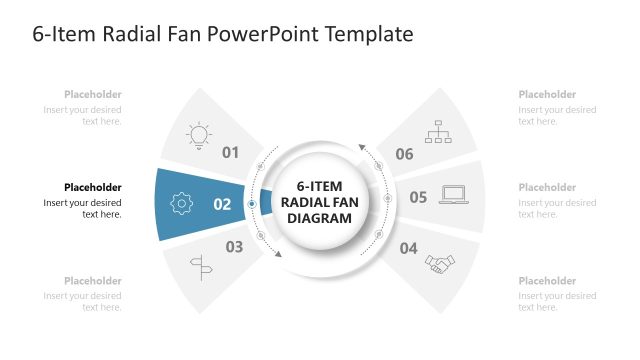
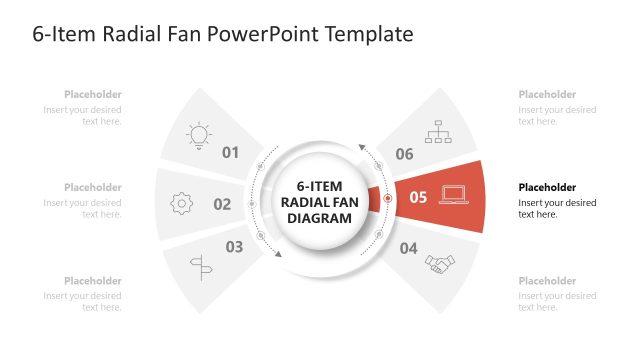
The layout features a central circular node labeled '6-ITEM RADIAL FAN DIAGRAM' surrounded by six equally sized radial segments. Each segment is shaped like a fan blade, extending outward with a unique color and an icon at the top. The segments are numbered from 01 to 06, with text placeholders positioned below each number for content insertion. The background is white, providing contrast to the colorful segments. The overall arrangement emphasizes the central idea while allowing for clear visual separation of each item.
How to Use It
This layout serves as a radial diagram to present six related items or stages in a cohesive manner. It is suitable for illustrating processes, concepts, or steps in a business context. This slide fits well at the beginning of a presentation to introduce key topics or as a summary of main points. It can also be used to highlight distinct phases in a project or strategy, making it effective for both educational and corporate settings.
Text Placeholders & Capacity
Keep your copy within these limits so it fits without resizing. Node body slots can hold about 30 characters each.
| Placeholder | Count | Max characters (approx.) |
|---|---|---|
| Item heading | 6 | 2 |
| Item body | 6 | 30 |
| Slide title | 1 | 30 |
Slide Keywords
Download unlimited PowerPoint templates, charts and graphics for your presentations with our annual plan.
DOWNLOADReturn to 6-Item Radial Fan PowerPoint Template.