Slide 1 of 1 from 6 Item Layout for PowerPoint
6 Items PowerPoint Diagram Layout
6 Item Layout for PowerPoint Presentation
- Diagram
- Comparison Split
- Comparison Slide
- 16:9
- 100% Editable
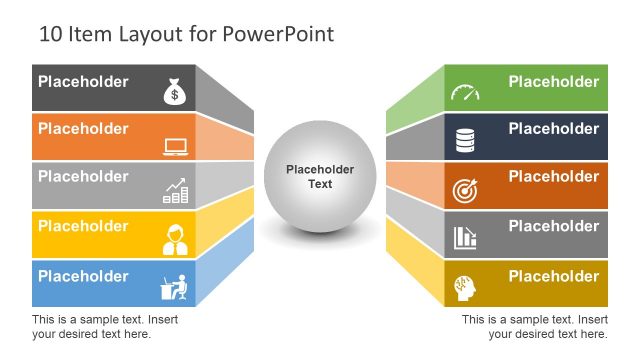
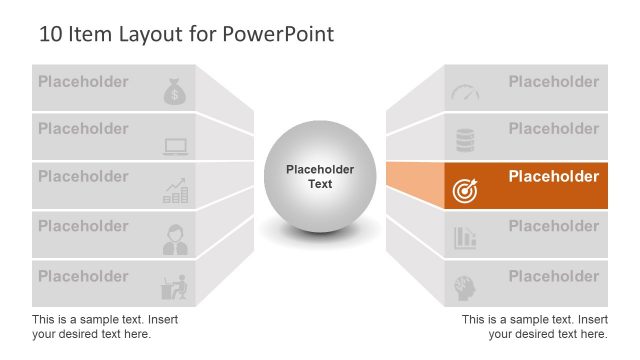
The 6 Item Layout with Icons from the 6 Item Layout for PowerPoint template offers a clear and balanced design ideal for product comparison, feature breakdowns, or process steps. This slide layout uses editable shapes and vector icons arranged symmetrically in two columns, enhancing visual clarity in business presentations or pitch deck templates. Its central circular placeholder and distinct colored sections support effective communication of six distinct items, making it a practical choice within professional slide decks.
What’s on This Slide
The layout features six sections arranged in two columns, with three sections on each side. Each section contains a colored background with an icon at the top, representing different categories. The left column has gray, orange, and dark gray sections, while the right column features yellow, blue, and green sections. A central circular placeholder is positioned between the columns, labeled 'Placeholder Text.' Text placeholders are aligned at the bottom of each section, allowing for additional content. The overall composition is symmetrical, with a clear visual hierarchy emphasizing the central circle.
How to Use It
This layout serves as a comparison tool, ideal for presenting six distinct items or steps side by side. It fits well in a presentation sequence after introducing a topic, allowing for detailed exploration of each item. Common scenarios include product comparisons, feature breakdowns, or process steps. The symmetrical design aids in visual clarity, making it effective for audiences to grasp the differences or similarities between the items presented. It can be used individually or as part of a larger presentation to enhance understanding.
Text Placeholders & Capacity
Keep your copy within these limits so it fits without resizing. Node body slots can hold roughly 10 words each.
| Placeholder | Count | Max characters (approx.) |
|---|---|---|
| Item heading | 6 | 30 |
| Item body | 6 | 50 |
| Body paragraph | 2 | 100 |
Slide Keywords
Download unlimited PowerPoint templates, charts and graphics for your presentations with our annual plan.
DOWNLOADReturn to 6 Item Layout for PowerPoint.