Slide 4 of 7 from 6-Item Concentric Circles Diagram PowerPoint Template
Editable 6-Item Concentric Circles PPT Template
Concentric Circles Diagram for Presentations
- Diagram
- Concentric Rings
- Process Slide
- 16:9
- 100% Editable
What’s on This Slide
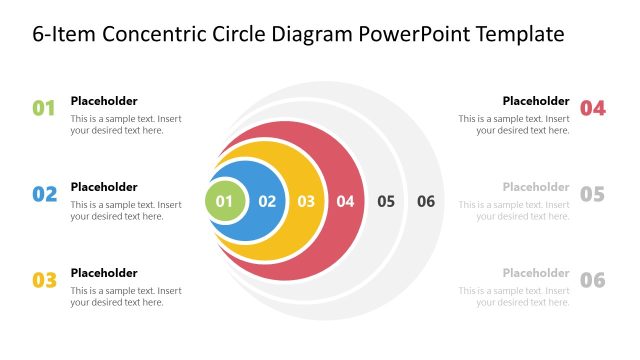
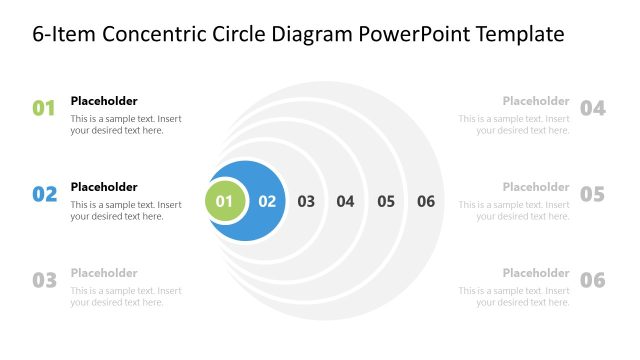
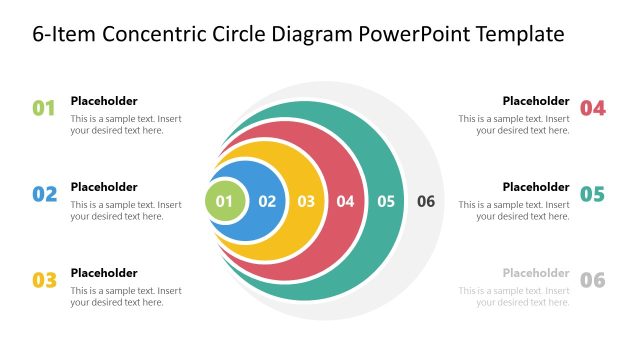
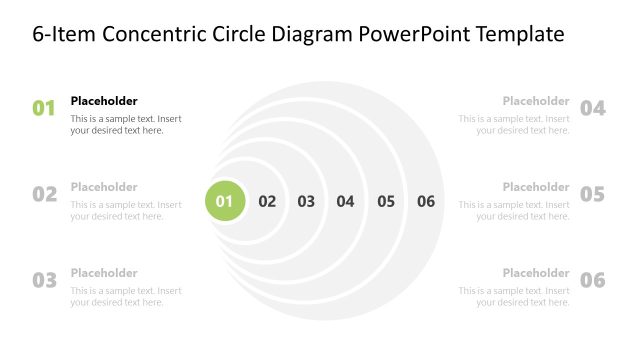
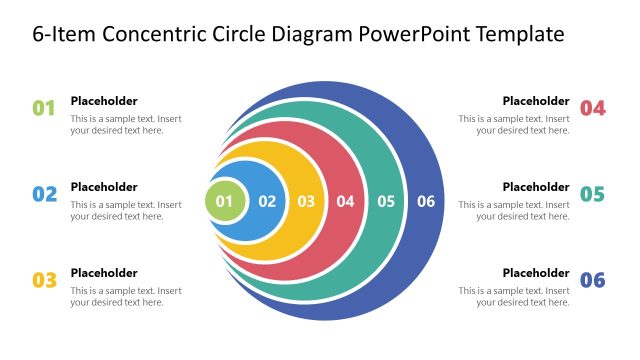
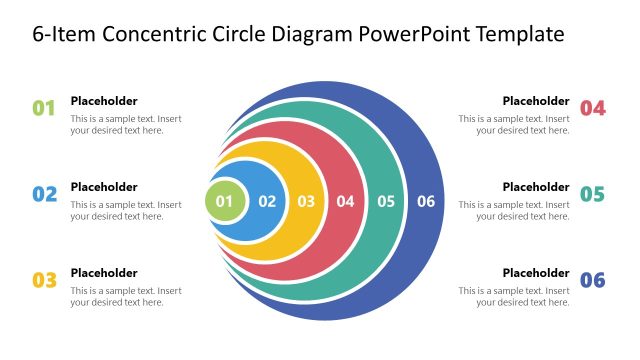
The layout features a series of concentric circles arranged from the center outward. The innermost circle is colored blue, followed by an orange circle, and then a green circle. Each circle contains a numbered placeholder, aligned centrally, with additional placeholders positioned to the right. The background is light gray, enhancing the visibility of the circles. The visual hierarchy emphasizes the central circle, gradually decreasing in prominence outward. There are six placeholders for text, each labeled with numbers 01 to 06, indicating their sequence.
How to Use It
This layout serves as a process diagram, illustrating a sequence or cycle with six distinct elements. It is suitable for presentations that require a visual representation of stages in a business cycle or product life cycle. This slide can effectively communicate concepts in marketing, project management, or strategic planning. It fits well in a presentation sequence after introducing a problem or concept, providing a clear visual transition to solutions or processes.
Text Placeholders & Capacity
Keep your copy within these limits so it fits without resizing. Each text slot can hold around 5-10 words comfortably.
| Placeholder | Count | Max characters (approx.) |
|---|---|---|
| Item heading | 6 | 30 |
| Item body | 6 | 50 |
Slide Keywords
Download unlimited PowerPoint templates, charts and graphics for your presentations with our annual plan.
DOWNLOADReturn to 6-Item Concentric Circles Diagram PowerPoint Template.