Slide 5 of 7 from 6-Item Concentric Circles Diagram PowerPoint Template
Customizable 6-Item Concentric Circles PPT Template
Concentric Circle Diagram for Presentations
- Diagram
- Concentric Rings
- Process Slide
- 16:9
- 100% Editable
What’s on This Slide
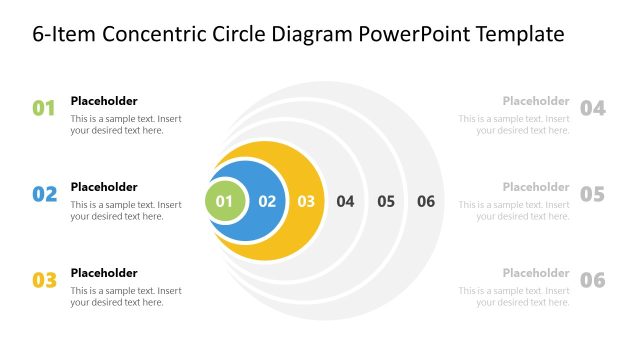
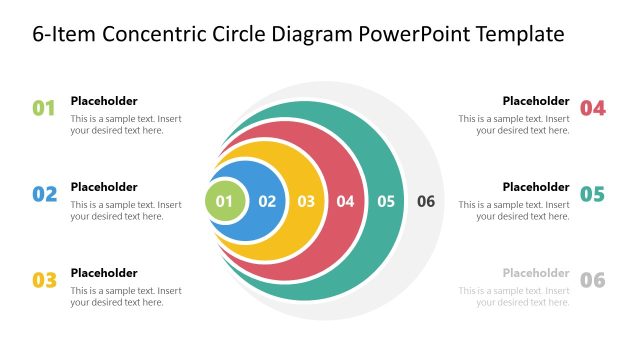
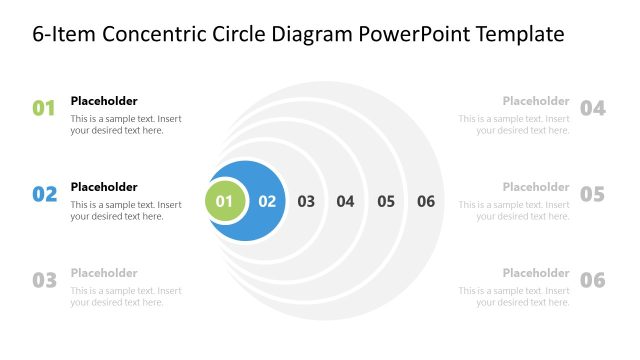
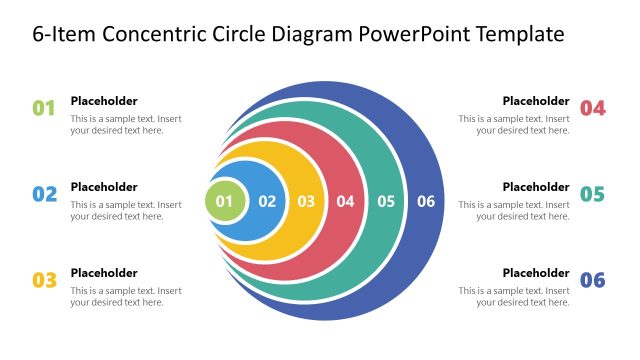
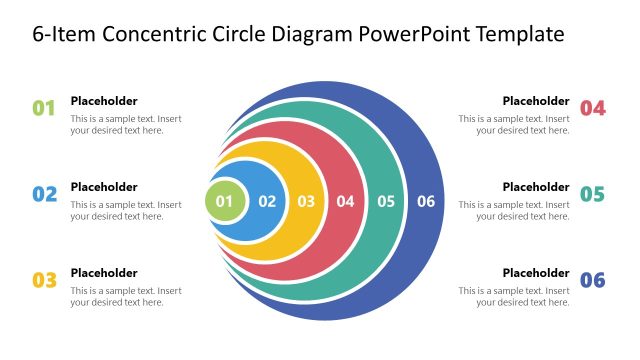
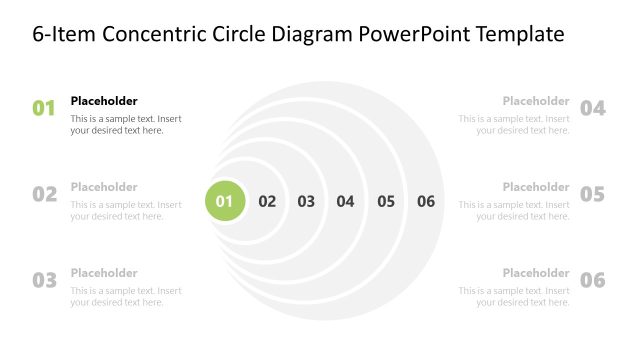
The layout features six concentric circles arranged in a central pattern. The innermost circle is blue, followed by yellow, red, and green circles, each containing numbered placeholders. The circles are outlined in varying thicknesses, creating a layered effect. Each placeholder is positioned within the circles, with the text aligned to the center. The background is white, enhancing the visibility of the circles. The title is positioned at the top center, with a larger font size than the placeholders, establishing a clear visual hierarchy.
How to Use It
This layout serves as a visual representation of processes or cycles, effectively illustrating relationships among six elements. It fits well in presentations discussing business cycles, marketing strategies, or product life cycles. This structure can be used to highlight key phases or components in a process, making it suitable for strategic planning or project presentations. It is particularly useful when needing to convey complex information in a simplified manner.
Text Placeholders & Capacity
Keep your copy within these limits so it fits without resizing. Node body slots can hold about 15-20 words each.
| Placeholder | Count | Max characters (approx.) |
|---|---|---|
| Item heading | 6 | 30 |
| Item body | 6 | 100 |
| Slide title | 1 | 50 |
Slide Keywords
Download unlimited PowerPoint templates, charts and graphics for your presentations with our annual plan.
DOWNLOADReturn to 6-Item Concentric Circles Diagram PowerPoint Template.