Slide 6 of 10 from 9 Cells Square Matrix PowerPoint Infographic
PowerPoint Template 3×3 Matrix
Square Matrix Chart PowerPoint Infographic
- Diagram
- Matrix Grid
- Comparison Slide
- 16:9
- 100% Editable
What’s on This Slide
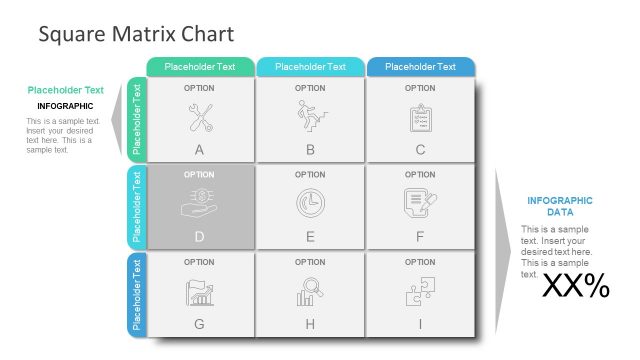
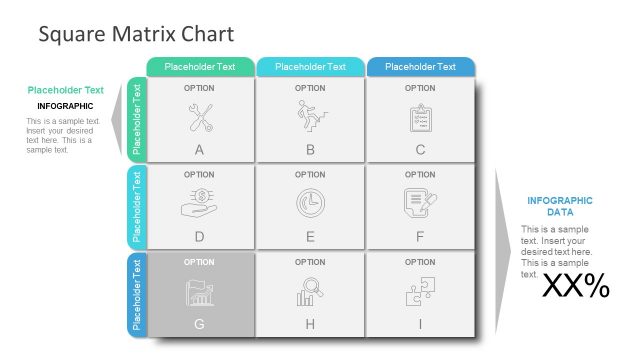
The layout features a 3x3 matrix with nine cells arranged in three rows and three columns. Each cell contains a placeholder for text and an icon, with the central cell highlighted in gray. The top row includes three cells labeled 'OPTION' with corresponding icons. The left column has three cells labeled 'Placeholder Text', while the bottom row contains three cells labeled 'OPTION'. There are additional text placeholders on the left and right sides for titles and descriptions, aligned vertically. The overall color scheme includes shades of blue and gray.
How to Use It
This layout serves as a matrix comparison tool, ideal for visualizing relationships or categorizing information across three dimensions. It fits well in presentations discussing strategic options, project evaluations, or RACI charts. This slide can be used in business contexts to compare features, assess risks, or outline project phases. It is particularly useful for summarizing complex data in a clear, structured format.
Text Placeholders & Capacity
Keep your copy within these limits so it fits without resizing. Node labels can hold short phrases, roughly 2-3 words each.
| Placeholder | Count | Max characters (approx.) |
|---|---|---|
| Slide title | 1 | 30 |
| Item heading | 9 | 10 |
| Body paragraph | 2 | 100 |
Slide Keywords
Download unlimited PowerPoint templates, charts and graphics for your presentations with our annual plan.
DOWNLOADReturn to 9 Cells Square Matrix PowerPoint Infographic.