Slide 2 of 3 from 5 Steps Pencil Banner PowerPoint Infographics
Colorful Pencil Banner Icon Infographics
5 Steps Pencil Banner Diagram for Presentations
- Diagram
- Process Flow
- Process Slide
- 16:9
- 100% Editable
The 5 Steps Pencil Banner Diagram from the 5 Steps Pencil Banner PowerPoint Infographics template offers a structured process flow ideal for business presentations and educational content. This slide layout features editable shapes and vector icons arranged vertically around a central pencil graphic, providing a clear visual guide for step-by-step project timelines or instructional sequences. It integrates seamlessly into slide decks requiring concise, visually engaging process diagrams within professional presentation templates.
What’s on This Slide
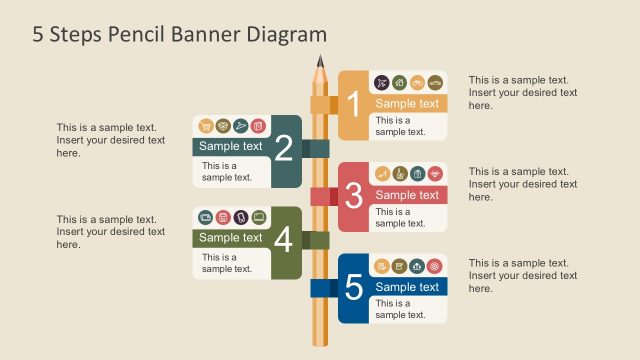
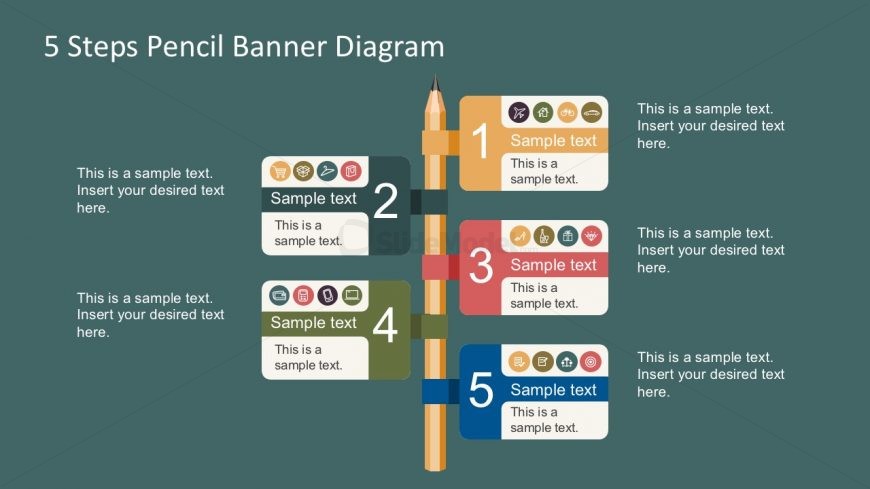
The slide features a central pencil graphic with five colored banners attached. Each banner is positioned to the left or right of the pencil, creating a vertical alignment. The banners are rectangular with rounded corners, displaying icons at the top and text placeholders below. The icons represent various themes, while the text placeholders are aligned centrally within each banner. The background is a solid dark green color, providing contrast to the banners. The overall layout emphasizes a clear flow from the top to the bottom, indicating a stepwise process.
How to Use It
This layout serves as a sequential diagram to illustrate a five-step process. It is suitable for presentations that require a clear breakdown of stages, such as project planning, product development, or educational content. The structure allows for easy customization of text and icons, making it adaptable for various business scenarios. It fits well in a presentation sequence after an introductory slide and before detailed content, helping to guide the audience through the main points effectively.
Text Placeholders & Capacity
Keep your copy within these limits so it fits without resizing. Node body slots can hold about 10 words each comfortably.
| Placeholder | Count | Max characters (approx.) |
|---|---|---|
| Item heading | 5 | 30 |
| Item body | 5 | 50 |
| Slide title | 1 | 50 |
Slide Keywords
Download unlimited PowerPoint templates, charts and graphics for your presentations with our annual plan.
DOWNLOAD