Slide 1 of 3 from 5 Steps Pencil Banner PowerPoint Infographics
5 Steps PowerPoint Pencil Infographics
5 Steps Pencil Banner Diagram
- Diagram
- Process Flow
- Process Slide
- 16:9
- 100% Editable
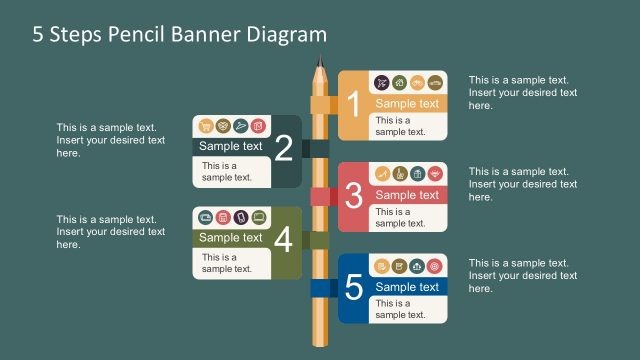
The 5 Steps Pencil Banner Diagram from the 5 Steps Pencil Banner PowerPoint Infographics template offers a clear, sequential process layout ideal for business presentations and project overviews. This slide template features editable shapes and vector icons arranged around a central pencil graphic, guiding viewers through a step-by-step progression. It is well-suited for creating structured slide decks that require a visual roadmap of processes or methodologies in corporate presentations or pitch decks.
What’s on This Slide
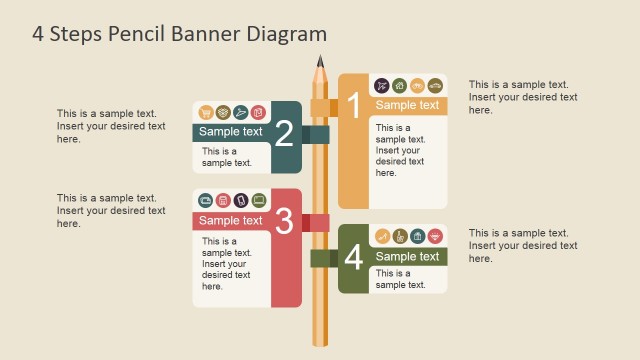
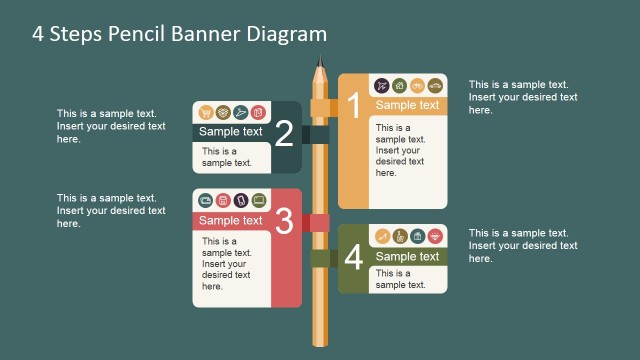
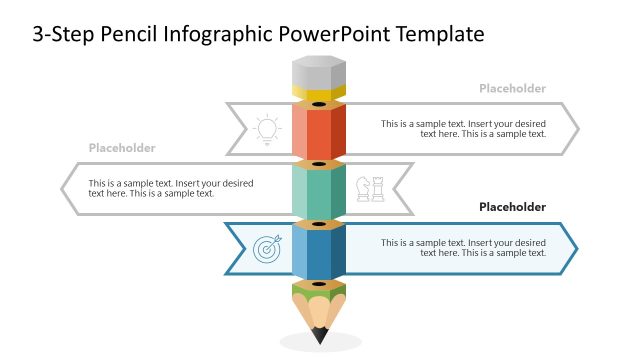
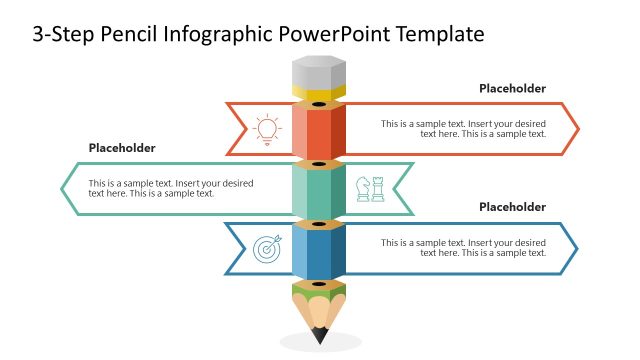
The slide features a central pencil graphic with five horizontal segments branching out. Each segment contains a colored rectangular box with a sample text placeholder aligned to the left. The segments are numbered from 1 to 5, with corresponding icons above each box. The pencil is positioned vertically in the center, while the background is a light beige color. The overall layout is structured to guide the viewer's eye from the top to the bottom, emphasizing the sequential nature of the steps. The visual hierarchy is clear, with the pencil as the focal point.
How to Use It
This layout serves as a sequential process diagram, ideal for presenting five distinct steps or phases. It is suitable for business presentations, educational contexts, or project management discussions where a clear progression is needed. The design allows for easy insertion of relevant content, making it versatile for various topics. This structure fits well at the beginning of a presentation to introduce a process or methodology, providing a visual roadmap for the audience to follow.
Text Placeholders & Capacity
Keep your copy within these limits so it fits without resizing. Node body slots are tight, roughly 10 words each.
| Placeholder | Count | Max characters (approx.) |
|---|---|---|
| Item heading | 5 | 30 |
| Item body | 5 | 50 |
| Slide title | 1 | 50 |
Slide Keywords
Download unlimited PowerPoint templates, charts and graphics for your presentations with our annual plan.
DOWNLOAD