Slide 5 of 6 from 5 Steps Flow Concept PowerPoint Arrows
PowerPoint 5 Steps Arrow Concept Diagram
5 Steps Flow Concept PowerPoint Arrows
- Diagram
- Arrow Sequence
- Process Slide
- 16:9
- 100% Editable
What’s on This Slide
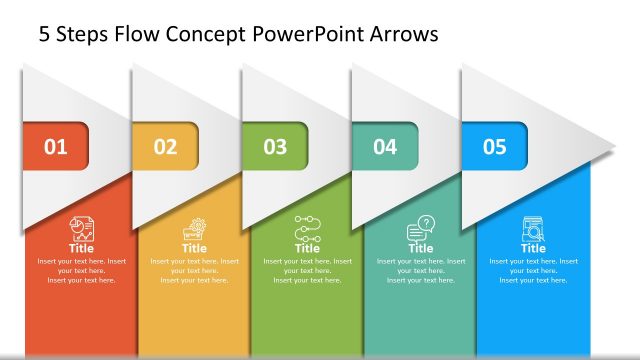
The slide features a horizontal arrangement of five arrow shapes, each representing a step in a process. The first three arrows are in shades of gray, while the fourth arrow is highlighted in teal, indicating its active status. Each arrow contains a number in a circular shape and a title placeholder below it, aligned centrally. The fifth arrow is also in gray and follows the same design. The background is white, providing contrast to the arrows and enhancing visibility. Text placeholders are present for titles and descriptions.
How to Use It
This layout serves as a sequential process diagram, ideal for illustrating steps in a workflow or project milestones. It fits well in presentations that require a clear depiction of progress or stages, such as project management or strategic planning. The highlighted arrow indicates the current focus, making it suitable for status updates or presentations that track progress through defined phases. This format is useful in business contexts where clarity in process steps is essential.
Text Placeholders & Capacity
Keep your copy within these limits so it fits without resizing. Node body slots can hold about 15-20 words each without overflowing.
| Placeholder | Count | Max characters (approx.) |
|---|---|---|
| Item heading | 5 | 10 |
| Item body | 5 | 100 |
Slide Keywords
Download unlimited PowerPoint templates, charts and graphics for your presentations with our annual plan.
DOWNLOADReturn to 5 Steps Flow Concept PowerPoint Arrows.